
One video at a time
One video at a time is a screen setting that helps prevent videos from freezing or displaying a black screen during playback on certain devices.
How to turn One video at a time on
The switch lives in the Advanced section of a screen's settings, so it applies to one screen at a time.
Go to Screens in the app.
Click the screen with the playback issue.
In Screen Settings, scroll to the Advanced section.
Turn on One video at a time.
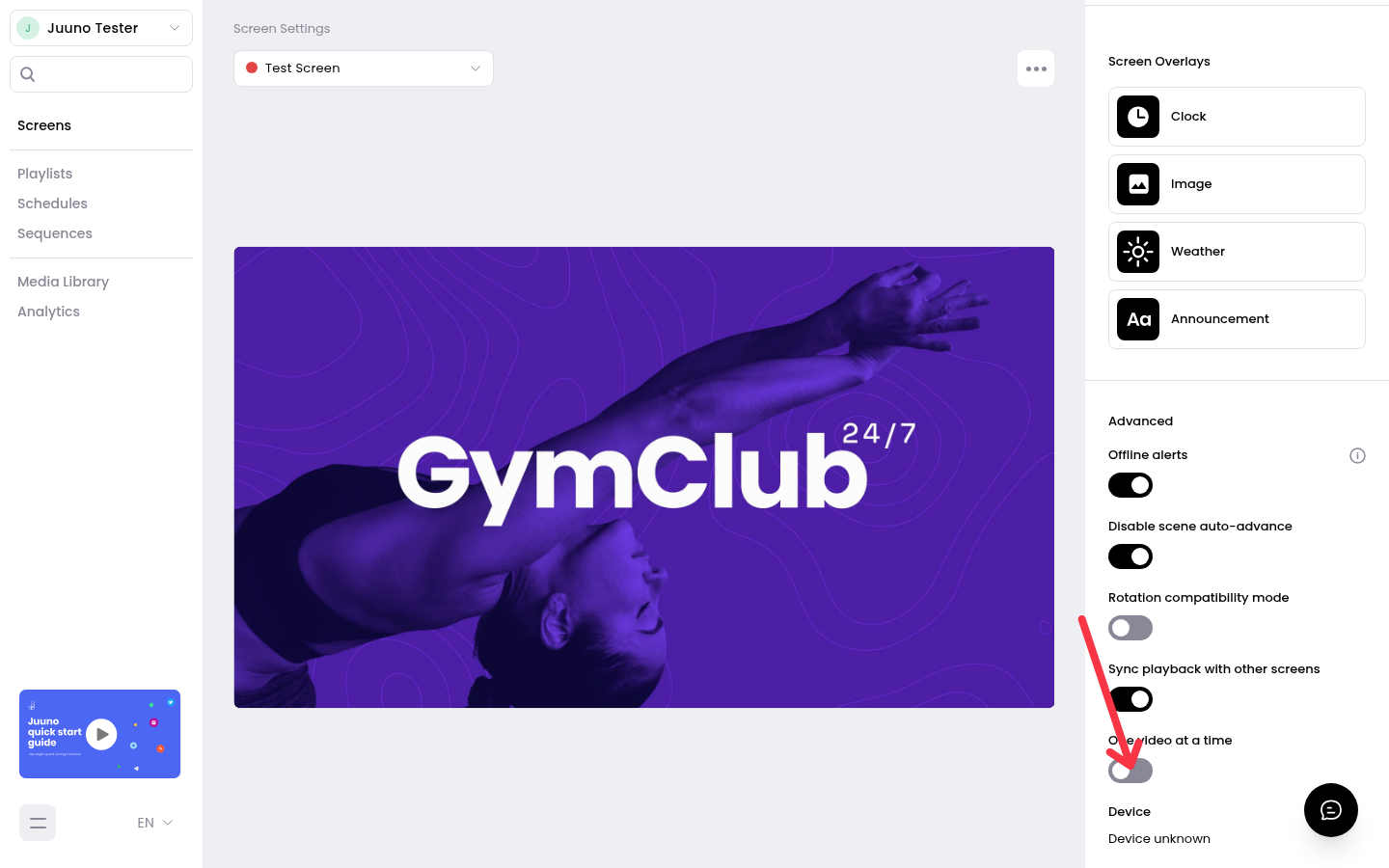
The change saves automatically.
When to use it
Turn this setting on if videos freeze or show a black screen during playback on the affected device, especially TV boxes. It's rolling out gradually, so you may not see it on every screen yet.
If videos still misbehave with the setting on, contact our support team with your device model and the names of the affected scenes.
Related articles
Was this helpful?
Was this helpful?