Yelp Reviews App (Beta)
The Yelp Reviews app displays reviews from a Yelp business page on your screens. Use it to highlight recent customer feedback, ratings, and social proof.
When you add and setup an app to a playlist, it appears as a scene.
The Yelp Reviews app has two display types:
Overall - Displays the overall rating of your business on Yelp
Reviews - Displays approved reviews individually on your screen.
Adding the Yelp Reviews App
Open the Playlist where you want to add Yelp reviews.
In the right panel, drag Yelp Reviews into the playlist.
Open the Yelp Reviews app scene to configure it.
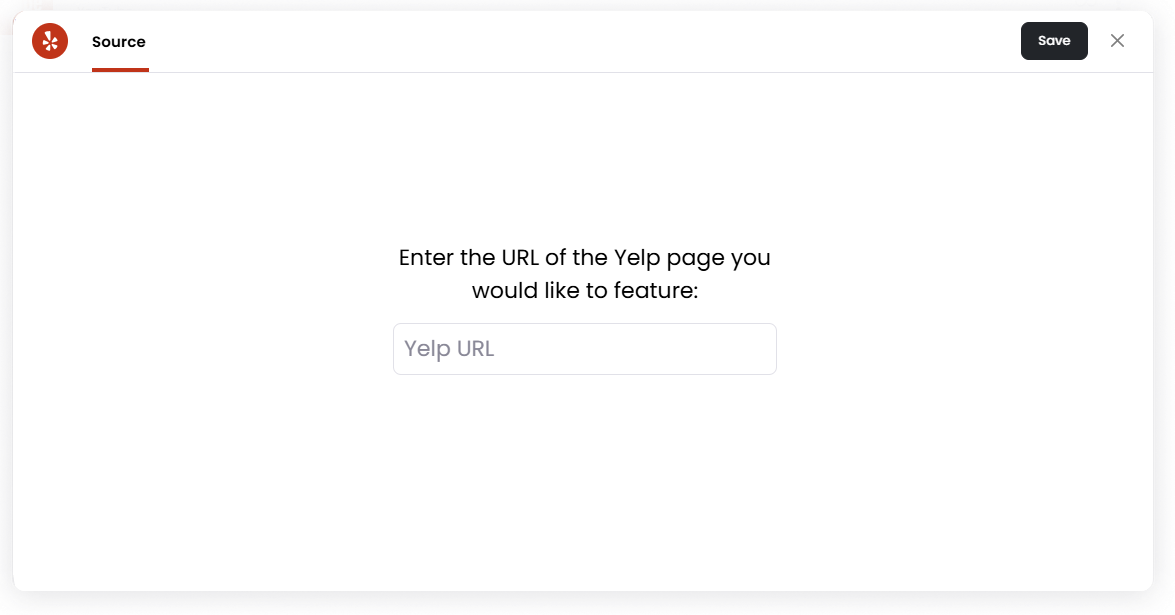
Enter the Yelp URL of the business page you want to feature.
Click Save.
Moderate Tab
The Moderate tab allows you to review and control which reviews appear on screen.
Options include:
Manually approve new posts — New reviews must be approved before appearing publicly.
Auto-approve new posts — New reviews automatically appear.
You can also filter reviews by:
All
Needs Approval
Approved
Rejected
Style Settings
The Style tab controls how reviews appear on screen.
Display - Select which display you'd like to use to showcase your Yelp business. Each display type has its own respective settings.
Overall
Use the Overall display the business’s overall Yelp rating, including the average star rating and total review count.
Available settings include:
Image order - Choose how background images are displayed.
Image Duration - Set how long each image appears.
Transition speed - Choose how quickly images transition.
Reviews
Use the Reviews display to show individual Yelp reviews on your screen.
Available settings include:
Order reviews by - Choose how reviews are ordered, such as newest to oldest.
Minimum rating - Choose the minimum star rating required for reviews to appear.
Image order - Choose how review images are displayed.
Review Duration - Set how long each review appears before moving to the next one.
Transition speed - Choose how quickly the app transitions between reviews.
Colour Theme - Choose the colour style used for the review display.
Setting the Scene Duration
You can adjust how long the Yelp Reviews scene appears in your playlist.
In the Playlist, find the Yelp Reviews scene.
Click the duration value, for example, 00:30, to set how long the scene plays. 00:30 means the scene will play for 30 seconds.
Set the desired duration.
Review Syncing and Limitations
Yelp only provides a limited preview of each review, so the full review text may not appear inside Juuno. To help viewers read the full review, the Yelp Reviews app includes a QR code that viewers can scan.
Yelp reviews app updates and pulls new reviews it can find once per day at 3:00 AM UTC. This means, new reviews may not appear immediately after they are posted on Yelp.
Yelp reviews only gets 3 reviews per pull or update.