A NoviSign alternative your whole team can use for $5
Bring your Canva designs and every editor on your team, all for $5 a screen. NoviSign charges $14 a screen for a single login.

Teams that run their screens with Juuno









Built for small businesses

A third of the price, screen for screen
On annual billing, NoviSign Business works out to $14 a screen each month. With Juuno, the same screen costs $5 a month. Across a ten-screen rollout, that's $600 a year with Juuno and $1,680 with NoviSign. The savings would cover a Signage Stick behind every TV.
Canva on every plan
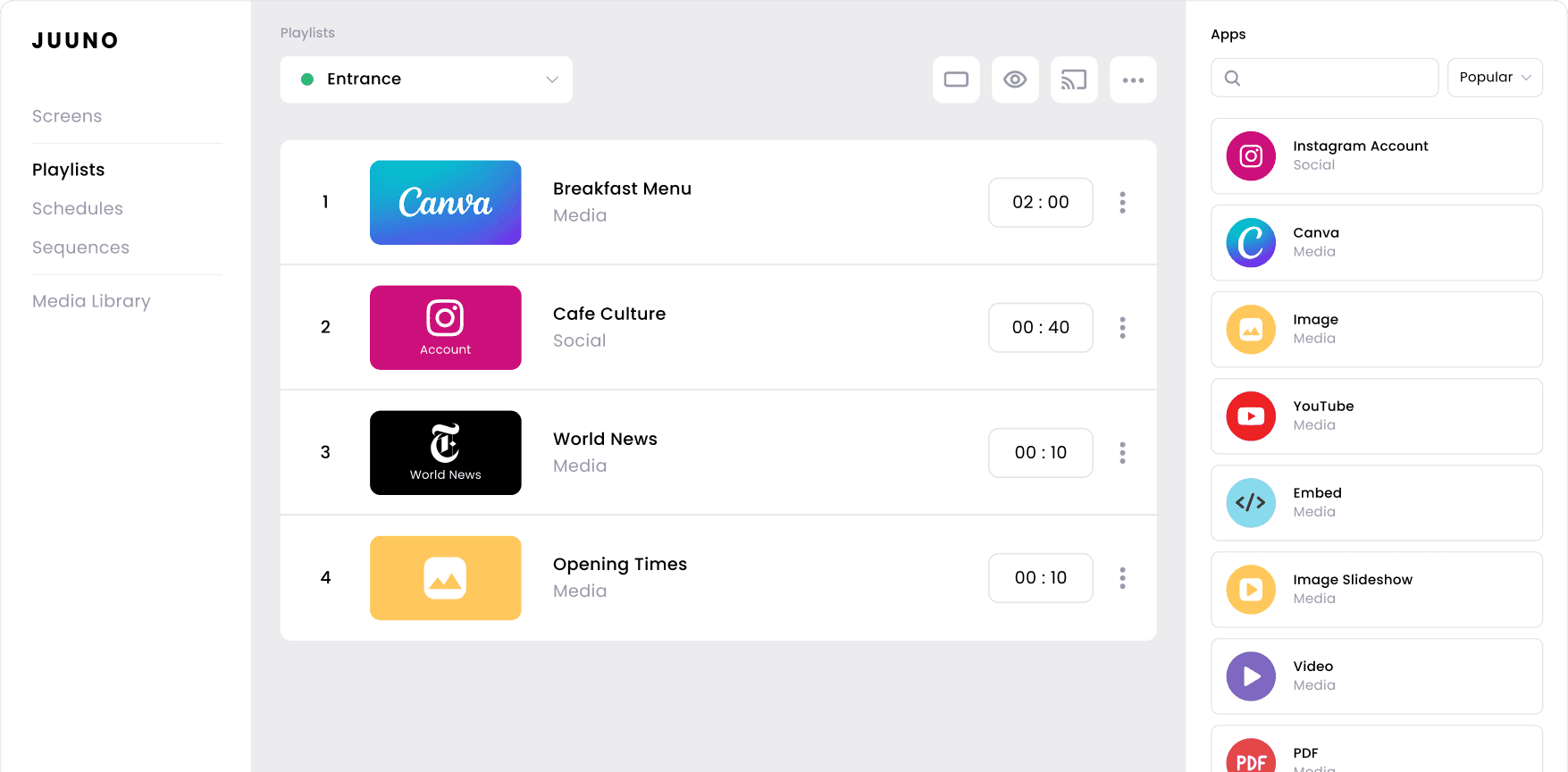
NoviSign keeps its Canva integration on Business Plus, at $17 per screen. Juuno includes Canva on the $5 plan. Design in Canva, hit publish, and it's on your screens. There's no exporting files or rebuilding layouts in a second editor.


Everyone who edits screens gets a login
NoviSign Business includes one user, and Business Plus allows five. Unlimited users means moving to Premium at $25 per screen. Juuno includes unlimited teammates on every plan. A 10-screen office with eight editors pays $600 a year with Juuno, not $3,000.
Keep the players you already own
Android media players and Amazon Signage Sticks running NoviSign today can run Juuno tomorrow. Juuno also works on Fire TV, Chromecast, and Raspberry Pi. Need new hardware? We recommend Amazon's $99 Amazon Signage Stick. Pair a screen and it's showing content in minutes.

85 NPS
Customers recommend Juuno at a rate most software companies never reach. Reliable screens keep them around.
Rated 4.6 on Trustpilot
Reviewers keep mentioning two things: how simple Juuno is, and how quickly support replies.
20,000+ screens across 128 countries
Juuno runs everything from a one-TV café to Fi's 117 screens spread over 40+ dog parks and venues.



What carries over when you leave NoviSign
Canva Designs
Link Canva once, then publish any design to a screen in a click. No higher tier required.
Dayparting and Schedules
Set content to change with the hour or the weekday. Happy hour specials appear at 4 without anyone logging in.
Screen Zones
Divide a display into regions with separate playlists. A price list, a promo clip, and a welcome note can share one TV.
Live Docs and Dashboards
When someone edits the Google Sheet, Excel file, or slide deck, the screen follows. Nobody re-uploads anything.
Proof of Play
Pull a report of every play by screen and time. Juuno includes it on Growth for $9, while NoviSign needs Business Plus at $17.
White Label for Resellers
Put your own brand and domain on Juuno for $100 a month, with 20 screens included. White-label pricing is public, so you can quote clients today.


Frequently asked questions
What’s the main difference between NoviSign and Juuno?
NoviSign centers on its own design studio, with 500+ templates, touchscreen tools, and IoT triggers. Juuno takes the opposite approach. It plays what your team already builds in Canva, Google, and Microsoft tools. One plan at $5 a screen each month covers every user.
How is NoviSign priced?
NoviSign lists three self-serve plans, all billed annually. Business is $14 a screen each month with one user. Business Plus is $17 with five users. Premium is $25 with no user cap. Paying monthly adds roughly 10%, and white-label Partners pricing requires a quote.
What’s the most affordable NoviSign alternative?
For most teams, it’s Juuno. At $5 a screen, it costs about a third of NoviSign Business. Canva and unlimited users come standard, while NoviSign saves them for pricier plans. Proof of play is $9 on Juuno Growth, compared with $17 on NoviSign Business Plus.
Which platforms do NoviSign users compare it with?
The usual shortlist includes OptiSigns, Yodeck, ScreenCloud, Rise Vision, and Juuno. We break down pricing and features for 20 platforms in our digital signage software comparison.
Who should stay with NoviSign?
Teams building interactive touchscreens, wayfinding kiosks, or video walls will get more from NoviSign. The same goes for anyone who needs SSO, an open API, publishing approvals, or Vistar and Adomni ad serving. NoviSign also has native players for Samsung Tizen, LG webOS, BrightSign, and Windows. API access and advanced user roles are on Juuno’s roadmap.
Will my NoviSign media players work with Juuno?
If they run Android or Fire OS, almost certainly. That covers most Android players, Fire TV devices, and the Amazon Signage Stick. Tizen, webOS, BrightSign, and Windows players are different, since Juuno has no native app for them. Smart TV browsers tend to be flaky, so plug a $99 Amazon Signage Stick into those screens instead.
How long does it take to move from NoviSign to Juuno?
A small network usually takes an afternoon. Your photos, videos, PDFs, and Canva files upload as they are. Anything designed inside NoviSign’s editor is simplest to recreate in Canva. When Splashway added new screens, each one took about a minute to set up.
Can I test Juuno before paying?
Yes. You get seven days free, and you won’t need a card to start. Pair a real screen, run your actual content, and see how it stacks up against NoviSign.
What NoviSign teams gain by switching
One price for the whole team
Pricing stays at $5 a screen whether three people edit content or thirty. A new hire never pushes you into a pricier tier.
A direct line to the builders
Support requests reach the people who write Juuno's code, including co-founder Mike Hill. Anyone can suggest or upvote ideas on our public feature board.
No new editor to learn
Canva, Google Slides, PowerPoint, and YouTube connect directly. Your team keeps working in the tools they already know.