10,000+
128
1 billion+

"After five years building a digital signage platform, here's the truth nobody publishes: the 10 tools you're shortlisting all do roughly the same thing - but their monthly bills run from $23 to $220 at 5 screens, and from $230 to $2,200 at 50. They all have the same features, use the same TVs, same playlists, same content. Use the calculator below to find your number."
Popular use cases for digital signage software
Restaurants & menu boards
Swap paper menus for digital ones you can update in seconds. Change prices, swap out sold-out items, or run lunch and dinner menus on a schedule, no reprinting required.
Retail
Promote sales, new arrivals, and seasonal offers on screens throughout the store. Update every location at once from a single dashboard, no in-store visits needed.
Offices
Turn a lobby or breakroom TV into a hub for announcements, team wins, and live dashboards. Keep employees and visitors in the loop without another all-staff email.
Gyms & fitness studios
Display class schedules, trainer bios, and member shoutouts on screens throughout the gym. Keep members engaged before and after workouts.
Schools
Share announcements, event calendars, and emergency alerts across hallways and classrooms. One dashboard keeps every screen on campus updated in real time.
Churches
Display service times, sermon notes, and event announcements before and after service. Keep your congregation informed without printing a single bulletin.
Find the most affordable option
Trusted for reliable signage by businesses like yours










The truth: most digital signage software does the same thing
Buyer’s guide: here’s how to make the right decision

Assess your future bill
(if you scale)
Will you need more screens in the future? Here's the monthly cost for 50 screens with different vendors.
Dig into other long-term costs
Feature lists are usually a tie, so here's what should actually decide your shortlist:
Per-screen cost at your fleet size (not the $5 starter rate, but the rate you'll grow into)
Hardware policy (proprietary player or $99 Amazon Signage Stick)
Setup time and IT involvement
Billing flexibility (annual lock-ins, VAT, hardware bundles)
White-label support if you're reselling.

Stop overpaying for vendor hardware
Features every cloud signage platform already has.
Templates & drag-and-drop editor
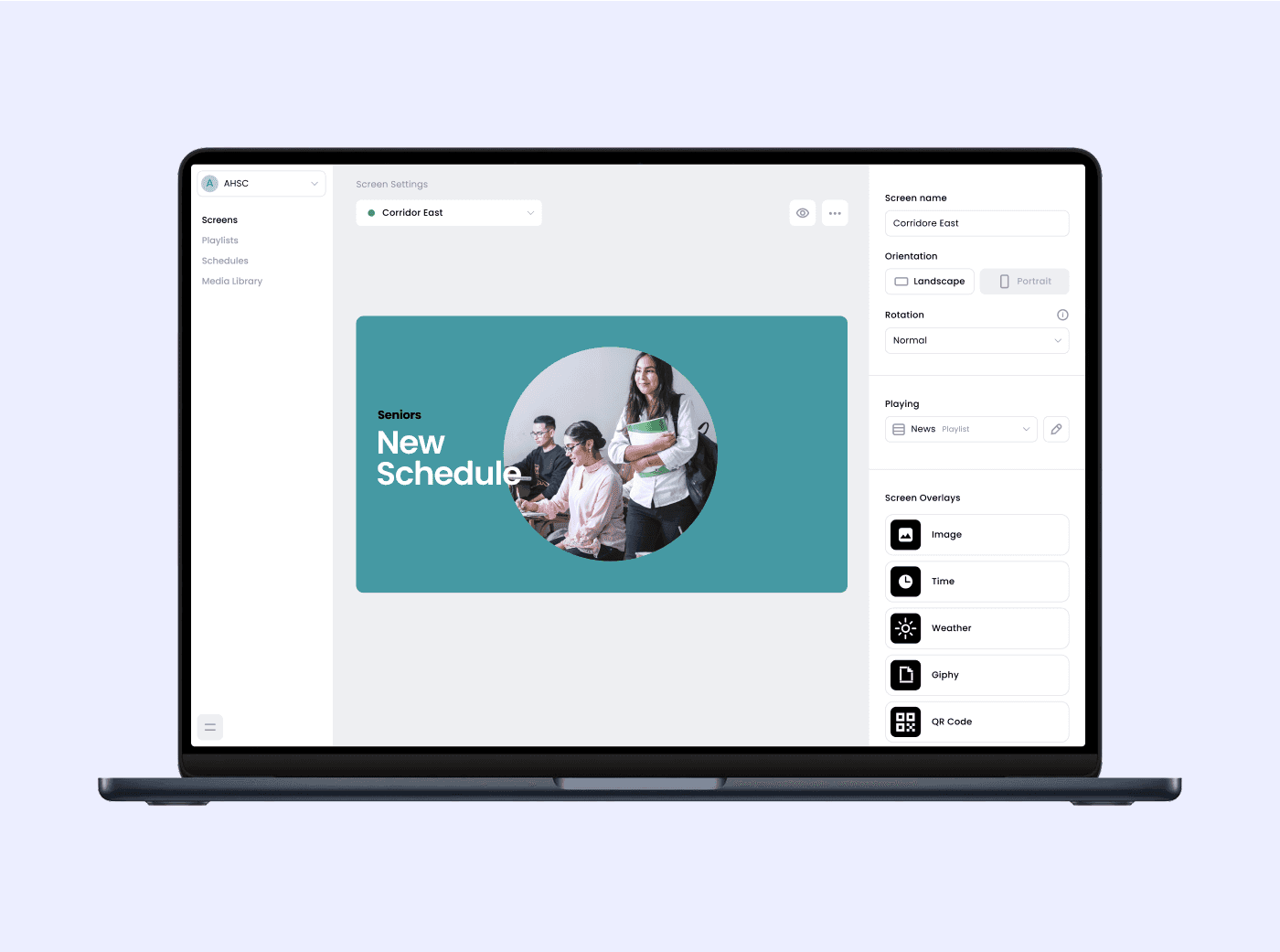
Canva integration, pre-built layouts, brand kits. Every platform on this page offers this. Don’t compare on whether they have it. Compare how the editor feels.
Playlists & content rotation
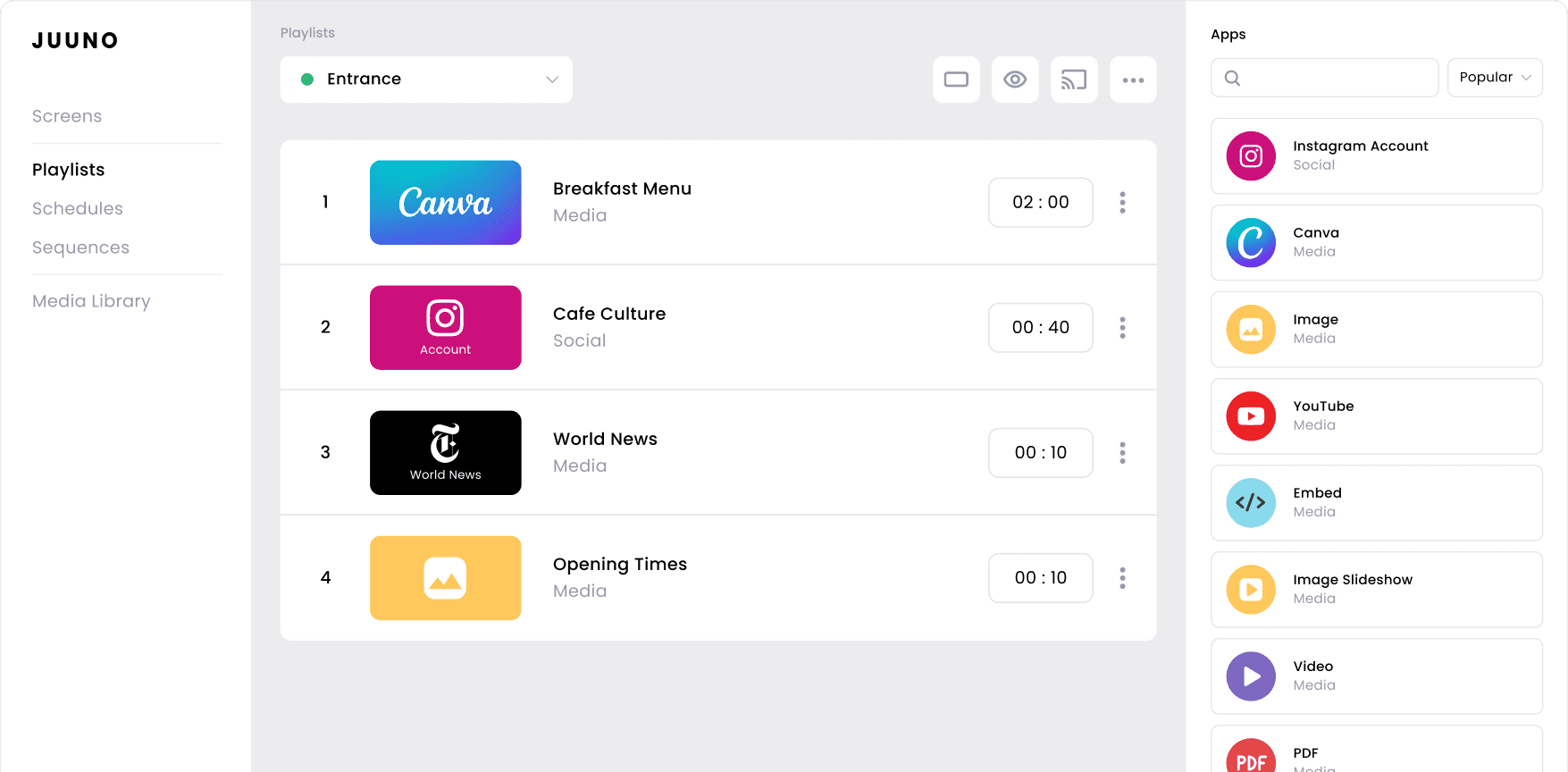
Drop content into a playlist, set the order, let it rotate through the day. The most basic primitive in digital signage. Universal across the category.
Scheduling & dayparting
Run a morning menu, switch to lunch at 11, swap to evening at 5. Every cloud platform supports it. Table stakes.
Live data widgets
Weather, news, social feeds, RSS, sports scores, queue counters, countdown timers. The exact widget catalogue varies. The capability doesn't.
Portrait & landscape support
When you rotate the TV, the platform follows. Built into every cloud signage CMS for at least the last five years.
Multi-screen & location management
Push the same content to 5 or 500 screens across any number of locations from one dashboard. Every modern platform handles this, and most charge you the same per screen whether it’s one site or fifty.





Frequently asked questions
How much does digital signage software cost in 2026?
At fleet scale (10 to 100 screens), expect $5 to $40 per screen per month for cloud-based digital signage software. The 10 platforms in this guide range from $4.58 to $44 per screen per month in September 2026. Hardware is separate. Budget around $99 per screen for a commercial Android media player like the Amazon Signage Stick.
What's the difference between digital signage software and a digital signage CMS?
They're the same thing. CMS (content management system) is the technical name. Software is the marketing name. Both refer to the cloud-based platform you use to upload content, build playlists, and schedule them across screens.
Do I need special hardware for digital signage?
Usually not. An Amazon Signage Stick ($99) or any commercial Android media player will run almost every cloud-based digital signage platform on this page. Proprietary players are only required if your chosen vendor mandates them, and most don't. Across our own platform, Amazon Fire TV is the most popular dedicated media player, and 1 in 5 screens runs on one (see our digital signage statistics).
Is there free digital signage software?
Yodeck has a genuinely free tier for a single screen. Xibo has a free open-source self-hosted version you provide the server for. Most other platforms include free trials, not free permanent plans. Past one or two screens, the real cost of free is usually paid in setup time.
How long does it take to set up digital signage?
On modern, user-friendly cloud platforms with a stick-based player, a single screen takes 5 to 10 minutes. Plug in the stick, scan a pairing code, drop content into the web app. Larger rollouts scale linearly since there's no central installation or per-site IT work.
What's the best digital signage software for small business?
At small fleet sizes (1 to 10 screens), the per-screen rate matters less than setup time. Look for a user-friendly platform with a free trial, no proprietary hardware requirement, and self-serve signup. Juuno, Yodeck, and Fugo all fit the bill. The average business on our platform runs just 2.1 screens, so most buyers don't need enterprise-scale features. The calculator at the top of this page will tell you the actual monthly cost for your fleet size.
Can I switch digital signage platforms without replacing my hardware?
Usually yes, if your current hardware is a generic Android media player or smart TV. If you're on a proprietary player from your current vendor, you'll likely need to replace those when you switch. Amazon Signage Sticks at around $99 each are the standard replacement and run on every cloud-based platform on this page.
Can I run digital signage on a smart TV?
Some platforms have native Samsung Tizen or LG webOS apps. Most platforms, including Juuno, recommend a small external media player (Amazon Signage Stick or similar) for consistency, reliability, and easier replacement if a unit fails.
What's the difference between cloud-based and on-premise digital signage software?
Cloud-based means you manage content from any browser, and updates push to your screens automatically over the internet. On-premise means content is stored and managed on a local server you host and maintain yourself. Most small businesses choose cloud-based for the lower setup cost and no IT overhead. On-premise makes more sense for organizations with strict data-residency or security requirements. Juuno is a cloud-based, professional-grade platform built for the small business use case.

Why pick Juuno from this list.
Fastest to set up
Plug in an Amazon Signage Stick, scan the pairing code on the web app, then drop in content. Most customers are live on their first screen in under 10 minutes. No specialist hardware, no call to IT, and no vendor lock-in.
Lowest per-screen cost in the cohort
$4.58-$7.33 per screen per month on Growth is the lowest cloud rate among the 10 platforms compared on this page. Annual plans include a free month and a free Signage Stick. Same features, half the bill of our competitors.
Scales from 1 screen to 200+
Same dashboard whether you’re running a single café or a 117-screen franchise chain. Multi-location, white-label and team accounts are all on our Growth plan. There’s no enterprise tier upgrade tax.