A Poppulo alternative for teams who just need the screens
Juuno covers workplace communication at $5 per screen. Published pricing, no demo required, live the same day you sign up.

Organizations that trust Juuno










Everything a workplace needs from its screens

Skip the sales cycle
Poppulo Harmony is quoted, not listed. You book a demo, scope a project, then wait on a number. Juuno publishes $5 per screen per month and lets you start today. Sign up, connect a screen, publish something before lunch.
Buy screens, not a platform
Poppulo bundles signage with email, intranet, and mobile as one employee experience suite. That makes sense if you're replacing all four. If you only need the screens in your offices, Juuno does that one job and charges for that one job.


Priced for the network you actually have
Enterprise signage platforms are engineered for networks of 10,000 screens and priced to match. Most offices run somewhere between five and fifty. Juuno charges the same flat rate whether you have three screens or three hundred, with no minimum and no contract.
Run by comms, not by IT
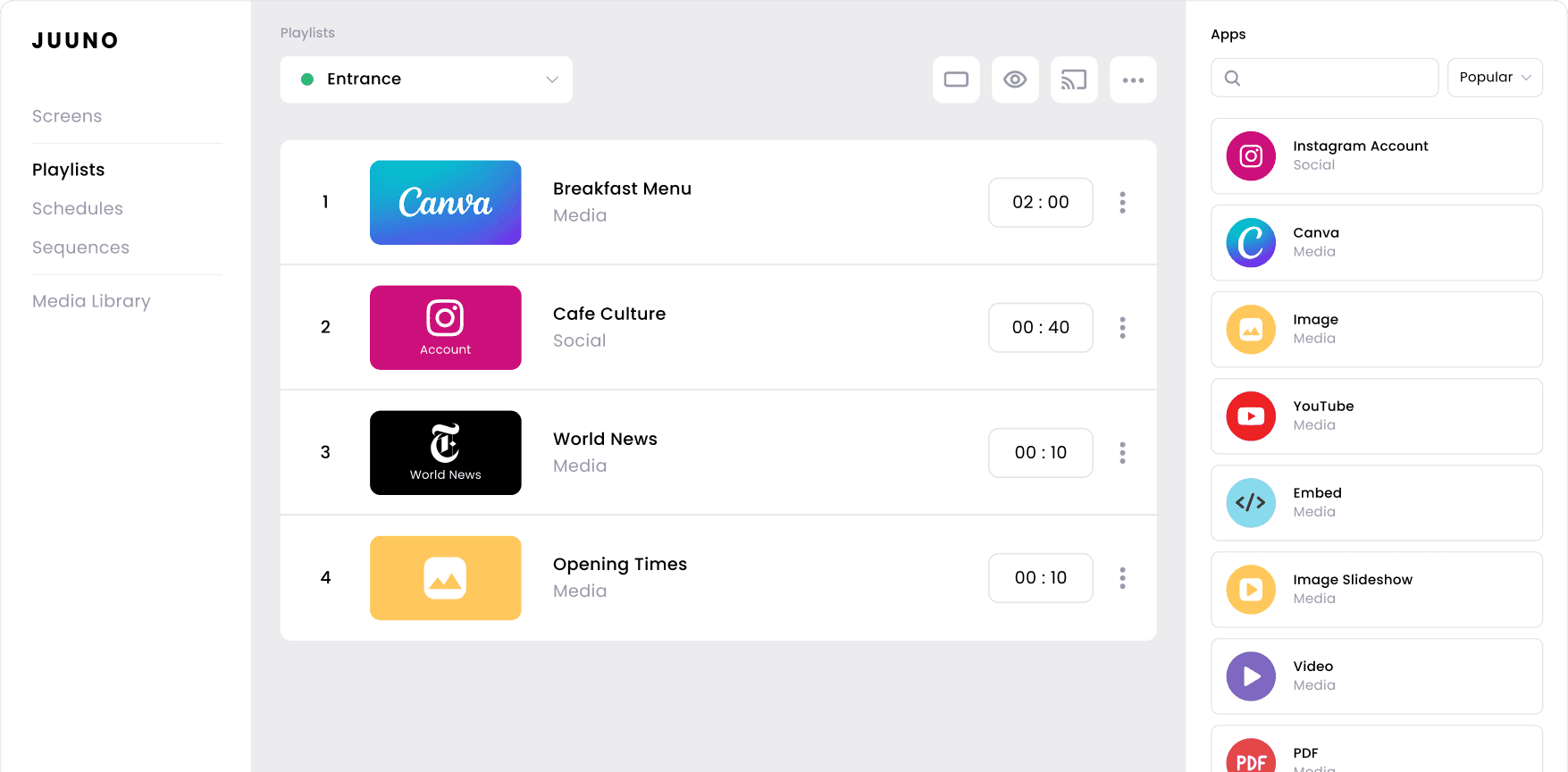
Enterprise platforms come with governance layers, approval chains, and an implementation partner. Juuno hands the screens to whoever writes the announcements. Upload from Canva, drop it in a playlist, publish. No ticket, no training, no rollout plan.

85 NPS
World-class territory, well above the software industry average. It reflects a product people keep using rather than one they were sold once.
4.6 stars on Trustpilot
Reviews from real customers running real screens, most of them citing ease of use and support response times.
20,000+ screens
From single-office teams to multi-site networks, running on hardware those businesses already owned.



The workplace communication feature set, minus the suite
Company Announcements
Push policy updates, all-hands reminders, or new-hire welcomes to every screen at once. Publishing takes seconds and pulling it down takes fewer.
Scheduled Content
Set messages to run on specific days and times. Monday standups, Friday wins, quarterly deadlines—all of it runs without anyone remembering to swap it.
Workspaces and Permissions
Give each floor, office, or department control of its own screens. Everyone publishes to their own space and nowhere else.
Live KPI Dashboards
Pull performance data from Google Sheets, Excel, or a web embed. Teams see current numbers instead of a screenshot from last quarter.
Multi-Site Management
Run every office from one login. Group screens by building, region, or team, then update one group or all of them together.
Employee Recognition
Birthdays, work anniversaries, and team wins on rotation. The lightest possible way to make internal comms feel like it's about people.



Frequently asked questions
How is Juuno different from Poppulo?
Poppulo is an enterprise employee experience platform covering email, intranet, mobile, and signage together. Juuno does signage only, at $5 per screen per month. If screens are what you need, Juuno gets you there without buying three channels you won’t use.
What does Poppulo cost?
Poppulo doesn’t publish pricing. Its digital signage pricing page is a contact form, with cost shaped by screen count, locations, services, and hardware. It also offers financing for large projects. Expect a quote and a sales conversation rather than a price.
Is Juuno a real Poppulo Harmony alternative for enterprise?
For workplace screens, yes. Juuno runs multi-site networks with workspaces, permissions, and central control. What it doesn’t replace is Poppulo’s email and intranet channels. Teams needing all four should stay on a suite. Teams needing screens are overpaying for the other three.
Can Juuno handle multiple offices and departments?
Yes. Workspaces separate content by office, floor, or team, and permissions decide who publishes where. Regional managers see their own screens only. Adding a location costs the per-screen rate and nothing more.
Can I show dashboards and live KPIs?
Yes. Juuno pulls live data from Google Sheets, Google Slides, Excel, and web embeds. Teams see current numbers on the wall rather than a static export. No integration project and no developer needed.
What hardware do I need?
Any TV with an HDMI port. Juuno runs on Chromecast, Firestick, Android devices, Raspberry Pi, or the Amazon Signage Stick at $99. Smart TVs with a built-in browser work with no player at all.
How long does it take to get running?
Most teams have a screen live the day they sign up. There’s no implementation phase, no onboarding call, and no configuration project. Plug in the player, sign in, and publish.
How does Juuno compare to other signage platforms?
Juuno’s comparison of 20 digital signage platforms lists published rates side by side, including the platforms that don’t publish any. Teams weighing enterprise internal comms tools should also read the SnapComms alternative page.
Why modern workplaces choose Juuno
A price you’ll love
Transparent, flat, per screen. You can budget a rollout from the website in about a minute, without a discovery call or a scoping document.
No implementation phase
There's nothing to configure and nobody to schedule. The gap between deciding and publishing is measured in minutes rather than quarters.
Built for non-techies
Internal comms usually sits with one person and half their week. Juuno is simple enough that the handover to the next person takes ten minutes.