Digital Signage: The Complete Guide
Digital signage turns any screen into a sign that updates from anywhere. Restaurants display menus. Offices share team updates. Churches welcome visitors. Schools show schedules. This guide explains how digital signage works, what it costs, and how to pick software that doesn’t make you regret it six months in.
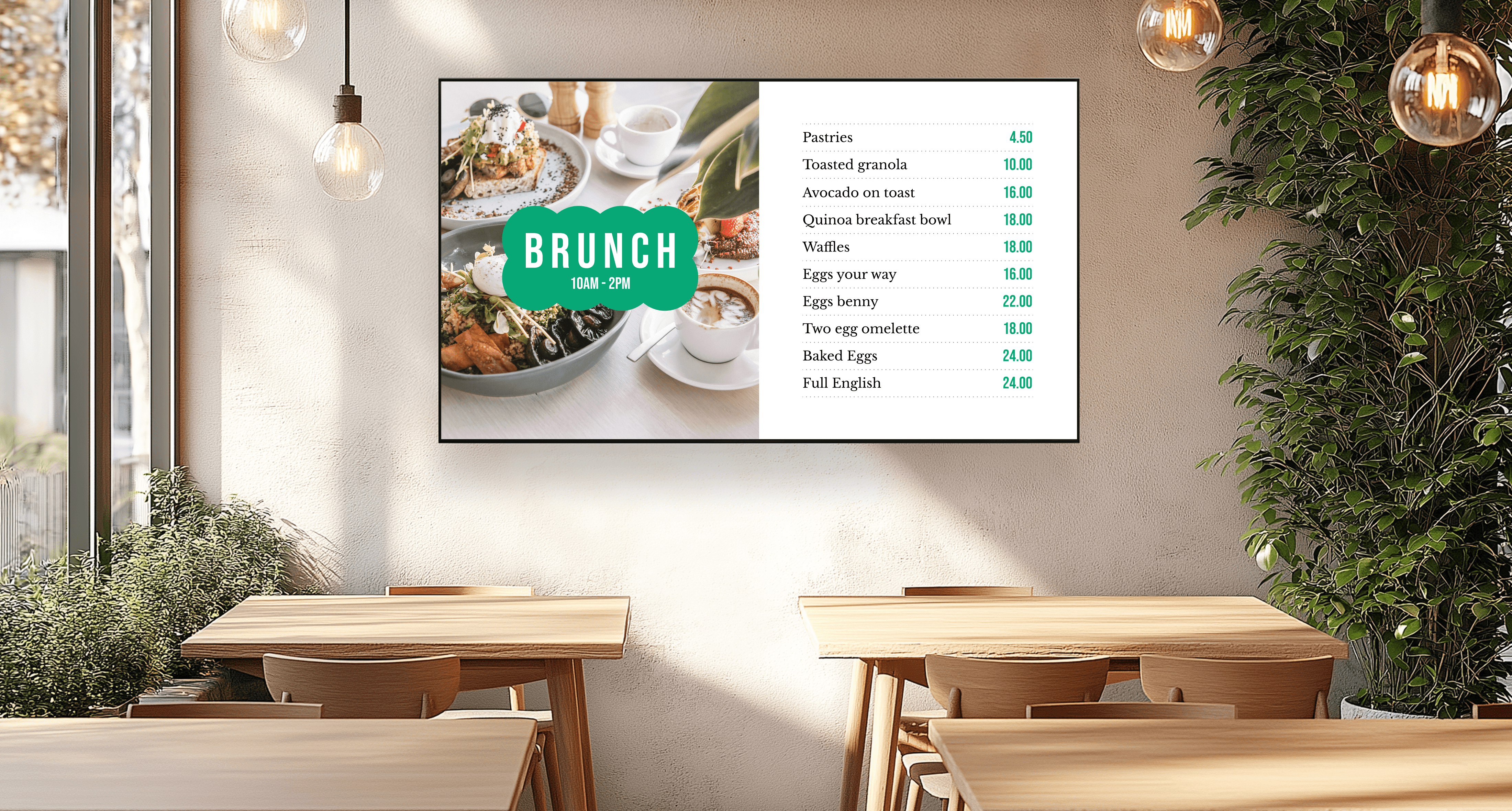
Menu Boards
Design, schedule, and display your restaurant’s menus on your TV, no special hardware or IT skills needed. Affordable, reliable, and made for small businesses.
Read More
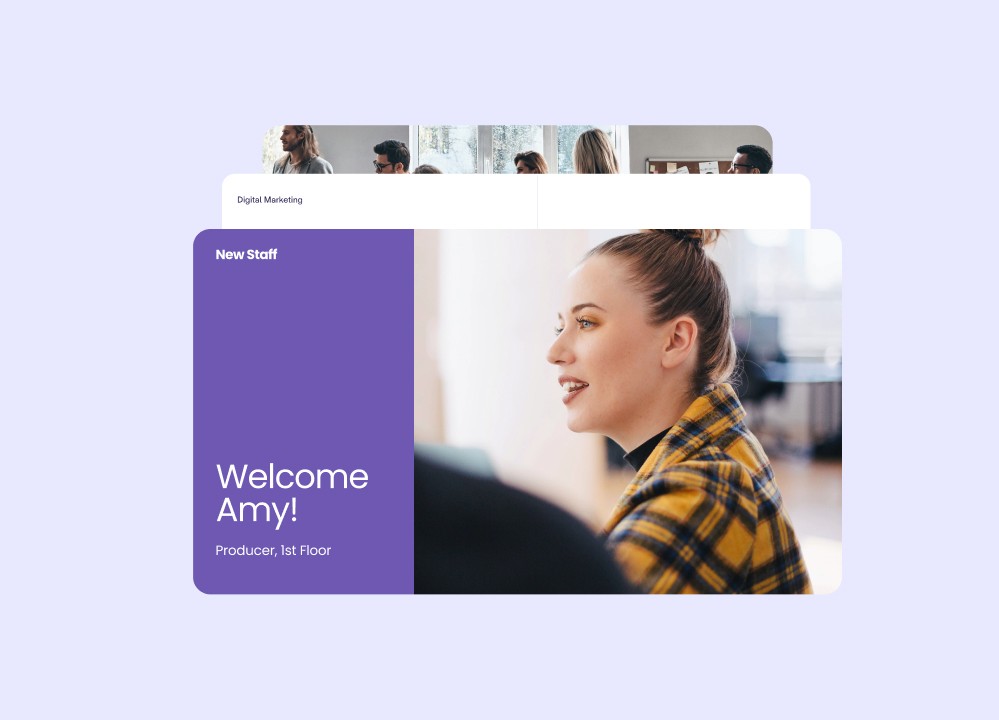
Bulletin Boards
Start sharing updates on any screen and keep everyone informed with real-time announcements, events, and more
Read More

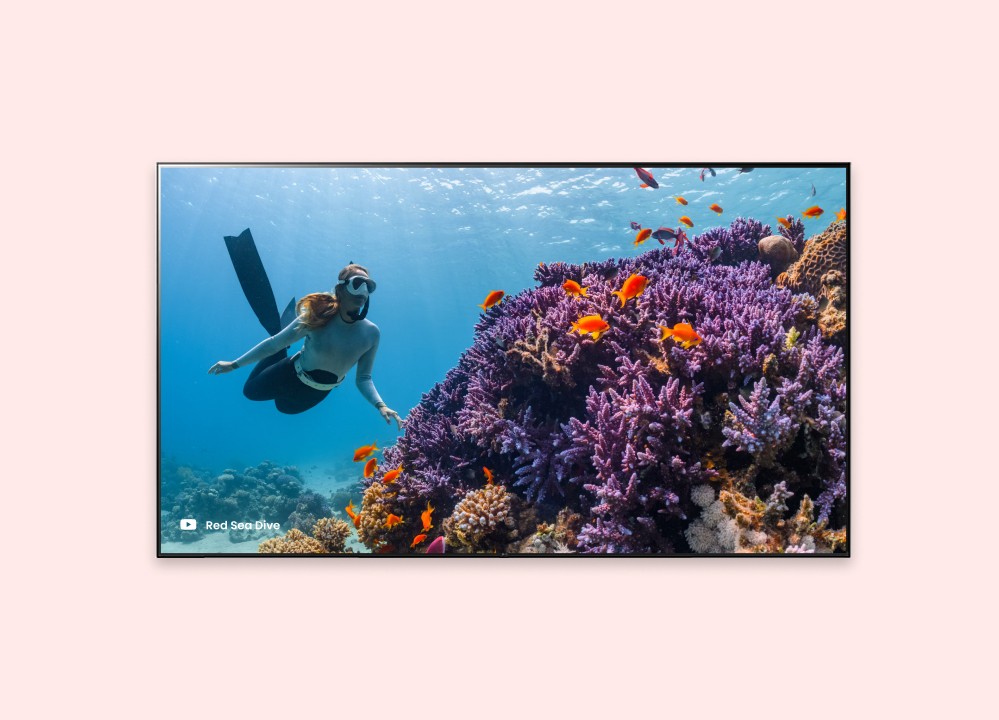
YouTube Signage
Turn any smart TV into a full-screen YouTube showcase for promotions, entertainment, or live streams.
Read More
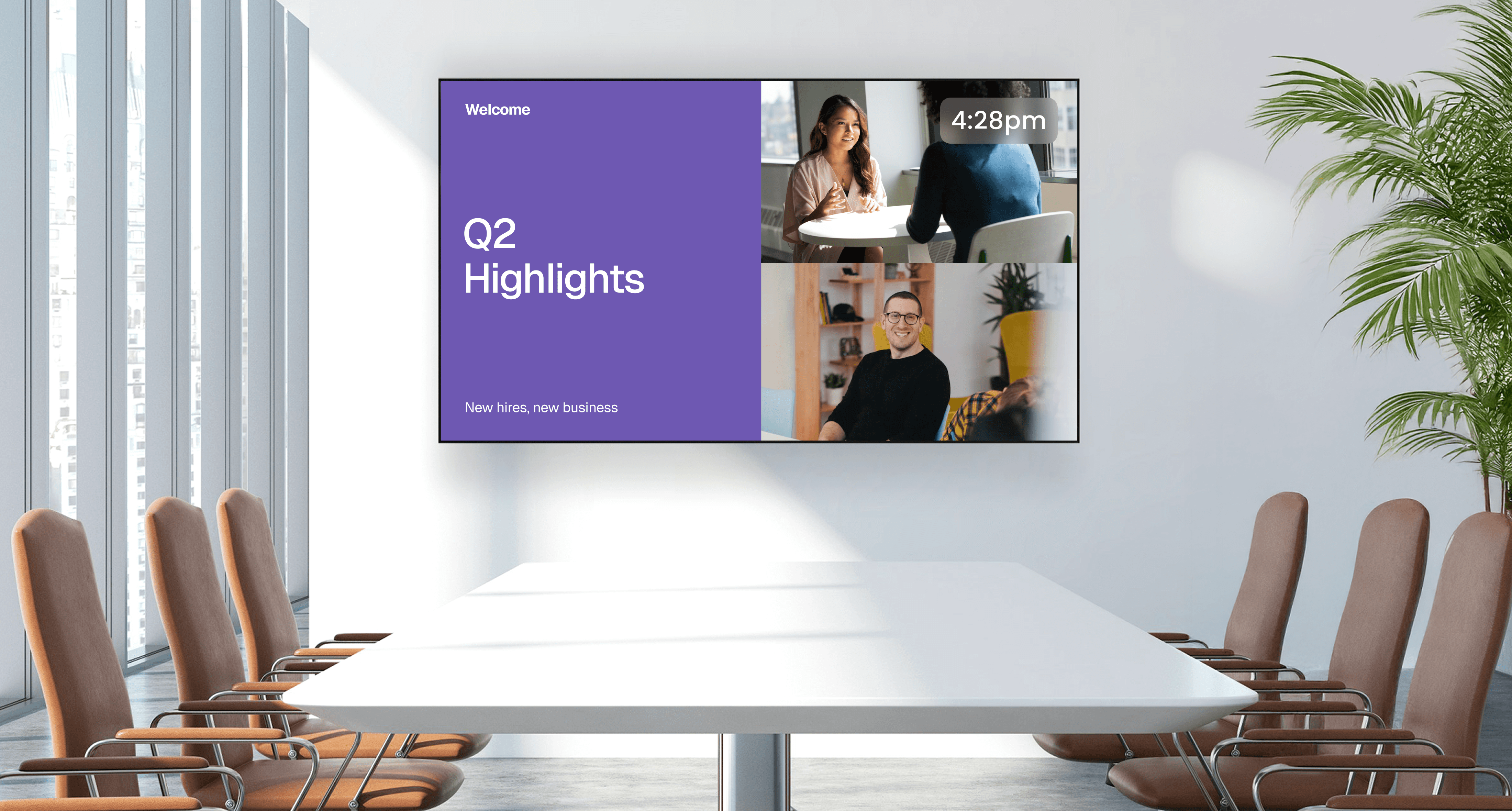
Google Slides Signage
Connect your presentation, schedule your slides, and display updates on any screen. Juuno makes slideshow signage fast, flexible, and effortless.
Read More
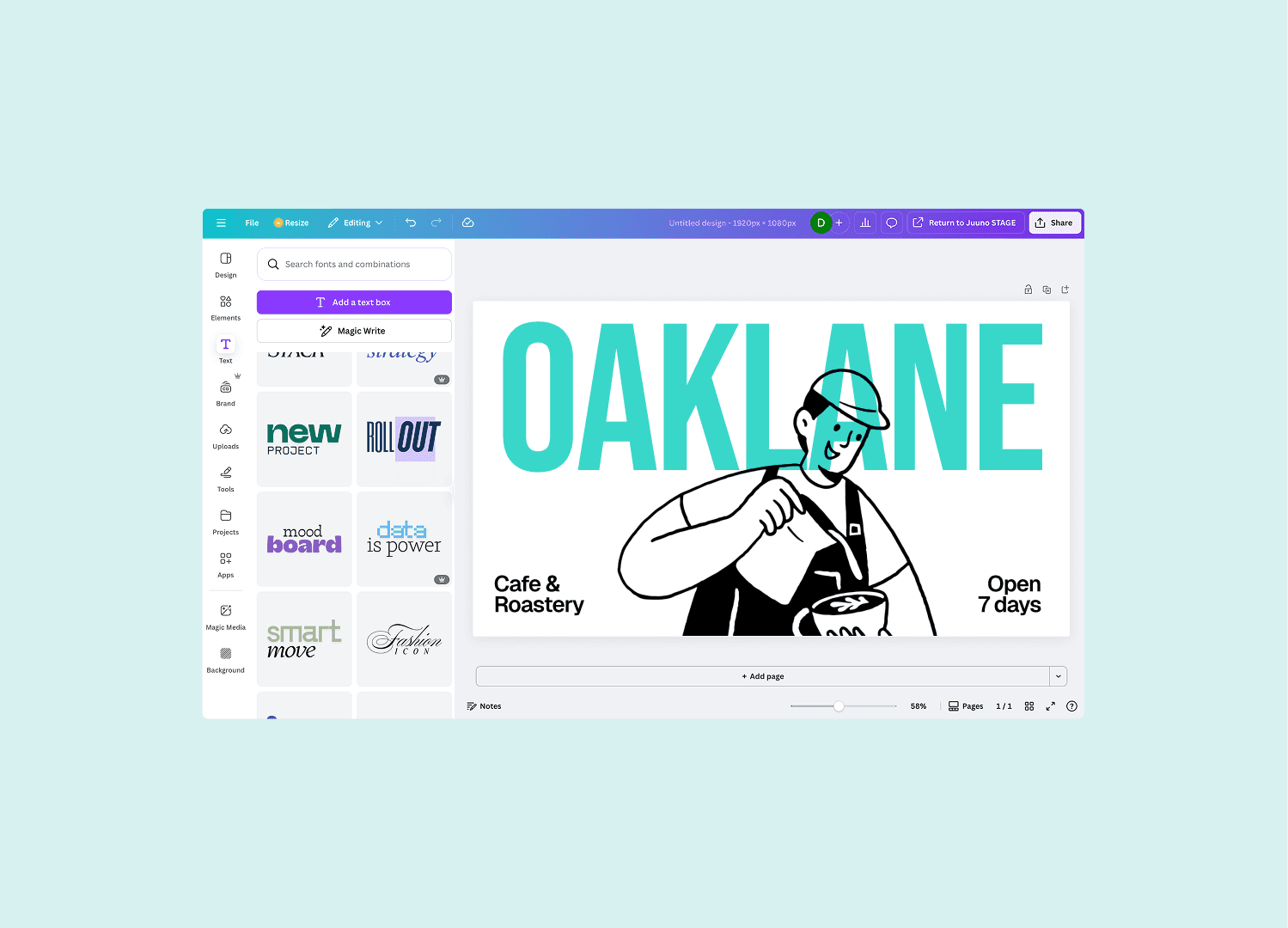
Canva Signage
Easily turn your Canva creations into stunning digital signage. From menus to announcements, bring beautiful content to life on any screen.
Read More
Powerpoint Signage
From menus to dashboards, display PowerPoint presentations on any smart TV
Read More
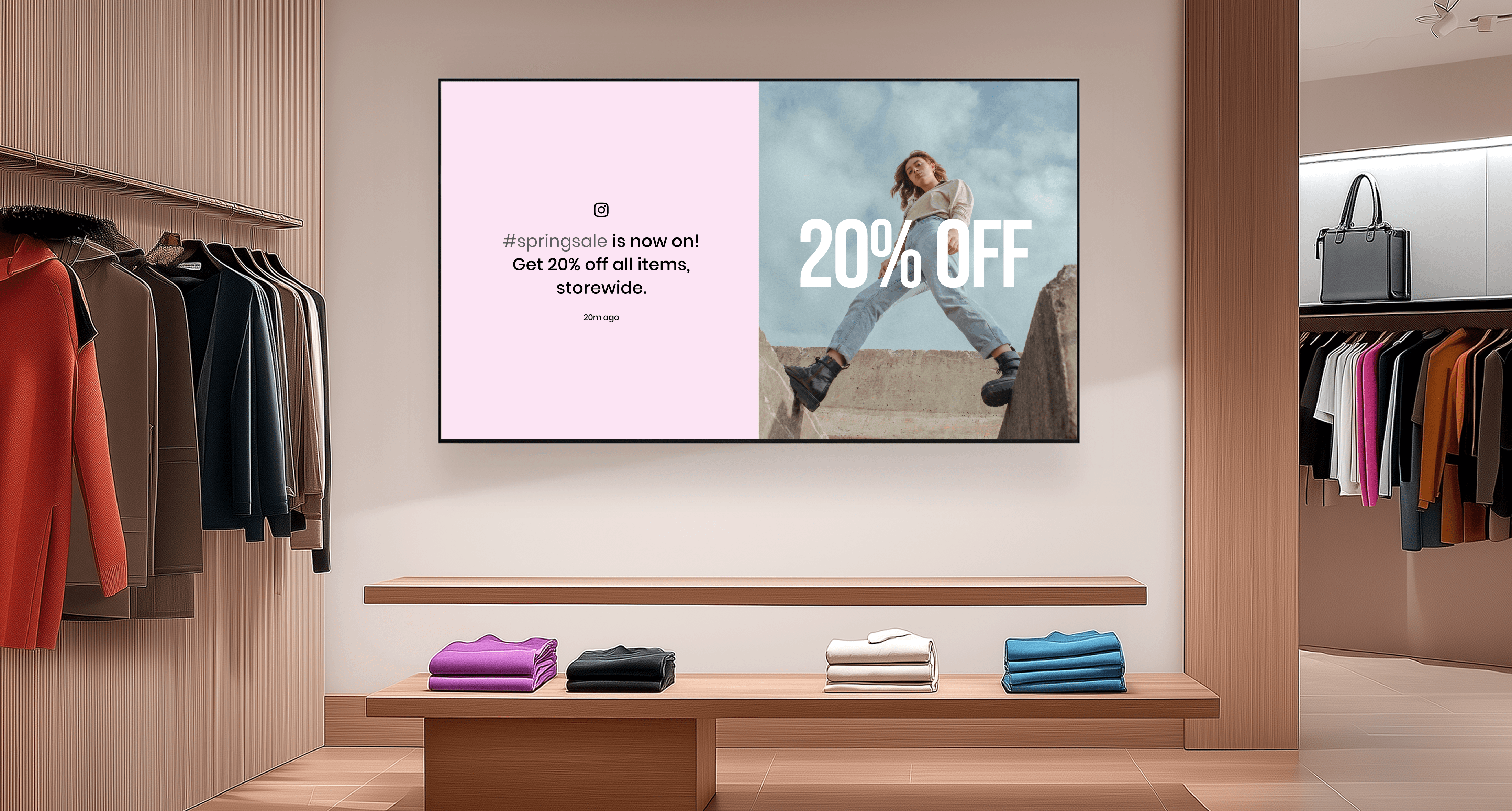
Instagram Signage
Showcase live posts, reels, and hashtag content on any screen with Juuno. It’s the easiest way to keep your displays fresh, social, and on-brand.
Read More
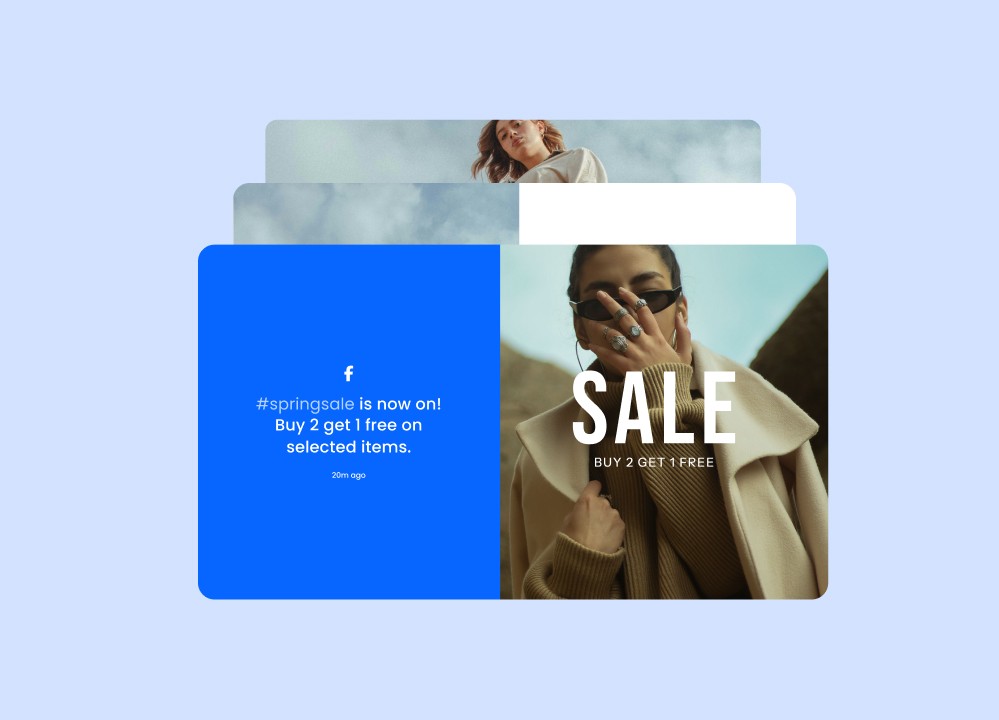
Facebook Signage
Showcase posts, videos, reviews, and more on any screen.
Read More
Raspberry Pi Signage
Pair Raspberry Pi with Juuno to display your best content and deliver consistent performance.
Read More
What is digital signage and how does it work?
Digital signage is content displayed on a screen — usually a TV, monitor, or tablet — instead of on paper. Where you’d once have printed a poster, taped a menu to a counter, or rotated a static A-frame, digital signage shows the same information on a screen that updates from anywhere with an internet connection.
The category includes everything from a single TV at a coffee shop showing the day’s specials, to a 100-screen network across a sports facility showing league standings, to a digital pulpit-side display in a church showing song lyrics during a service.
What makes it “digital” isn’t the screen — it’s that the content is managed remotely. You change it from a laptop, phone, or browser. No USB sticks. No reprinting. No driving to the venue.
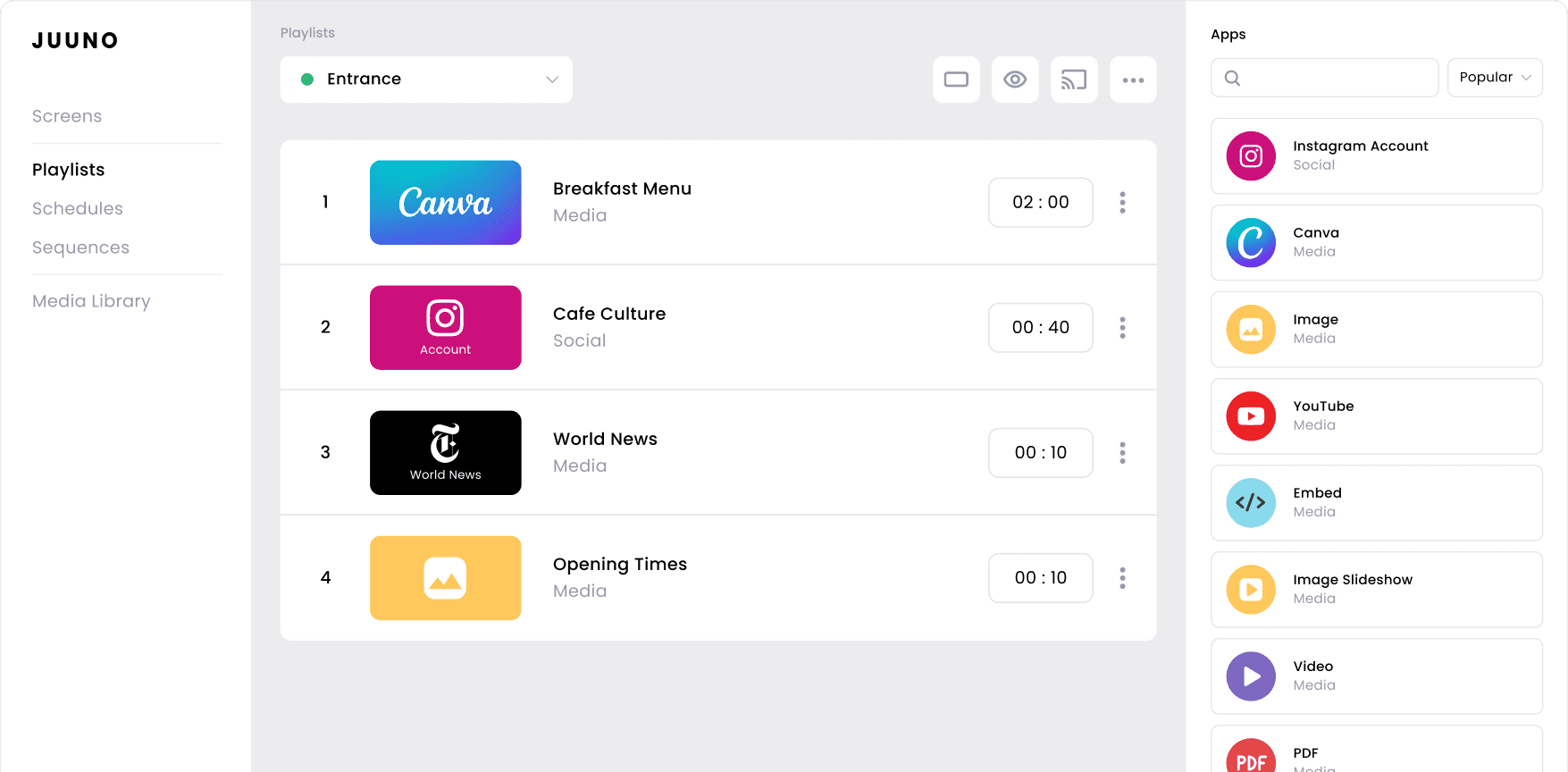
Three things make digital signage work:
A screen — usually a regular TV
A small player device that plugs into the TV’s HDMI port (the most common is the Amazon Signage Stick — a $99 stick built specifically for digital signage)
Cloud software that lets you upload content, schedule it, and push it to one screen or a hundred at once
“Finally, digital signage that just works. We tried other digital signage tools before and always ended up frustrated with how overcomplicated they were. Juuno just works. You plug it in, connect your TV, and you’re up and running in minutes. Don’t overthink it — Juuno is the one.”
— Peter BD, Google Maps review
How restaurants, retailers, and offices use digital signage
Showing menus and specials
Restaurants, cafes, and coffee shops use digital signage to replace printed menus. The menu updates from a phone — useful when prices change, items sell out, or a special needs promoting at lunch but not breakfast. Most setups pay for themselves in printing costs alone within the first year. See the cafe guide →
Welcoming visitors and sharing announcements
Schools, churches, libraries, and offices use digital signage near entrances to welcome people, show what’s happening that day, and surface anything time-sensitive. Schools use it for sport scores and school photos. Churches use it for service times and song lyrics. Offices use it for KPI dashboards, birthdays, and team wins.
Promoting events and offers in-venue
Gyms, retail stores, and event venues use digital signage to promote what’s happening next. A gym shows the class schedule plus member-only offers. A retail store rotates seasonal promotions across multiple displays. An event space changes signage by event without anyone touching the screens.
Making waiting areas useful
Healthcare practices, auto repair shops, and service businesses use digital signage in waiting rooms to entertain, inform, and reduce perceived wait times. Some show news. Some show educational content related to what they do. Some show their own social media feed.
Running a multi-site business from one place
Multi-location businesses — franchises, religious organisations with multiple campuses, agencies running screens for clients — use digital signage to push consistent content to every location at once, while letting individual venues swap out details if they need to. This is where the per-screen software cost matters most: at 50+ screens, the difference between $5 and $25 per screen per month becomes thousands of dollars a year.
How digital signage software, hardware, and content work together
The screen
Any TV with an HDMI port will work. Office TVs, retail displays, smart TVs, even old TVs being reused — all fine. You don’t need a special “commercial-grade” display unless you’re running 24/7 in direct sunlight.
The player
A small device that plugs into the TV’s HDMI port and runs the digital signage software. The current best option for most businesses is the Amazon Signage Stick — built by Amazon specifically for digital signage, $99 one-off, plugs in, takes about 60 seconds to set up.
The software
The cloud software is where you upload your content, schedule when things show, and push updates to every screen at once. You log in from a browser — there’s nothing to install. Pricing usually ranges from $5 to $25 per screen per month. Juuno is $5/screen/month. See pricing →
The content
Content can be anything visual: images, videos, web pages, social media feeds, Canva designs, Google Slides decks, YouTube playlists. Most businesses end up using a mix. Juuno integrates with Canva, Google Slides, Instagram, Facebook, YouTube, and PowerPoint so you can pull content directly from tools you already use — no design team required.
How to choose the right digital signage software for your business
Is it actually easy to use?
Most digital signage platforms were built before “ease of use” was a feature. They were designed for IT teams — not for restaurant managers, school admins, or church volunteers. Before you buy, get a free trial and have the actual person who’ll use it day-to-day try to upload a piece of content and schedule it. If they can’t do it in five minutes without a manual, the platform is wrong for you.
What does it cost at your screen count?
Per-screen pricing varies wildly — from $5 to over $50 per screen per month. At one or two screens, the difference is rounding error. At 20+ screens, it’s thousands of dollars a year. Always do the math at your future screen count, not your current one.
Will it work with the hardware you already have?
Some platforms only work with their own hardware (which is expensive). Others work with any TV and any cheap player. If you’re starting from scratch, the Amazon Signage Stick plus any modern TV is the cleanest setup.
What happens when something goes wrong?
Digital signage runs 24/7 in customer-facing spaces. When a screen goes dark during business hours, it’s visible. Read the support reviews before you buy. Check whether there’s actual human support or just a chatbot.
How much does digital signage cost? Pricing from $5/screen
Total cost for digital signage breaks into two parts: hardware (one-off) and software (monthly).
Hardware — one player per screen:
Amazon Signage Stick: $99 one-off →
Fire TV Stick (workaround): $30 one-off
Raspberry Pi setup: $80–$150 one-off
Software — monthly per screen:
Low end (Juuno, Yodeck): $5–$10 per screen per month
Mid market (ScreenCloud, OptiSigns): $20–$30 per screen per month
Enterprise (Raydiant, Spectrio): $50+ per screen per month
A real example: Splashway, a Texas water park, was paying $25 per screen per month across 40+ screens — about $9,000 a year. They switched to Juuno at $5 per screen per month and now pay under $1,800 a year for the same setup. Read the full case study →
For most small businesses, total first-year cost for a single-screen setup is around $100–$150. For 10 screens it’s around $1,000. For 100 screens it’s around $7,500 — vs $30,000+ on mid-market software.
Frequently asked questions
What is digital signage in simple terms?
Digital signage is any screen — a TV, monitor, or tablet — that shows content controlled remotely instead of static printed material. You upload content from a laptop or phone, schedule when it shows, and it appears on the screen automatically. It’s used by businesses to replace printed posters, menus, and signs with screens that can be updated from anywhere.
What hardware do I need for digital signage?
You need three things: a screen (any TV with HDMI works), a player device that plugs into the TV’s HDMI port, and a Wi-Fi or Ethernet connection. The most common player is the Amazon Signage Stick — $99 one-off, takes about 60 seconds to set up.
How much does digital signage cost per screen?
Software costs typically range from $5 to over $50 per screen per month. Juuno is $5/screen/month with no setup fees. Hardware is a one-off $99 for an Amazon Signage Stick. For a single screen, you’re looking at around $159 total for the first year.
Can I use Canva for digital signage?
Yes. Canva integration is one of the most popular ways to create content for digital signage. Juuno connects to Canva directly: you design in Canva, and the updates automatically push to your screens.
Is there free digital signage software?
Yes, several platforms offer free tiers. Free digital signage software typically has limits — number of screens, hours of uptime, no scheduling, or ads on the player. For business use across multiple screens, paid software starting at $5/screen/month is usually a better investment. See free options →
What’s the easiest digital signage software to use?
Test before you commit: have the person who’ll manage the screens day-to-day try to upload content and schedule it during a free trial. If they can do it in under five minutes with no help, the platform is easy enough. Juuno was built around this — most customers go from signup to first screen live in under 10 minutes.
Can I run digital signage on a smart TV?
Yes, but the experience is usually unreliable — apps close themselves, ads appear during boot. The standard for business use is to plug a small dedicated player (like the Amazon Signage Stick) into the TV’s HDMI port and let it run the signage independently.
Do I need internet for digital signage?
Yes — for setup and content updates. Most digital signage platforms (Juuno included) are cloud-based. Once content is downloaded to the player, many platforms keep displaying it even if the internet drops briefly. For most business signage, typical office Wi-Fi is fine.
“Juuno is next level software for TV displays. They are extremely innovative, constantly doing new updates and adding new features. It’s extremely easy to launch on a TV and it’s very reliable. 100% the best display screen software around.”
— Chet Norman, Google Maps review