Digital Menu Boards
Trusted for reliable signage by businesses like yours










Transform your smart TV into a powerful digital menu board in minutes
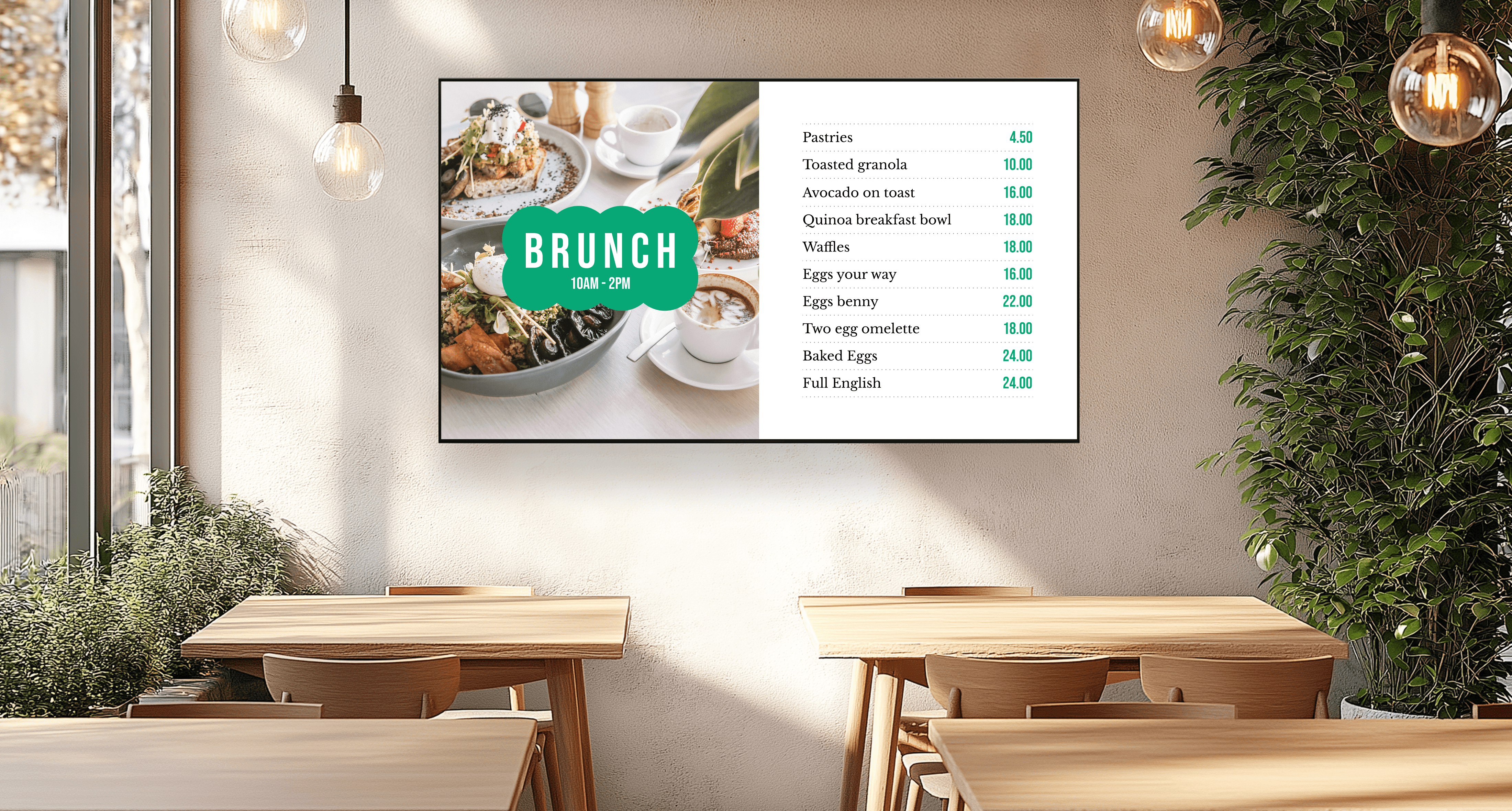
Design beautiful menus
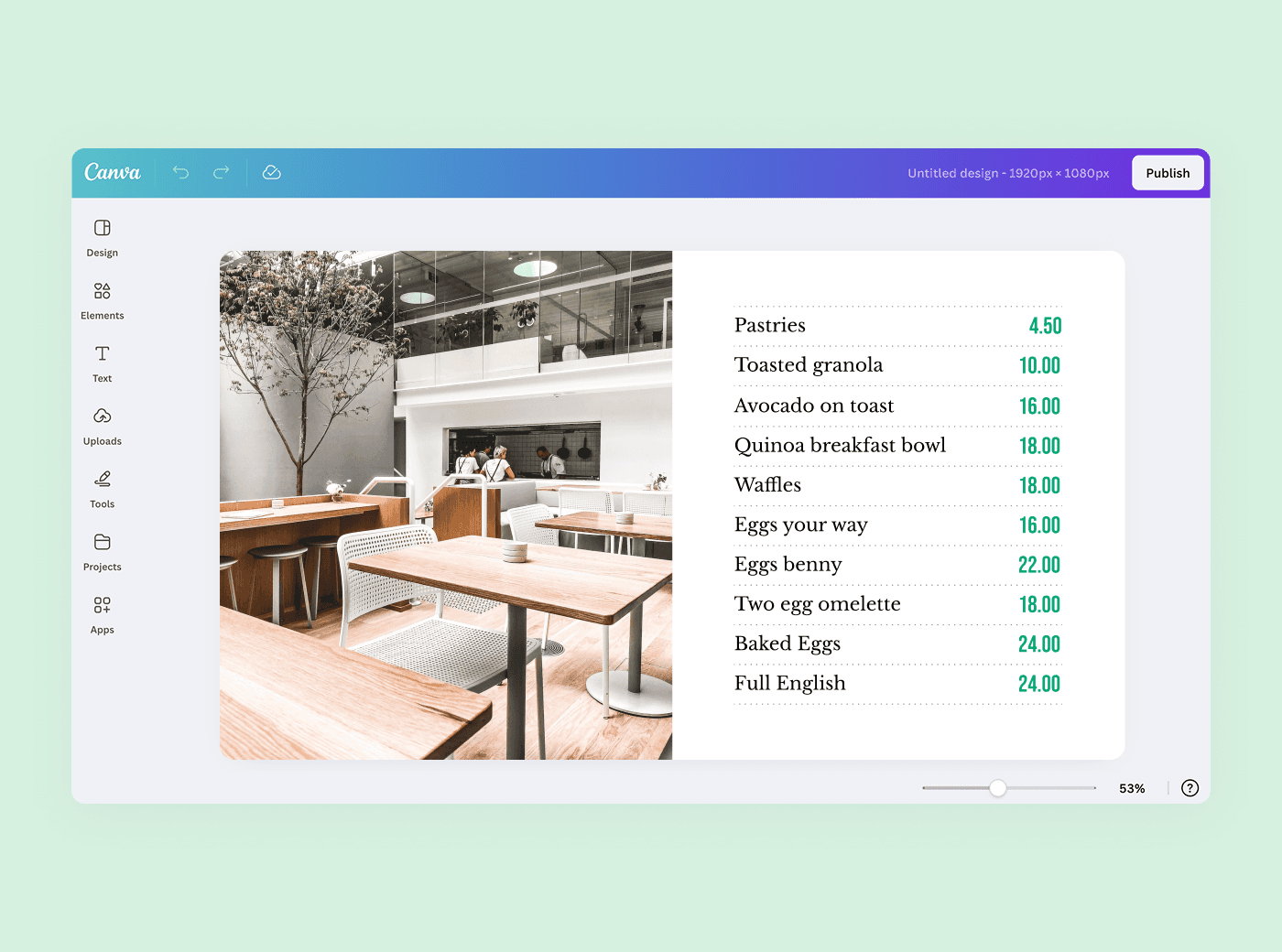
Build branded menus in Canva and push them straight to the screen—no exporting, no USB stick, no graphic designer. Or upload a design you already have. PNG, JPEG, and PDF all work.
Schedule breakfast, lunch, and dinner automatically
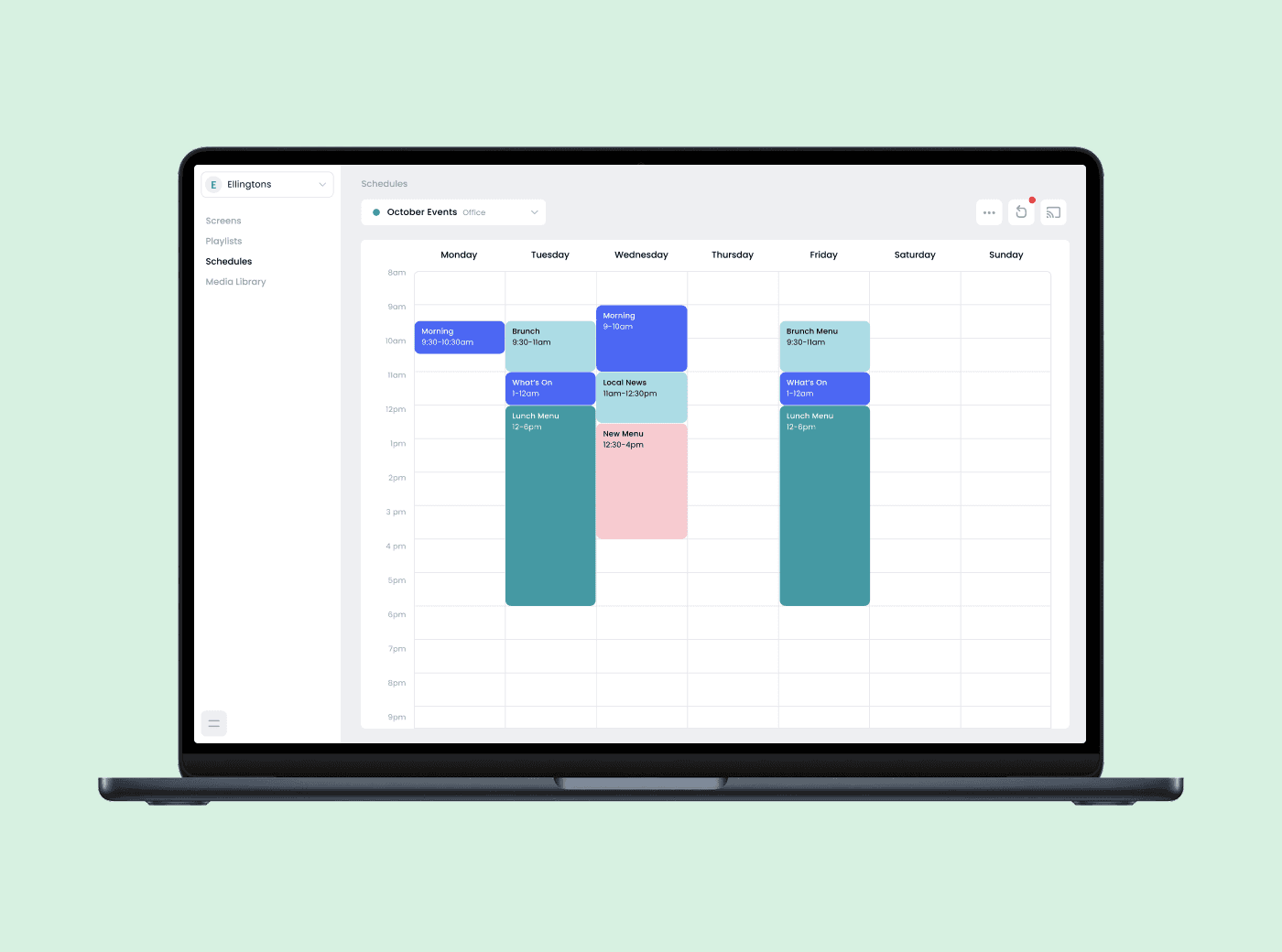
Build one playlist per service, set the times once, and the right board shows up on its own. Weekend brunch overrides the weekday menu without anyone touching the TV.
Change a price in seconds
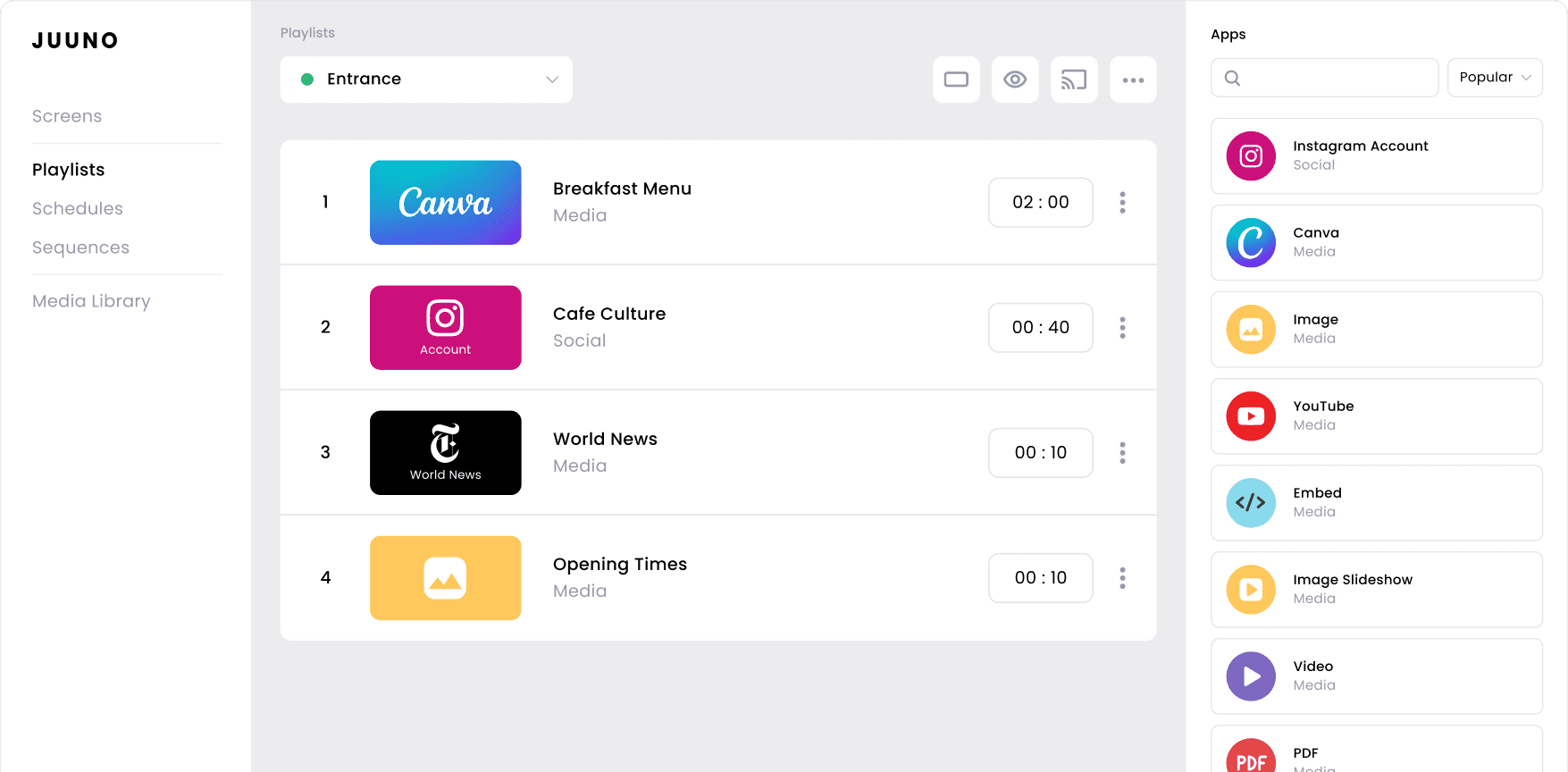
Sold out of the special at 7pm? Swap that one slide in the playlist and the board updates. You don’t redesign the menu, and you don’t walk over to the screen.


Run one screen or fifty locations from the same dashboard
Group screens by site, zone, or brand and push a menu change to all of them at once. Same price per screen whether you have one café or twenty.
Set your menu once. Let it run itself
Breakfast
Mon–Fri
Lunch
Mon–Fri
Happy hour
Tue–Sat
Dinner
Tue–Sat
Weekend brunch
Sat–Sun
Signage scheduling tips:
Schedule by time of day and by day of the week. Queue holiday and seasonal menus weeks in advance.
Use zones to split one screen: keep the core menu fixed on the left while specials rotate on the right.
Layer an overlay on top — a promo bar, a price ticker, a countdown to happy hour — without touching the menu design underneath.
Screens that lose power reconnect and resume playback on their own. Juuno saves the Wi-Fi profile to the device, so nobody has to re-pair a TV after a storm.
Every teammate gets a login at no extra cost, so the manager on shift can make the change instead of waiting on head office.
Smart tools that keep your digital menus running smoothly
Zones
Split one screen into sections. Core menu stays fixed on one side, specials rotate on the other.
Playlists
One playlist per service. Breakfast, lunch, and dinner each get their own set of slides.
Schedules
Set the times once. The right board appears at the right time, every day, without anyone on shift remembering.
Overlays
Layer a promo bar, price ticker, or countdown on top of the menu without redesigning what’s underneath.
Portrait & landscape
Vertical boards for narrow walls, horizontal boards above the counter, both from the same account.
Unlimited teammates
Every manager gets a login at no extra cost. No per-seat fees, no shared password.


Case Study
How Splashway runs 40+ screens for under $1,800 a year

Splashway Waterpark & Campground in Sheridan, Texas was running restaurant menu boards, retail promos, and guest information screens on a patchwork of consumer streaming hardware. Every menu change moved through a chain of approvals, and somebody was always troubleshooting why one screen in the snack bar had dropped off again.
Social Media Director Kris Green migrated the whole park himself. He swapped each old player for an Amazon Signage Stick, provisioned each one over Bluetooth in under 60 seconds, and paired it with Juuno. Once a screen was online, it pulled its assigned content automatically.
Menu updates now get made by the people closest to the food. Annual signage costs went from $9,000 to under $1,800.
Read the full Splashways case study
40+
80%
60sec

"Switching to Juuno was one of the best cost and headache-saving decisions we've made. It's the easiest to use and cheapest we've found. We speak directly with Mike about features we'd like to see — he's always just an email away."
Kris Green
What digital menu boards actually cost
Digital menu boards versus traditional printed menus
Comparing costs across popular platforms


Hardware: $0 if your TV has a web browser. 69% of the screens on our platform run that way. If yours doesn’t, an Amazon Signage Stick or a Google TV streamer is a one-time purchase of well under $100.
Frequently asked questions
What is a digital menu board?
A digital menu board is a screen—usually a smart TV or monitor—that displays your menu in place of a printed board. Cloud-based digital signage software lets you manage and update your TV menu remotely, so a price change takes seconds instead of a reprint. Restaurants, cafés, bars, food trucks, and hotel dining rooms all use them.
How much do digital menu boards cost?
With Juuno, $5 per screen per month on the Business plan. One screen is $60 a year, three screens are $180. There is no setup fee, no minimum, and no media player to buy if your TV has a browser. Growth is $9 per screen and adds API access and proof of play. Every plan starts with a 7-day free trial and no credit card.
How do I design a smart TV menu?
Use the built-in Canva integration to start from a professionally designed template, or upload a graphic you already have. Edit your items and pricing, sync it to the display, and it is live. Around 15% of businesses on our platform design in Canva, and it is the most common route for anyone without an in-house designer.
Can I schedule my menu to change automatically?
Yes, and it is the main reason to go digital. Build a playlist per service, then schedule it by time of day and day of the week: breakfast 6:30 to 10:30, lunch until 3, dinner from 6. Weekend brunch overrides the weekday menus. Holiday specials and limited-time offers can be queued weeks ahead.
Can I change one price without redesigning the whole menu?
Yes. Swap that single slide in the playlist from your phone and the board updates. You do not rebuild the design, and nobody has to walk over to the TV.
What hardware do I need to set this up?
A smart TV with a web browser is enough. 69% of the screens on our platform run exactly that way, with no extra device. If your TV’s browser is unreliable, an Amazon Signage Stick, Chromecast, Android TV box, Google TV streamer, or Raspberry Pi all work. All optional.
What happens if the power or Wi-Fi drops?
Screens reconnect and resume playback on their own. Juuno saves the Wi-Fi profile to the device, so nobody has to re-pair a TV after an outage. Splashway relies on this through Texas storms across 40+ screens.
Can I use Juuno for multiple TVs and restaurants?
Yes. Group screens by site or brand and control every board from one dashboard, whether that is two restaurants or twenty. Update one screen or all of them in a few clicks. The per-screen price is the same at every scale.
What else can I show besides the menu?
Social feeds, customer reviews, countdown timers, promo videos, event schedules, and daily announcements. Plenty of operators also run a back-of-house screen for staff notices on the same account.
Menu digital signage, made for you
Simple but powerful
Design, schedule, and display menu content with tools that don’t need a training session. Most operators have their first board live the same day they sign up.
The best pricing
One price, every feature, unlimited users. No starter/pro/enterprise gates, no setup fee, and the number is on the website instead of behind a sales call.
Designed for DIYers
Mount the TV, log in through its browser, publish your menu. No installer, no IT ticket, no hardware order.