Powerpoint Digital Signage
Organizations that use Juuno










Bring your PowerPoint presentations to life

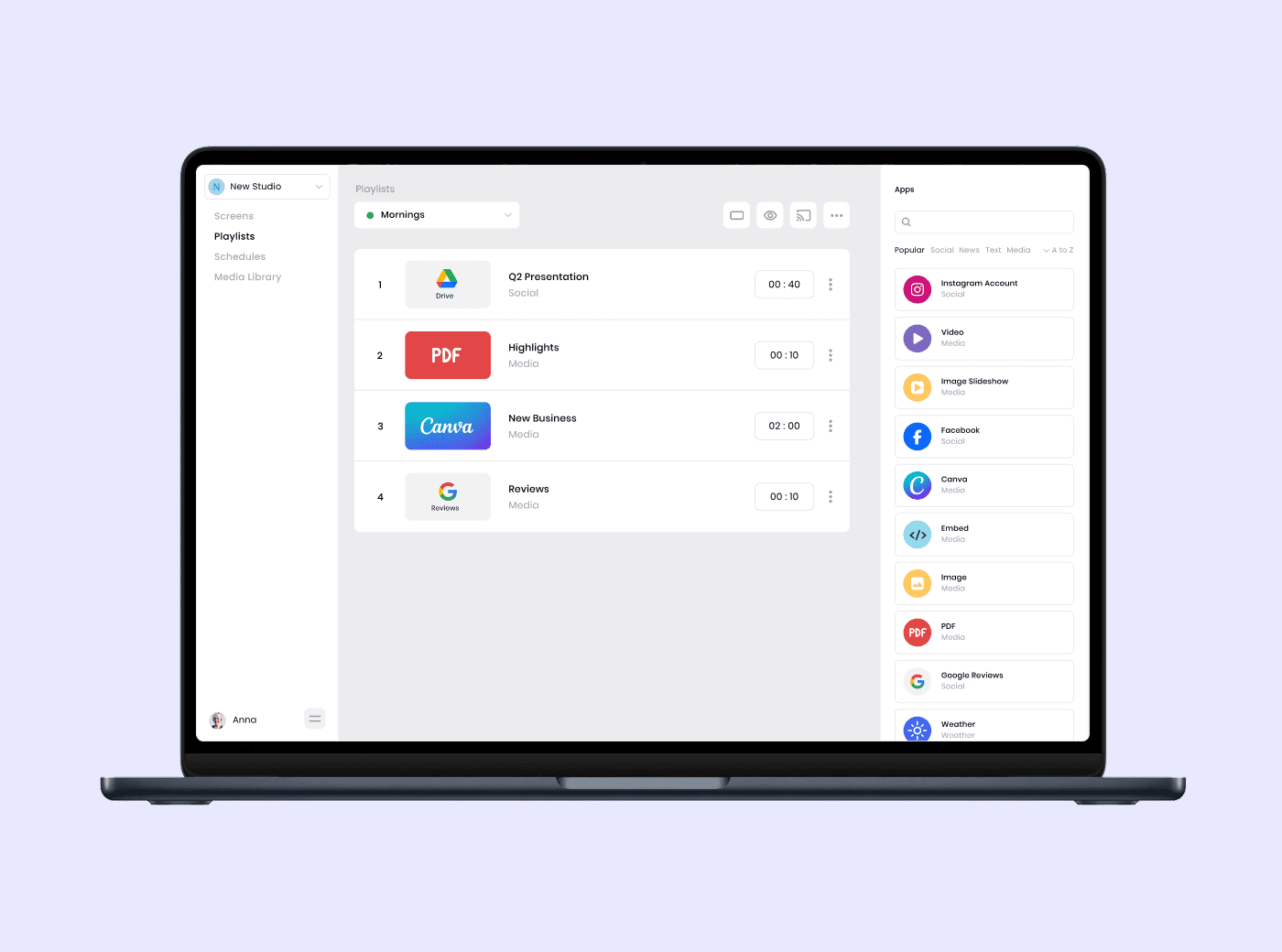



Smart tools for PowerPoint digital signage
PowerPoint Embed via Shareable Link
Display PowerPoint presentations using a public link from Microsoft. Juuno embeds the live, web-based version so your slides play reliably on any connected screen.
Works with OneDrive & SharePoint
Use PowerPoint files hosted in OneDrive or SharePoint. Publish presentations already stored in Microsoft’s ecosystem without moving files or changing your workflow.
Portrait & Landscape Screens
Show PowerPoint slides on vertical or horizontal screens. Juuno supports both orientations, making it easy to fit hallway displays, lobbies, or widescreen TVs.
Multi-Screen Control
Send the same PowerPoint presentation to one screen or many. Manage screens by location, room, or team from a single Juuno dashboard.
No Extra Hardware Required
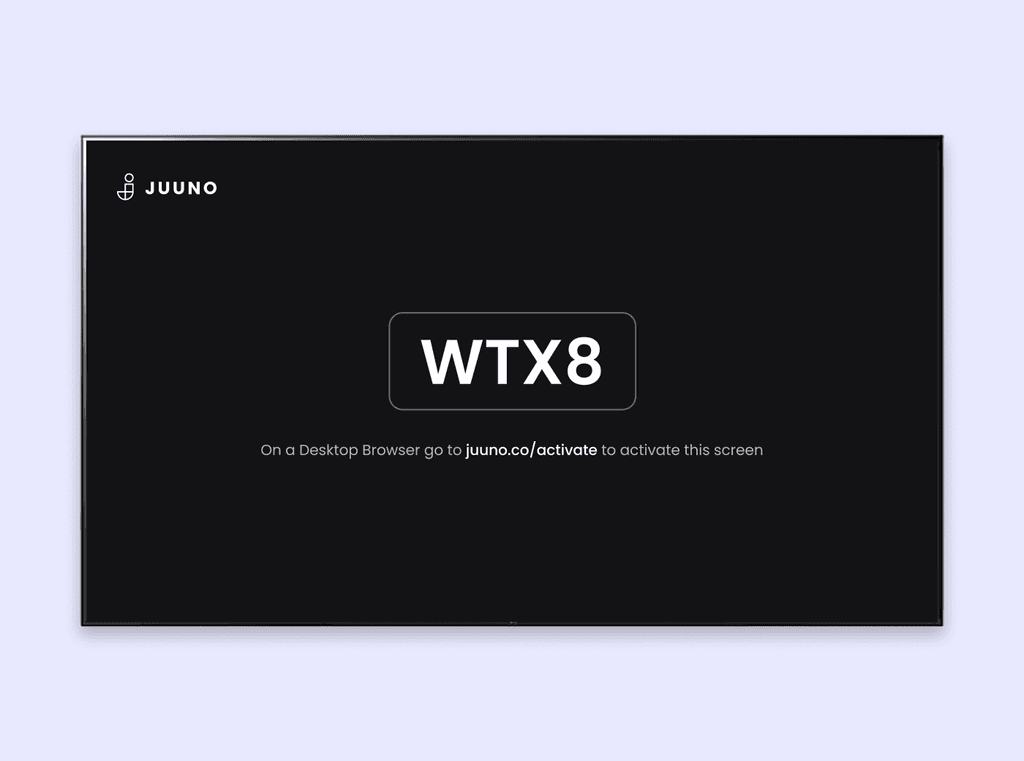
Run PowerPoint signage using a smart TV browser or popular players like Chromecast, Firestick, Android devices, or Raspberry Pi, whatever works best for your setup.
Great for Offices, Schools, and Events
Use PowerPoint signage for internal announcements, class schedules, presentations, or event information. Keep everyone informed with content they already recognize.
What is PowerPoint digital signage and how does it work?
PowerPoint digital signage is the use of PowerPoint presentations as on-screen displays for announcements, schedules, or information. With Juuno, you embed a shareable PowerPoint link and display the live, web-based presentation on TVs, schedule when it appears, and manage screens remotely from one dashboard. See how the top platforms compare across pricing and features.
How do I display a PowerPoint presentation on a TV screen?
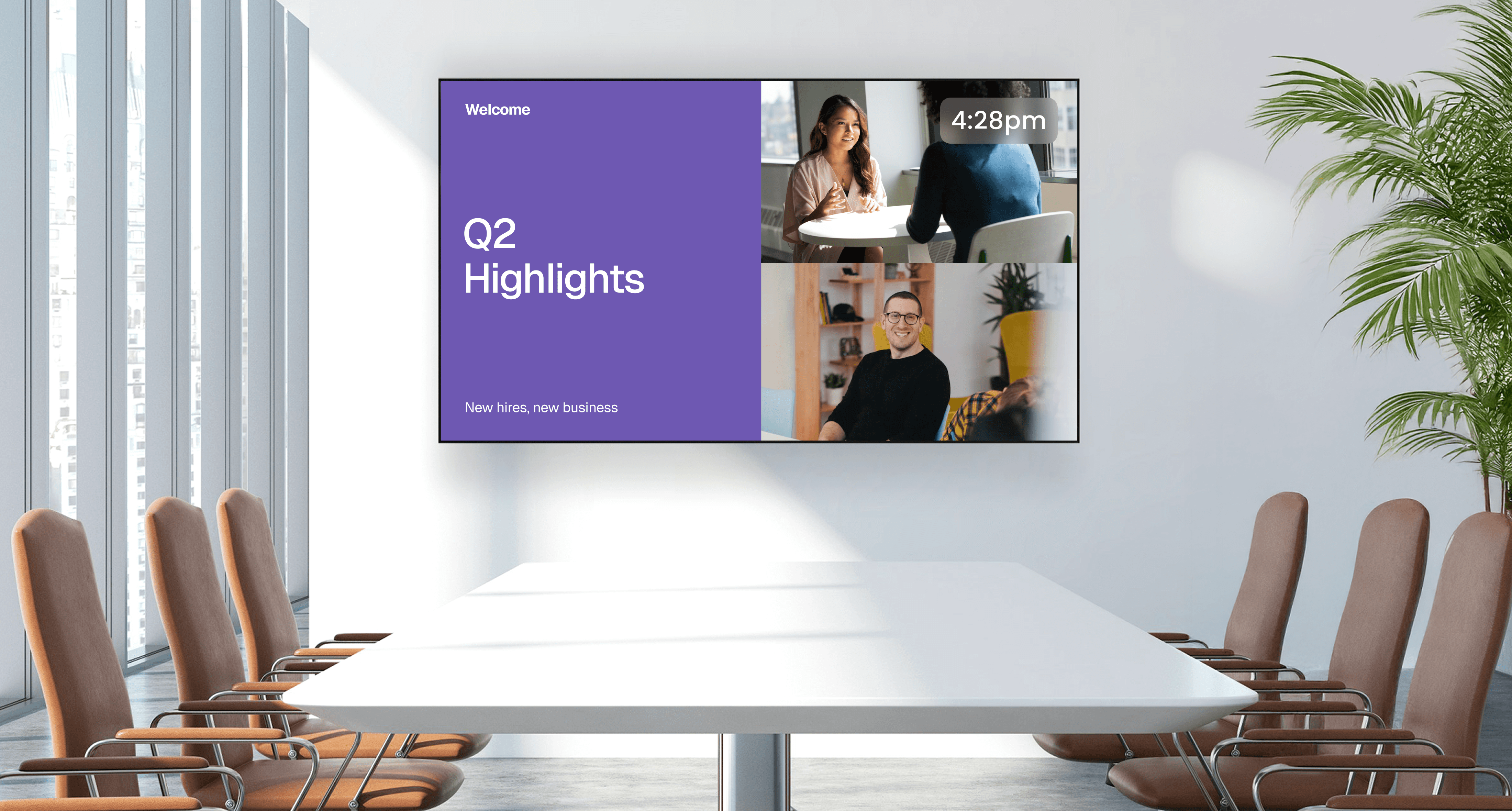
To display a PowerPoint presentation on a TV, create a public, shareable link from Microsoft and add it to Juuno using the Embed app. Juuno turns that link into PowerPoint signage, letting your slides play full screen on any smart TV or supported media player.
Do I need to upload my PowerPoint file to Juuno?
No, you don’t need to upload your PowerPoint file to Juuno. Instead, you create a shareable link from Microsoft PowerPoint, OneDrive, or SharePoint. Juuno displays the live, web-based version of your presentation on screen, keeping your original file right where it already lives.
Can I update my PowerPoint slides and have changes appear on screen automatically?
Yes. When you update your PowerPoint presentation in Microsoft, the embedded version in Juuno will reflect those changes automatically. This makes it easy to keep your signage current without re-uploading files or manually replacing content on each screen.
Can I schedule PowerPoint presentations to play at specific times?
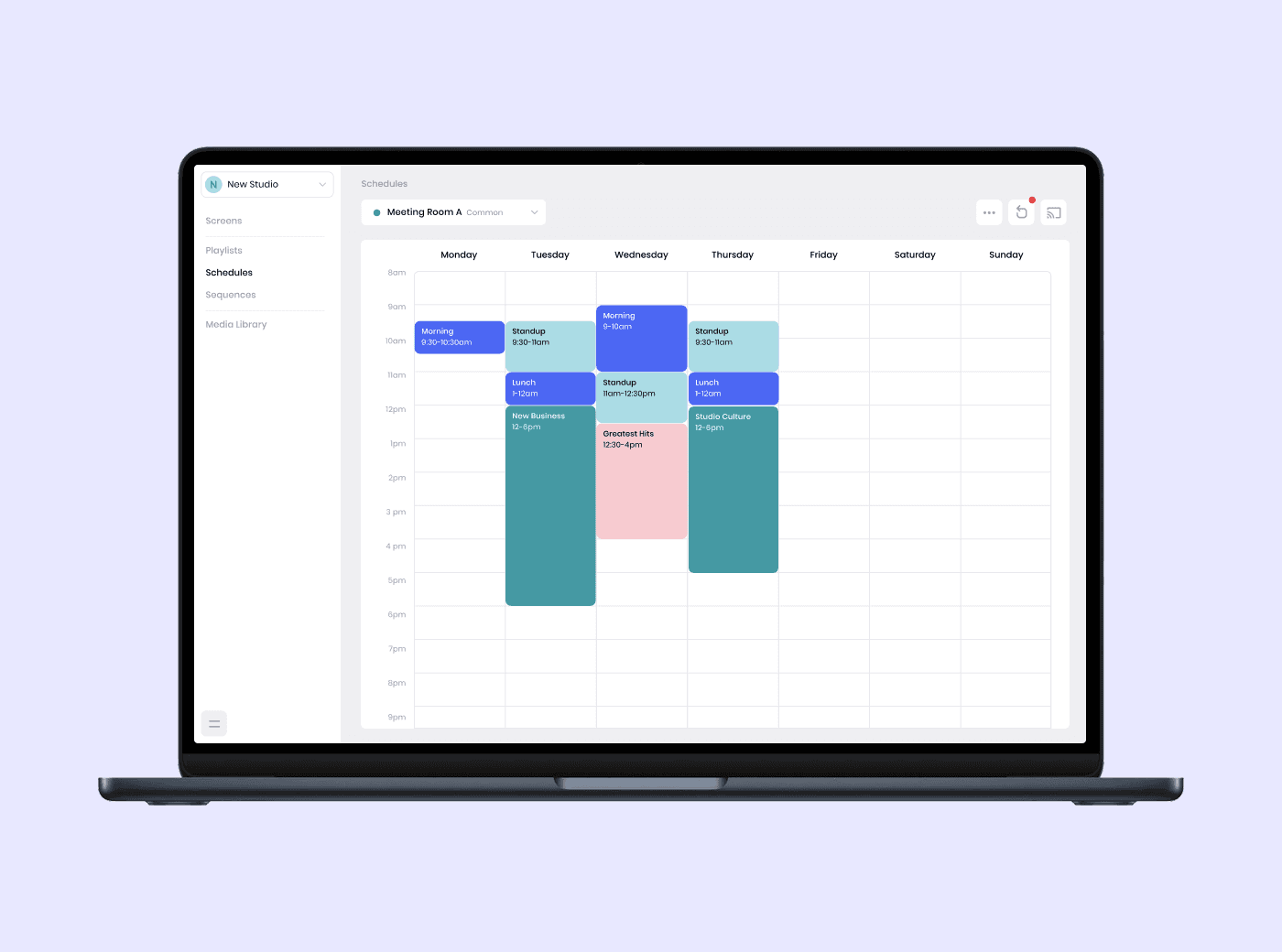
Yes. Juuno lets you schedule when your PowerPoint presentations appear using playlists and time-based rules. This makes presentation digital signage easy to manage. Set slides to play by time or day, and Juuno automatically shows the right content on your screens without manual updates.
What devices can I use to show PowerPoint digital signage?
You can show PowerPoint digital signage using a smart TV web browser or popular media players like Chromecast, Amazon Firestick, Android devices, or Raspberry Pi. Juuno makes it easy to display slides on TV using the hardware you already have, with no special equipment required.
Can I display PowerPoint slides alongside other content?
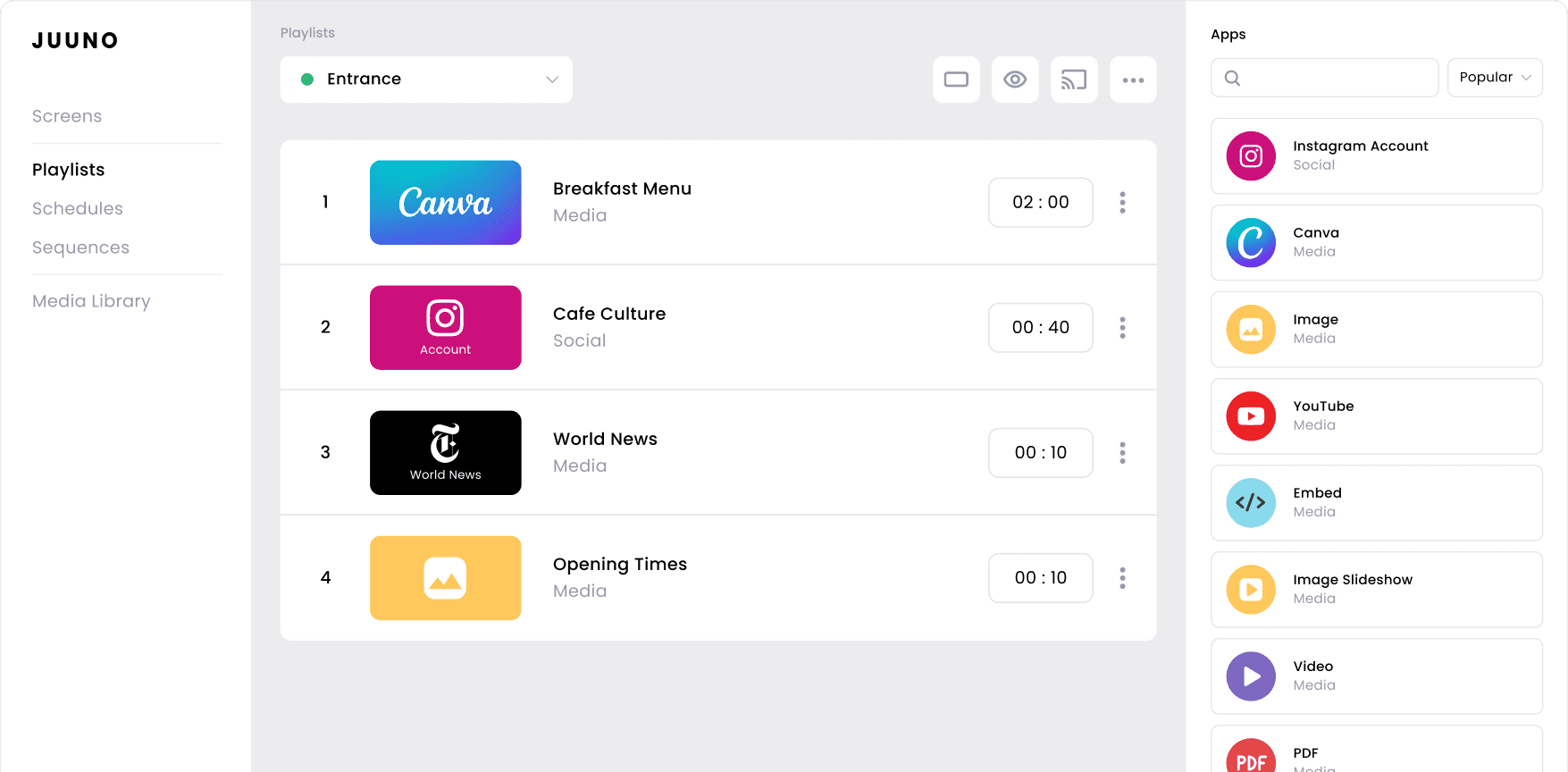
Yes. Juuno lets you combine PowerPoint slides with videos, images, Canva designs, social media, or live web content in the same playlist. This makes it easy to build dynamic digital signage while still using PowerPoint as part of a richer, more engaging on-screen experience.
Does PowerPoint digital signage work for multiple screens or locations?
Yes. Juuno is built to manage multiple screens and locations from one dashboard. You can send the same PowerPoint slides on TV to one display or hundreds, organize screens by location, and control what plays where.
What types of PowerPoint presentations work best for digital signage?
PowerPoint presentations work best for digital signage when they’re visual, simple, and easy to read at a glance. Slides with clear headlines, large text, minimal animations, and strong visuals are ideal for announcements, schedules, dashboards, and recurring updates displayed on shared screens.
Frequently asked questions
Enjoy digital signage made simple with Juuno
Built around the tools you already use
Keep creating presentations in PowerPoint while Juuno handles display, scheduling, and screen management. There’s no new system to learn and no need to change how your team builds content.
Designed for everyday teams, not IT departments
Juuno removes technical complexity from digital signage. If you can share a PowerPoint link, you can publish it to a screen. No hardware installs, coding, or ongoing IT support required.
Flexible enough to grow with you
Start with one screen or manage many across locations. Juuno scales easily with flat per-screen pricing, giving you full access to playlists, scheduling, and remote control as your signage needs expand.