Canva Digital Signage
Trusted for reliable signage by businesses like yours










Bring your designs to life with Canva digital signage



Smart tools built for Canva-powered digital signage
Canva Template Sync
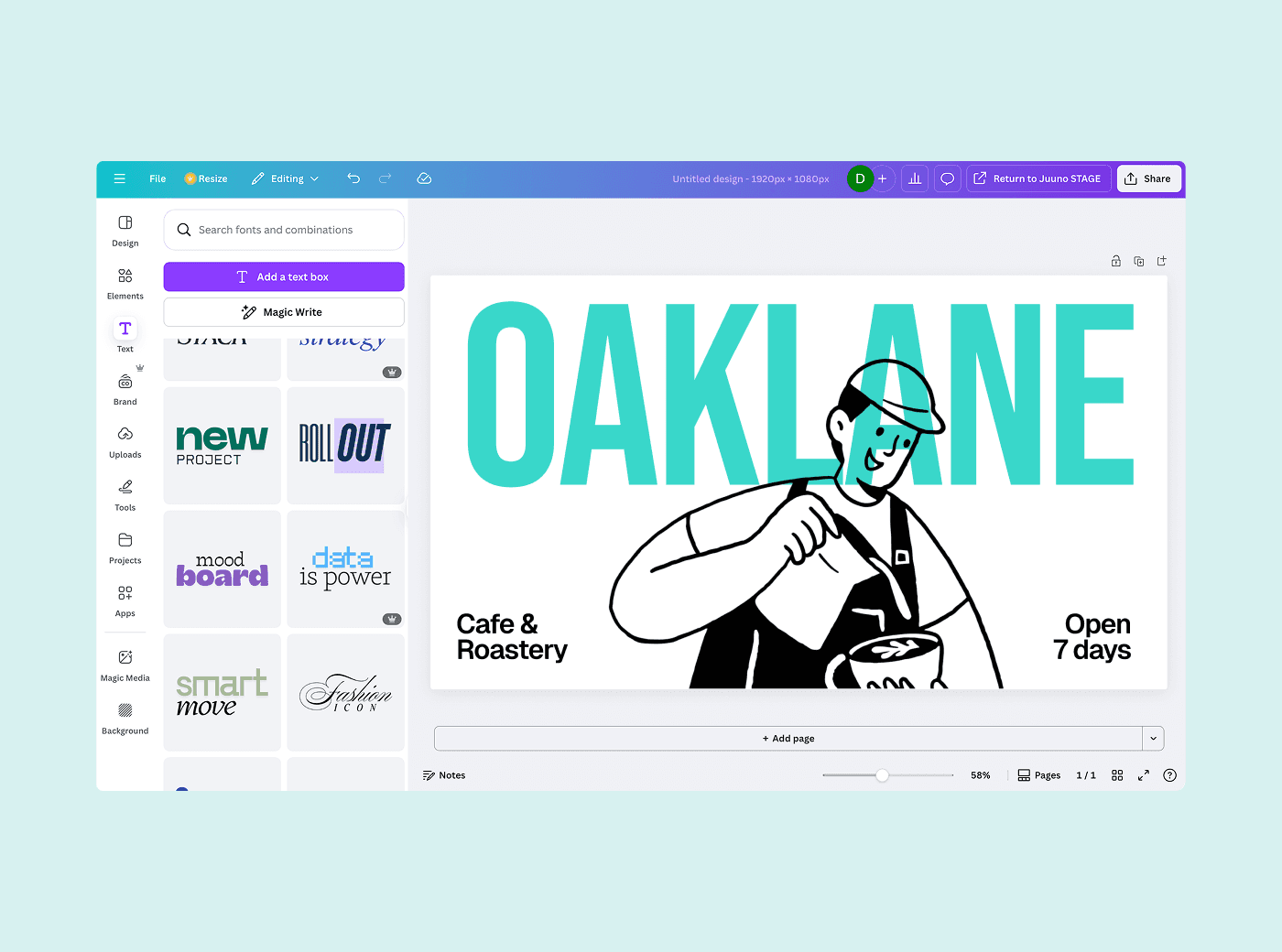
Automatically sync your Canva templates to Juuno so you can update and publish content without re-uploading files or starting from scratch.
Slide-Based Announcements
Create engaging slide presentations in Canva and display them as rotating announcements. Great for schools, offices, or retail promotions.
Menu Design in Canva
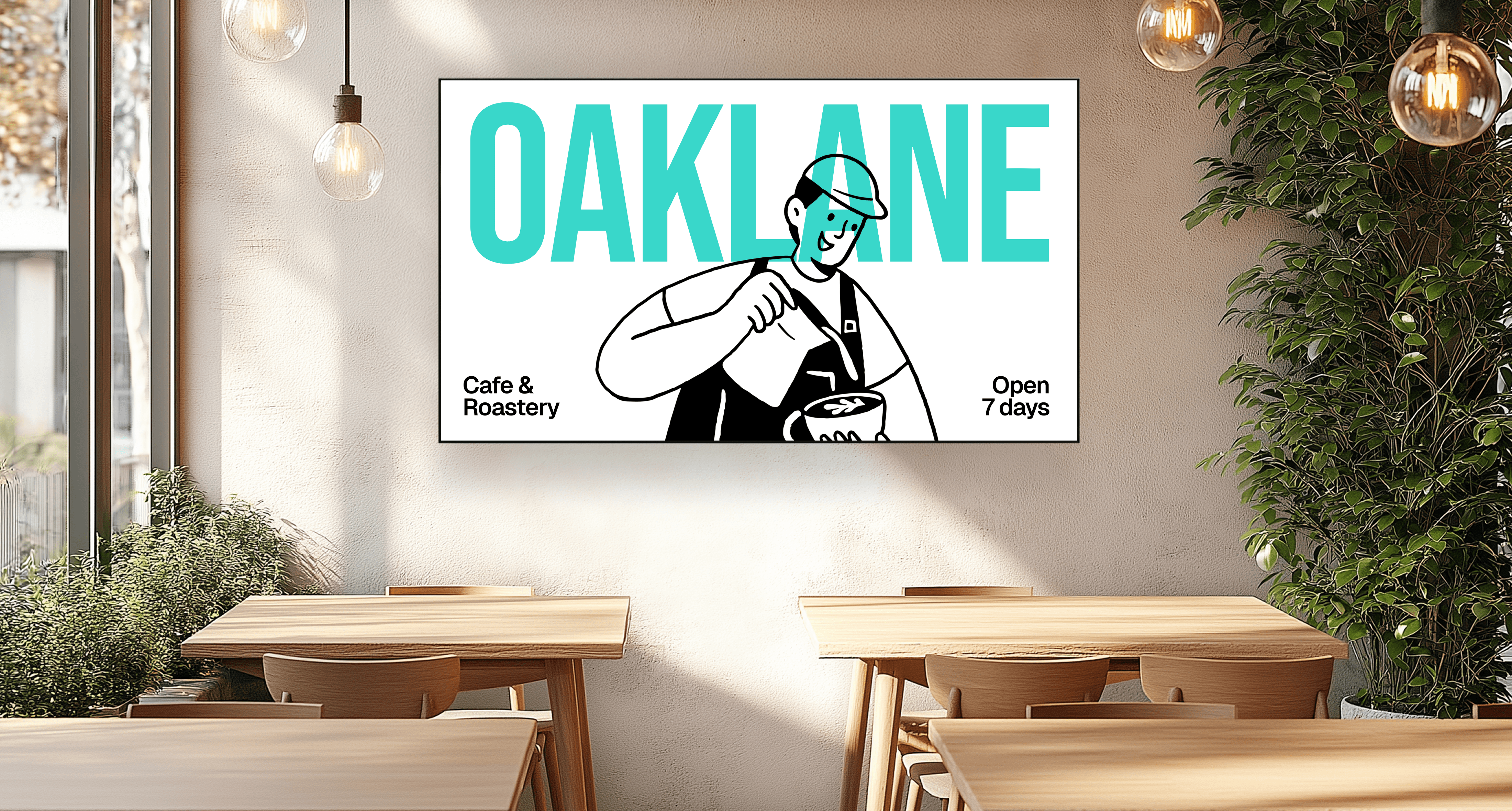
Design beautiful menus using Canva’s templates, then send them to your screens instantly. Update pricing or items with just a few clicks.
Portrait and Landscape Support
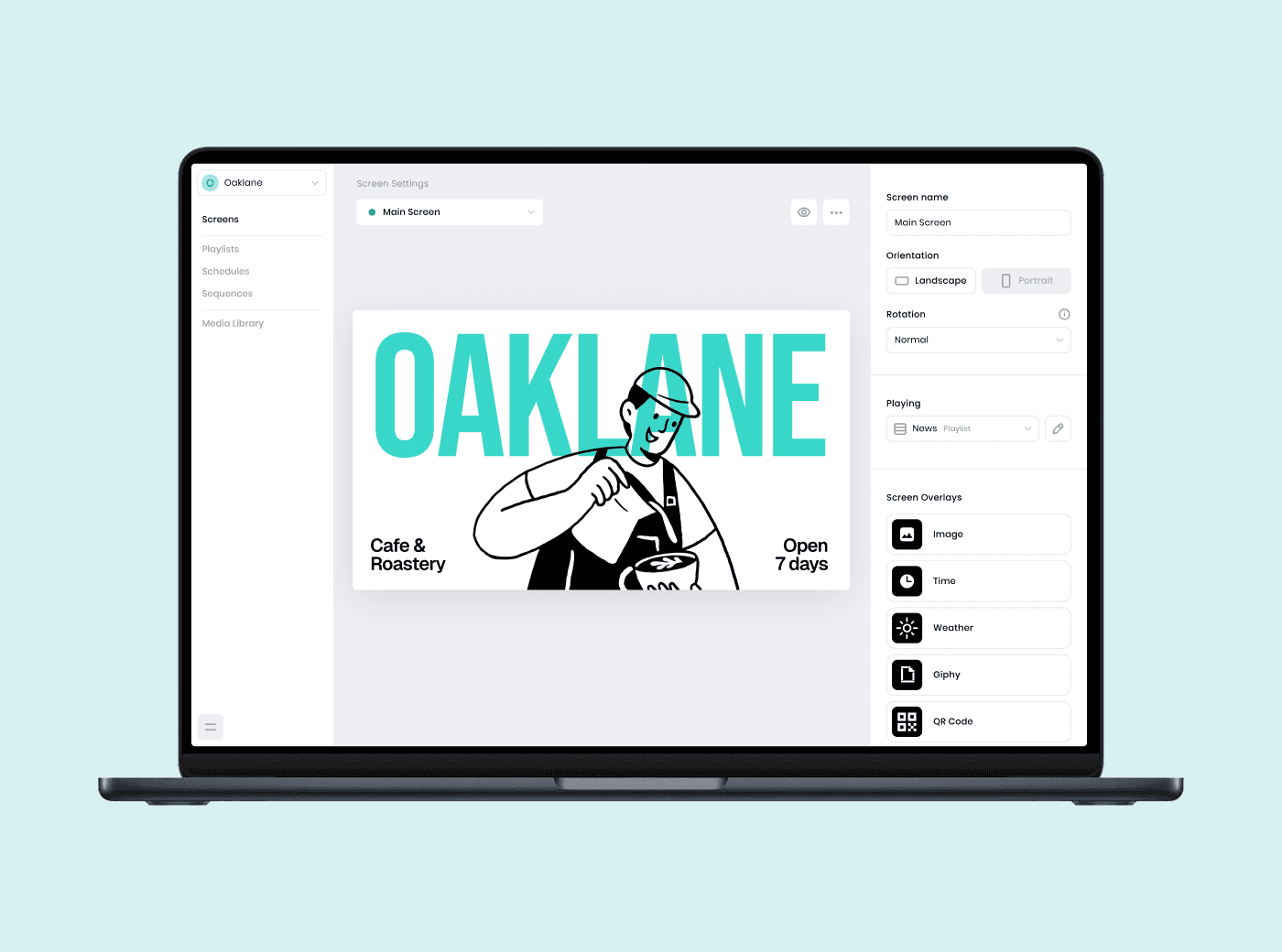
Canva designs adapt to any screen orientation. Whether you’re using vertical displays or widescreen TVs, your content always fits perfectly.
Real-Time Canva Updates
Make changes to your Canva content and refresh it instantly on screen. Keep your designs up to date without logging into multiple platforms.
PDF and PNG Display
Export your Canva content as PDFs or PNGs and upload directly. Perfect for sharing one-off posters, flyers, or daily specials.
Frequently asked questions
What is Canva digital signage and how does it work?
Canva digital signage is the process of creating designs in Canva and displaying them on screens using a tool like Juuno. Simply create your content in Canva, connect your account to Juuno, and publish directly to your screen. It is a fast and simple way to share announcements, menus, or visual content anywhere. See the top 20 platforms compared.
How do I send my Canva designs to Juuno for display?
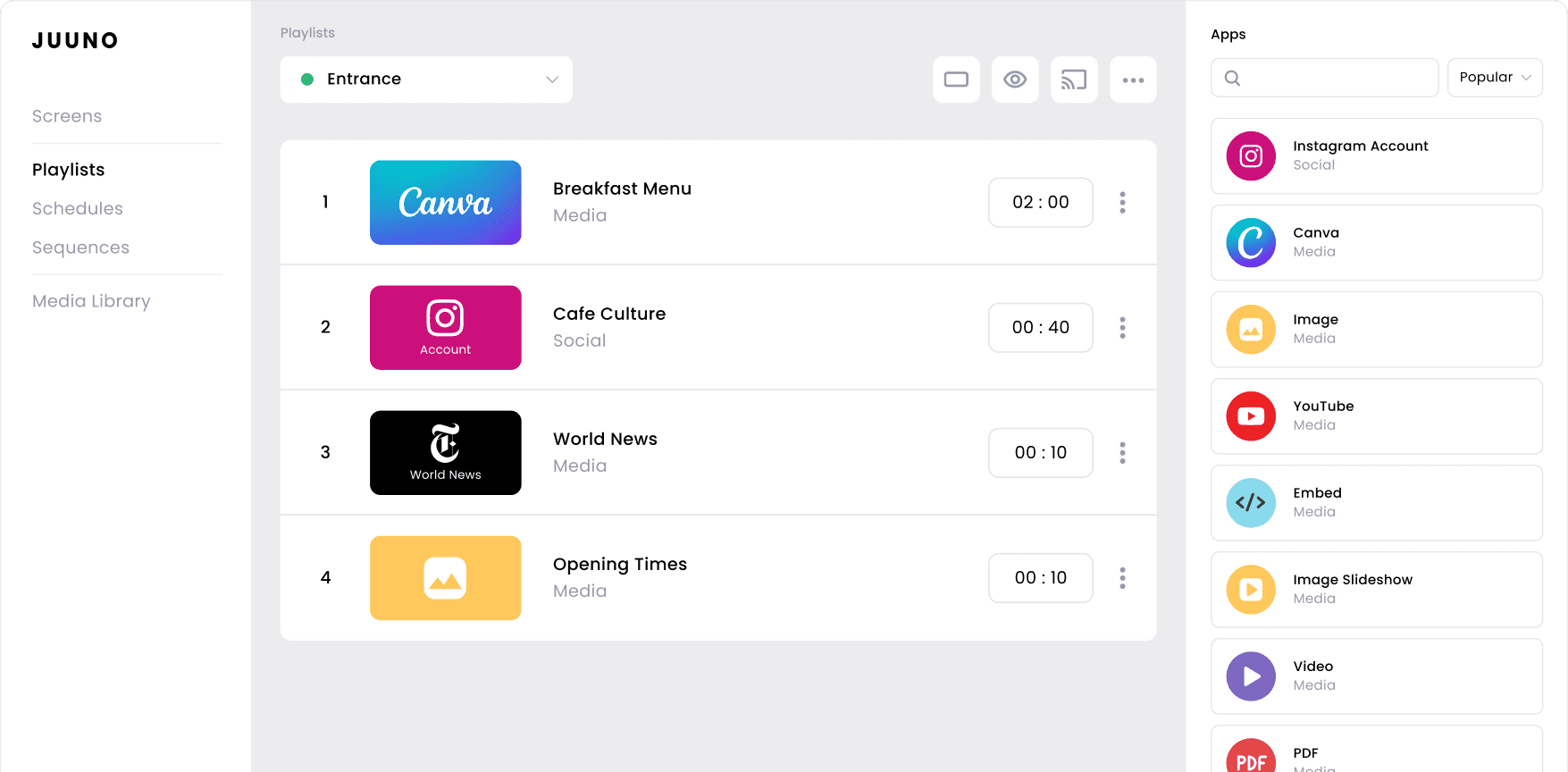
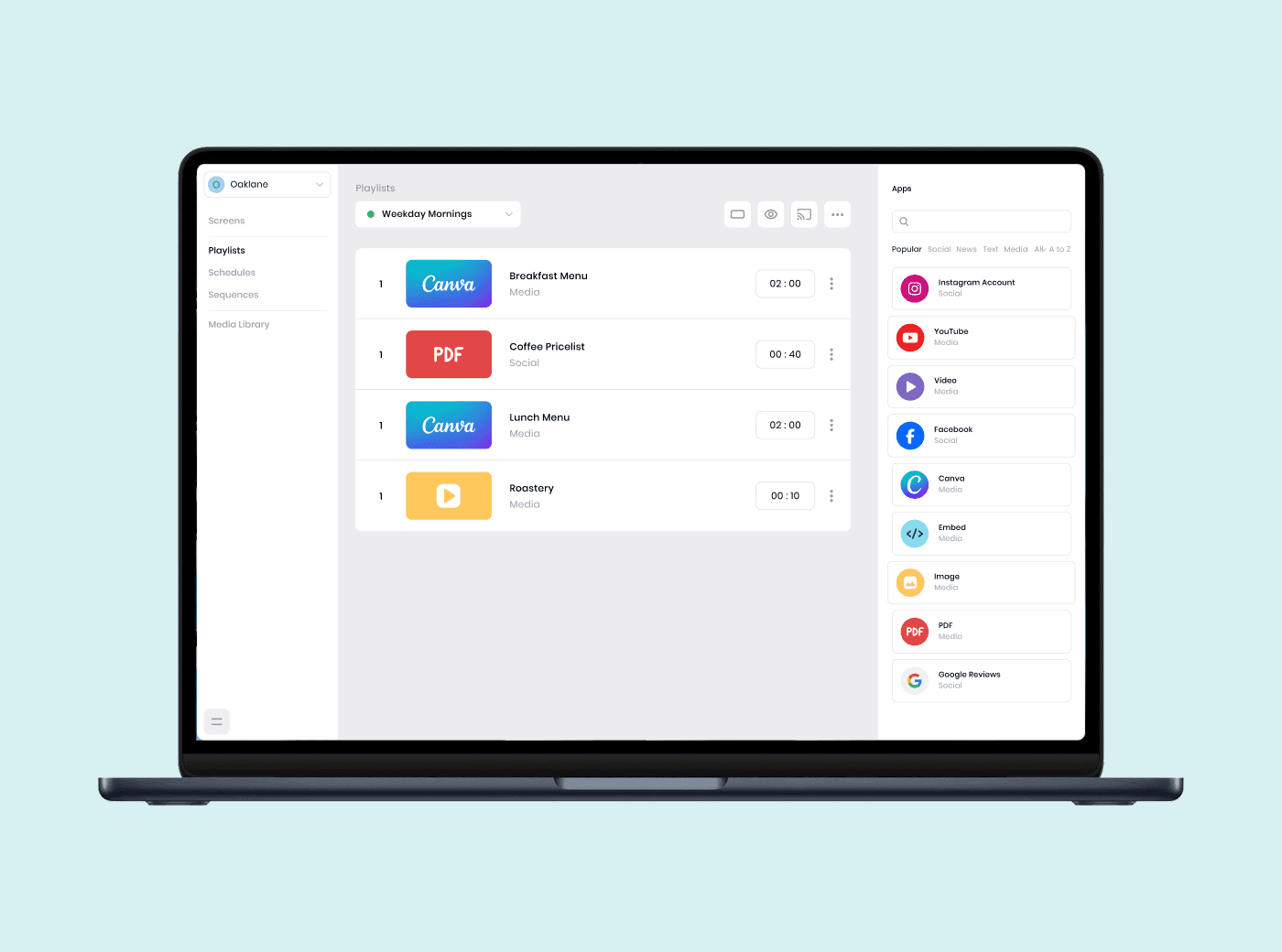
With the Canva integration in Juuno, you can connect your Canva account and import your designs directly. Once connected, choose a design from your Canva folders, add it to a playlist in Juuno, and send it to any screen in just a few clicks.
Can I schedule different Canva slides to show at specific times?
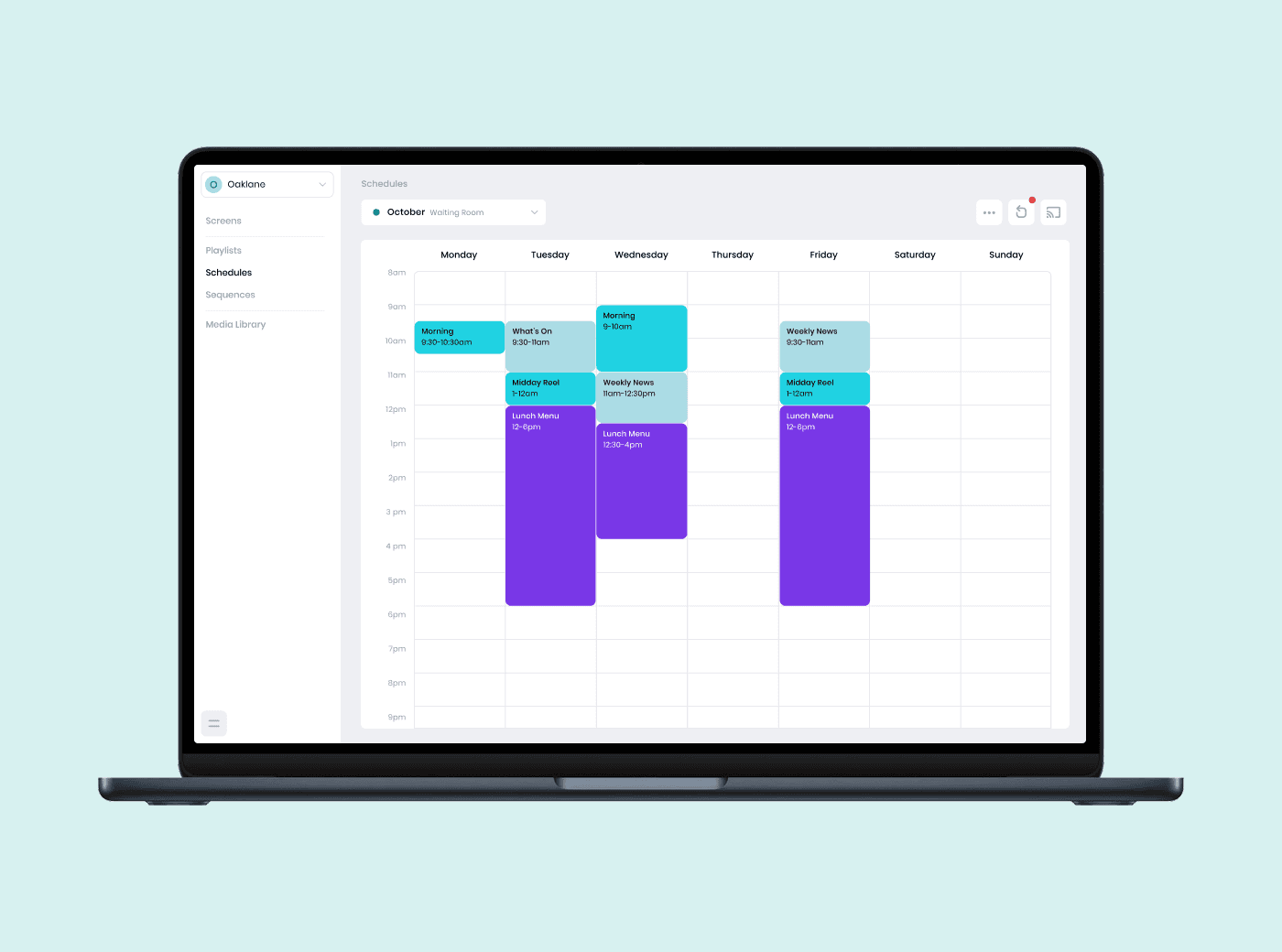
Yes, Juuno lets you organize Canva slides into content playlists and assign specific schedules. You can display different designs throughout the day or week by setting times for each item in your playlist. This keeps your screens updated automatically without needing manual changes.
What file types from Canva can I use in my digital signage?
With the Canva integration, you can send slides, menus, or announcements directly to Juuno without downloading files. If you prefer to upload manually, Canva content can be exported as PDF, JPG, or PNG. These file types work perfectly for displaying static visuals on your screen.
Do I need any special hardware to display Canva content on screen?
You do not need special hardware to get started. A smart TV with a web browser can work, but TV browsers can be unreliable. For smoother playback, we recommend using a supported device like Amazon Firestick, Android app, Chromecast, Raspberry Pi, or the Amazon Signage Stick.
Can I update my Canva design and have it refresh on the screen automatically?
Yes, if you make changes to a Canva file that is already linked in Juuno, your updates will appear on screen automatically. If you create a brand new design in Canva, you will need to manually replace the old version in your Juuno content playlist.
How can I use Canva digital signage for menus or announcements?
You can design your menus or announcements in Canva using templates or your own layout. Then use the Juuno Canva integration to send that content directly to your screen. You can schedule different designs to appear at different times, making it easy to keep your signage updated and relevant.
Can I manage multiple screens and locations with Juuno?
Yes, Juuno lets you manage multiple screens and locations using workspaces. You can group screens by client, team, or location and control content for each one from a single dashboard. It is perfect for agencies, franchises, or businesses with distributed teams and spaces.
Canva digital signage, perfectly paired with Juuno
Effortless content delivery
Design in Canva, then display instantly with Juuno’s seamless integration. You don’t need downloads, re-uploads, or extra steps. You get beautiful content flowing straight from Canva.
Made for non-designers
Canva’s user-friendly tools combined with Juuno’s simple signage setup mean anyone can create eye-catching displays. No design degree or IT help needed to keep your screens looking sharp.
Powerful features, simple pricing
Get full access to playlists, scheduling, and multi-screen control at one flat per-screen rate. No tiers or limits, just the features you need to grow confidently.