Digital Signage for Yoga & Pilates Studios

Peaceful, on-brand screens
Promos, leaderboards, and motivation - on autopilot
Control from anywhere
Canva integration built in
Built for mindful studios, not tech teams
Class Schedule Display
Show today's classes with instructor names, levels, and availability. Updates automatically as sessions fill up — no more scribbling on a whiteboard or printing new schedules every week.
Mindfulness Quote Rotator
Set the tone with daily inspirational quotes that rotate between classes. Calm, intentional content that matches your studio's atmosphere — not flashy ads or noisy graphics.
Instructor Spotlight Board
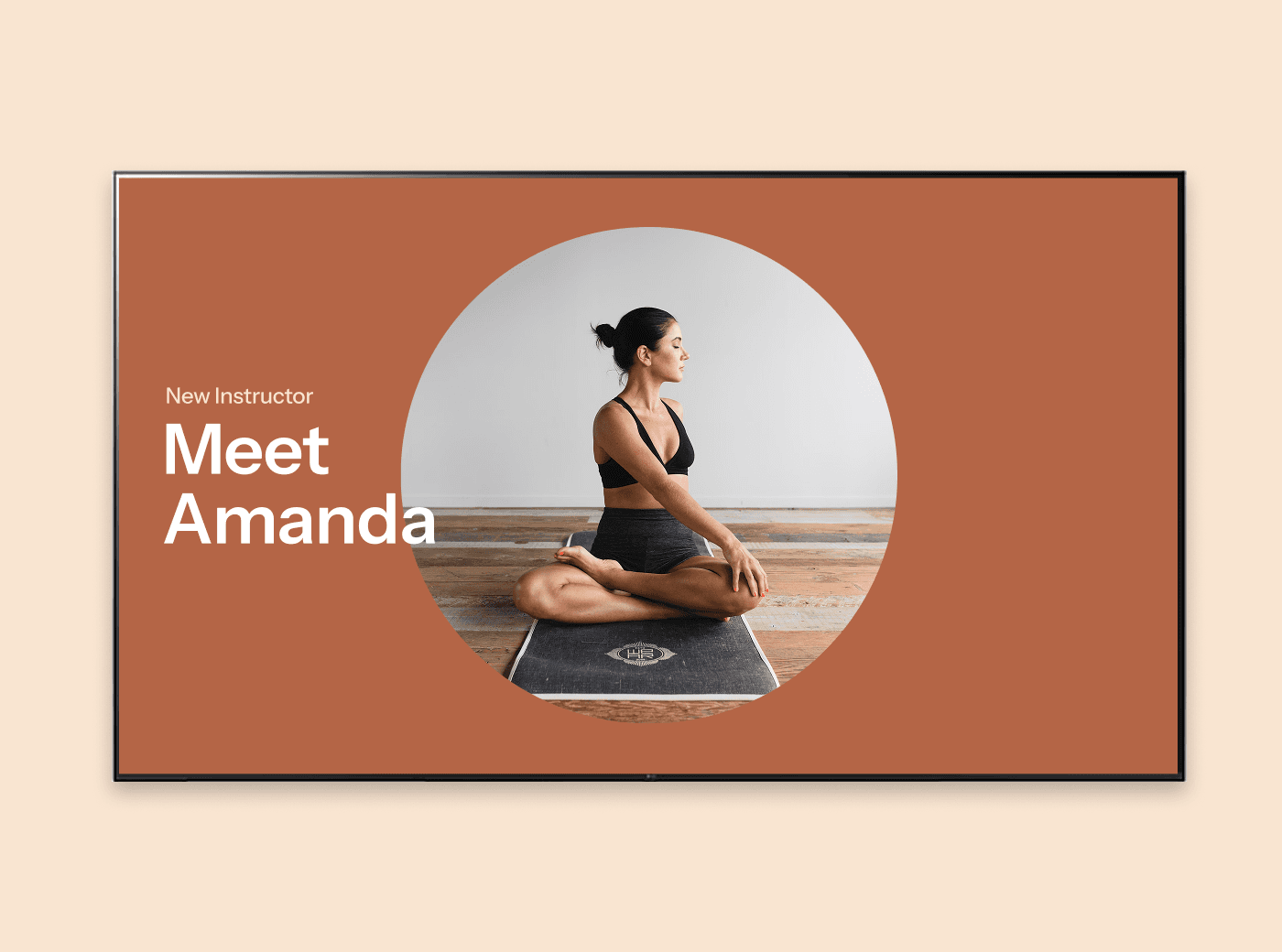
Feature teacher bios, certifications, and specialties on screen. Help new students find the right class and give your instructors the recognition they deserve.
Workshop Countdown Timer
Build anticipation for upcoming workshops, retreats, and special events with a live countdown on screen. Subtle, effective, and always visible in the lobby.
Wellness Tip Widget
Rotate health and wellness tips between classes — breathing techniques, hydration reminders, recovery advice. Useful content that reinforces why students keep coming back.
Retreat & Event Promo Board
Promote retreats, teacher trainings, and special events with beautiful visuals on your lobby screen. Schedule promos to run in the weeks leading up to each event, then auto-switch when it's over.
How yoga studios actually use Juuno
Students walk into the lobby and see today's full class schedule — instructor names, class levels, and how many spots are left. No need to ask at the desk, no pulling up the website on their phone. It's just there.
Between classes, the screen rotates through an instructor spotlight for the afternoon teacher, a countdown to next month's weekend retreat, and a few mindfulness quotes that set the mood before students head into the studio. It's calm, intentional, and totally on-brand — nothing like the noisy screens you see in retail stores.
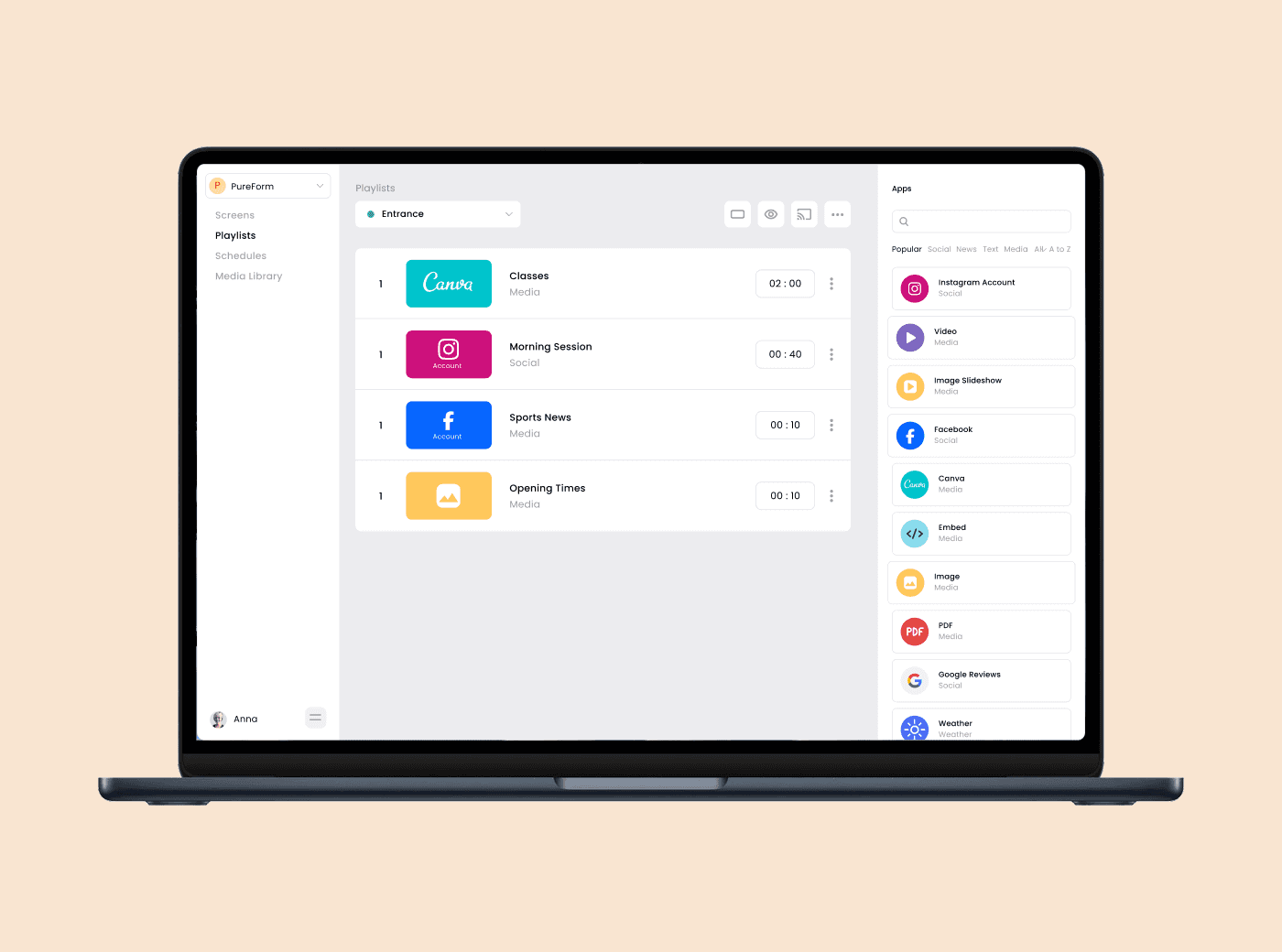
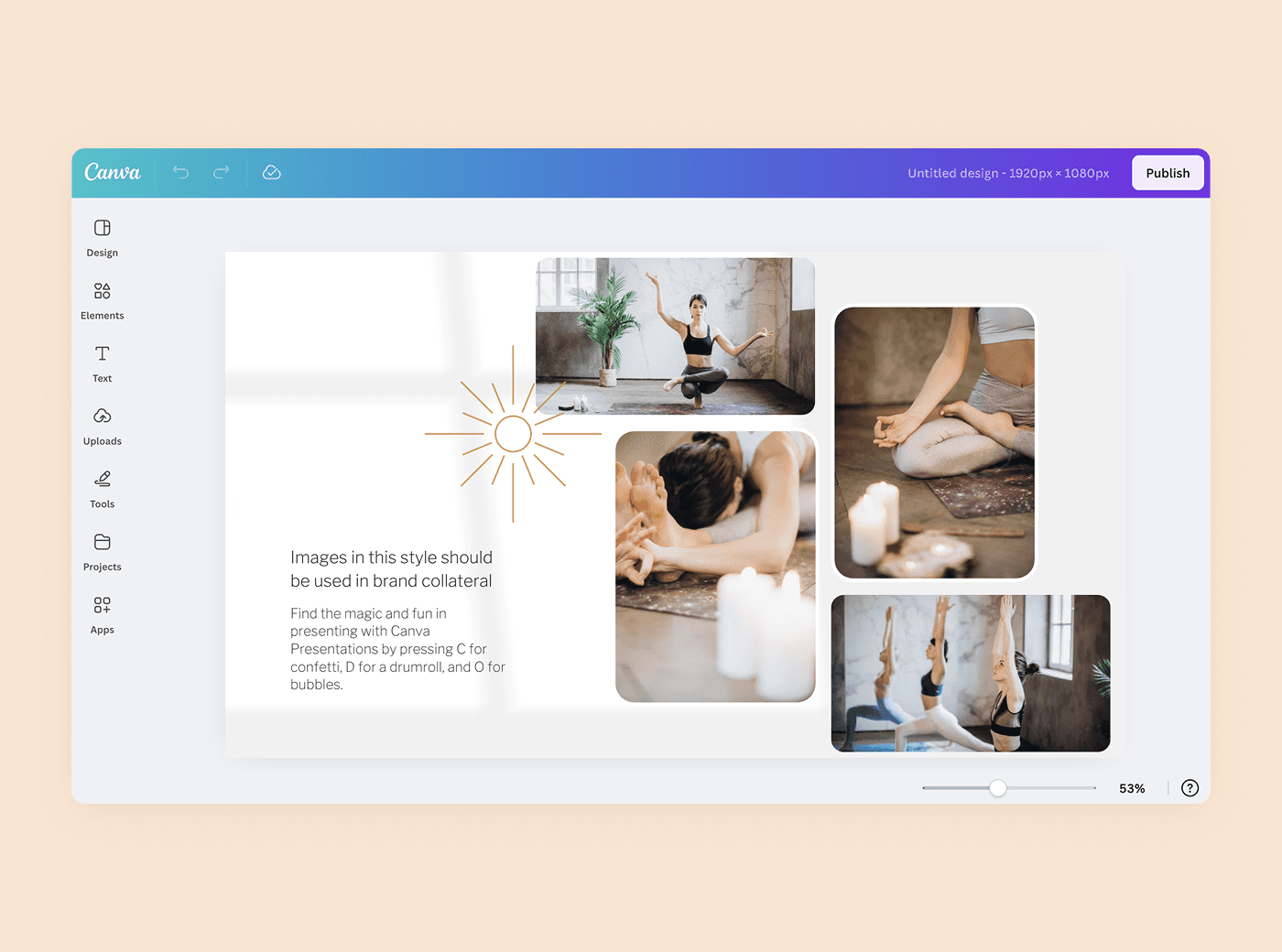
When a class gets cancelled or a substitute teacher steps in, you update it from your phone while you're still on the mat. It's live on the lobby screen before the first student arrives. On weekends, the screen promotes your retreat packages and teacher training programs with images you designed in Canva and dragged into Juuno in about 30 seconds. No designers, no tech headaches — just beautiful screens that match the energy of your space.
Loads of Apps








FAQs
Can I display today's class schedule with instructor names?
Yes. Set up your class schedule in Juuno and it displays on your lobby screen with instructor names, class types, times, and levels. Update it from your phone whenever there's a change.
Does Juuno work on a TV in my studio lobby?
Yes. Any TV with an HDMI port works with Juuno. Plug in an Amazon Signage Stick (our top recommendation) and your lobby screen is ready. See our players page for all supported options.
Can I show calming or inspirational content between classes?
Absolutely. Use the quote rotator, image slideshow, or your own Canva designs to display calming, on-brand content between sessions. Your screen matches your studio — peaceful, not chaotic.
How do I promote upcoming workshops and retreats on screen?
Create a promo graphic in Canva (or use any image), add it to your screen playlist, and schedule it to run in the weeks before the event. Add a QR code for instant signup. When the event passes, the promo disappears automatically.
Can I schedule content to match my class timetable?
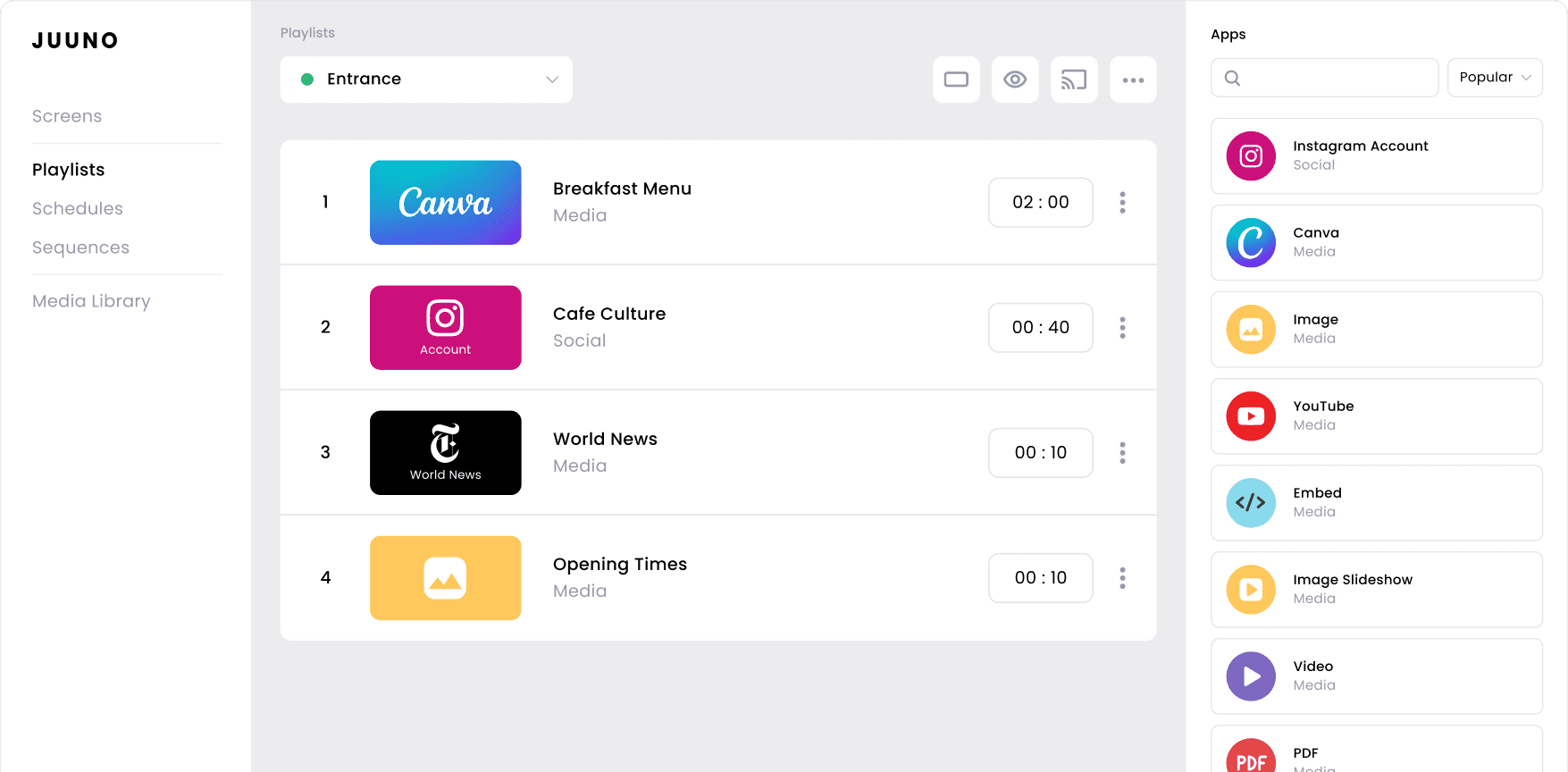
Yes. Use Juuno's time-based scheduler to show different content throughout the day. Morning class schedule in the early hours, afternoon instructor spotlights, and evening event promos — all automated.
Is Juuno easy enough for non-technical studio staff to update?
Yes. If you can use Instagram, you can use Juuno. Most updates take under a minute from your phone. No training, no manual, no IT person needed.
Can I display different content for morning vs. evening classes?
Yes. Set up time-based playlists so your morning content is different from your evening content. Show early bird class schedules at 6am and wind-down workshops at 6pm — all on autopilot.
How do I show Instagram posts from my studio community?
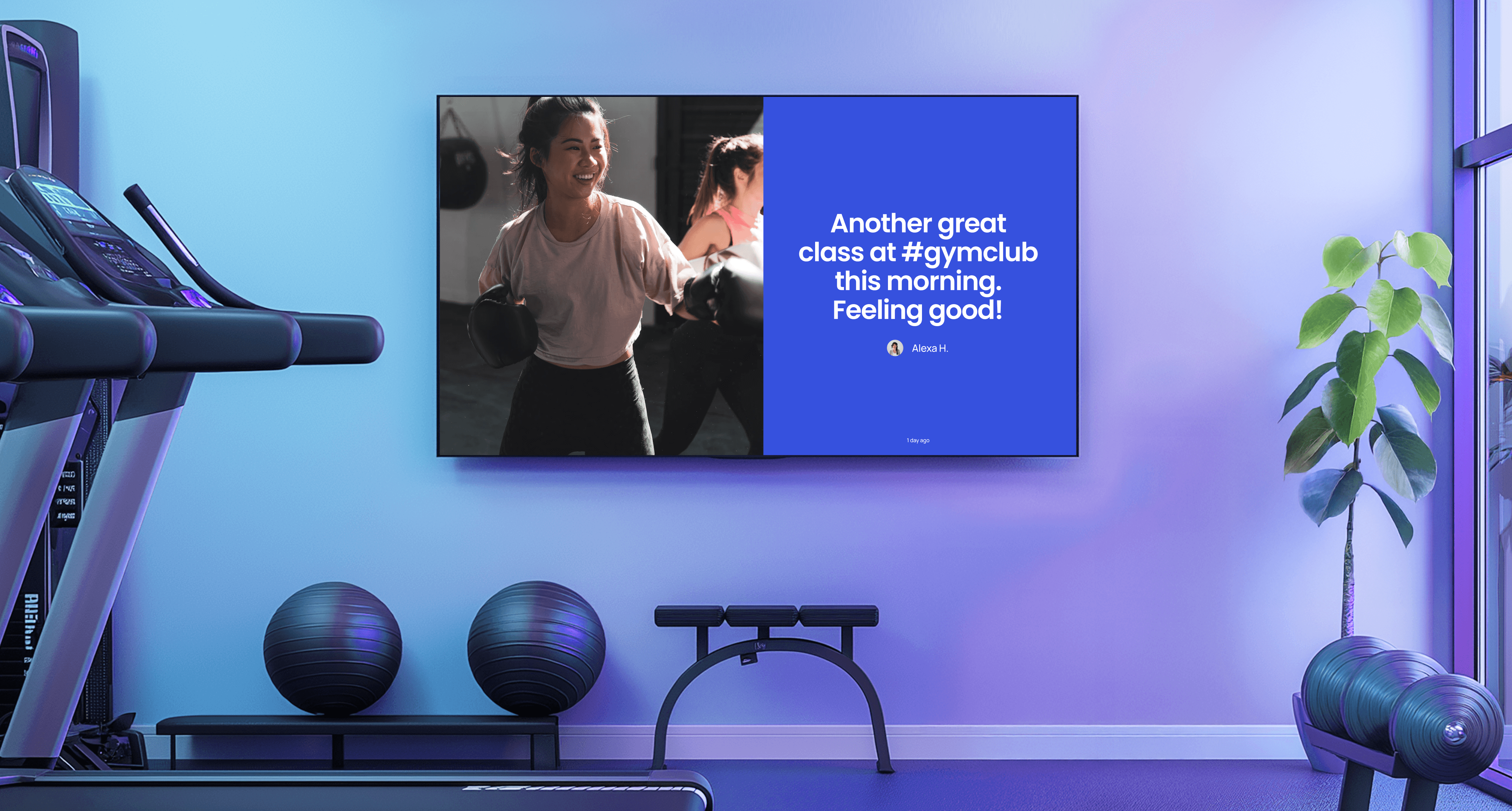
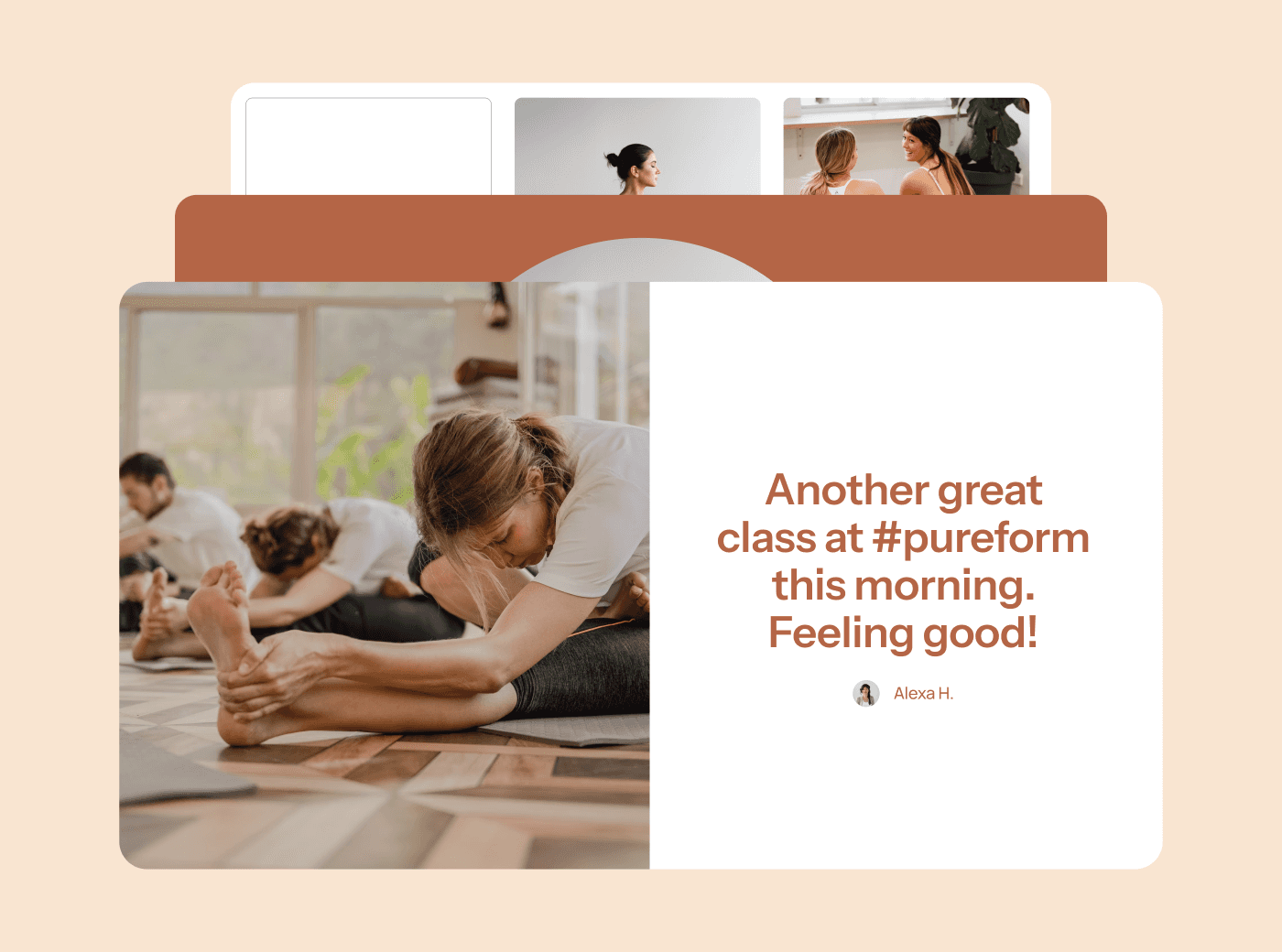
Connect your Instagram account and Juuno will display your latest posts or tagged photos on screen. It's a simple way to showcase your community and encourage students to share their practice.
Can I use Juuno across multiple studio locations?
Yes. Manage all your locations from one Juuno account. Push the same content everywhere or run location-specific schedules — you're in control of each screen from one dashboard.
What does it cost to run digital signage in a yoga studio?
Juuno starts at $5 per screen per month. No contracts, cancel anytime. Most single-studio owners run one or two screens, so you're looking at $5-10/month — less than a single printed banner. Compare the leading platforms here.
Effortless Studio Vibes
Your screens should match your studio's energy — calming, intentional, and beautiful. No clunky software, no jarring transitions, no corporate-looking templates. Just clean content that feels right.
One App for Everything
Class schedules, workshop promos, instructor spotlights, and community posts — all managed from your laptop. One app, one login, and about a minute of your time.
Built for Wellness
Designed for studio owners who care about atmosphere. Clean design, simple controls, zero stress. Your screen is an extension of your space, not a distraction from it.