Waiting room information screens people actually read







A waiting area screen is a content problem before it's a software problem
Start with the mix, not the software


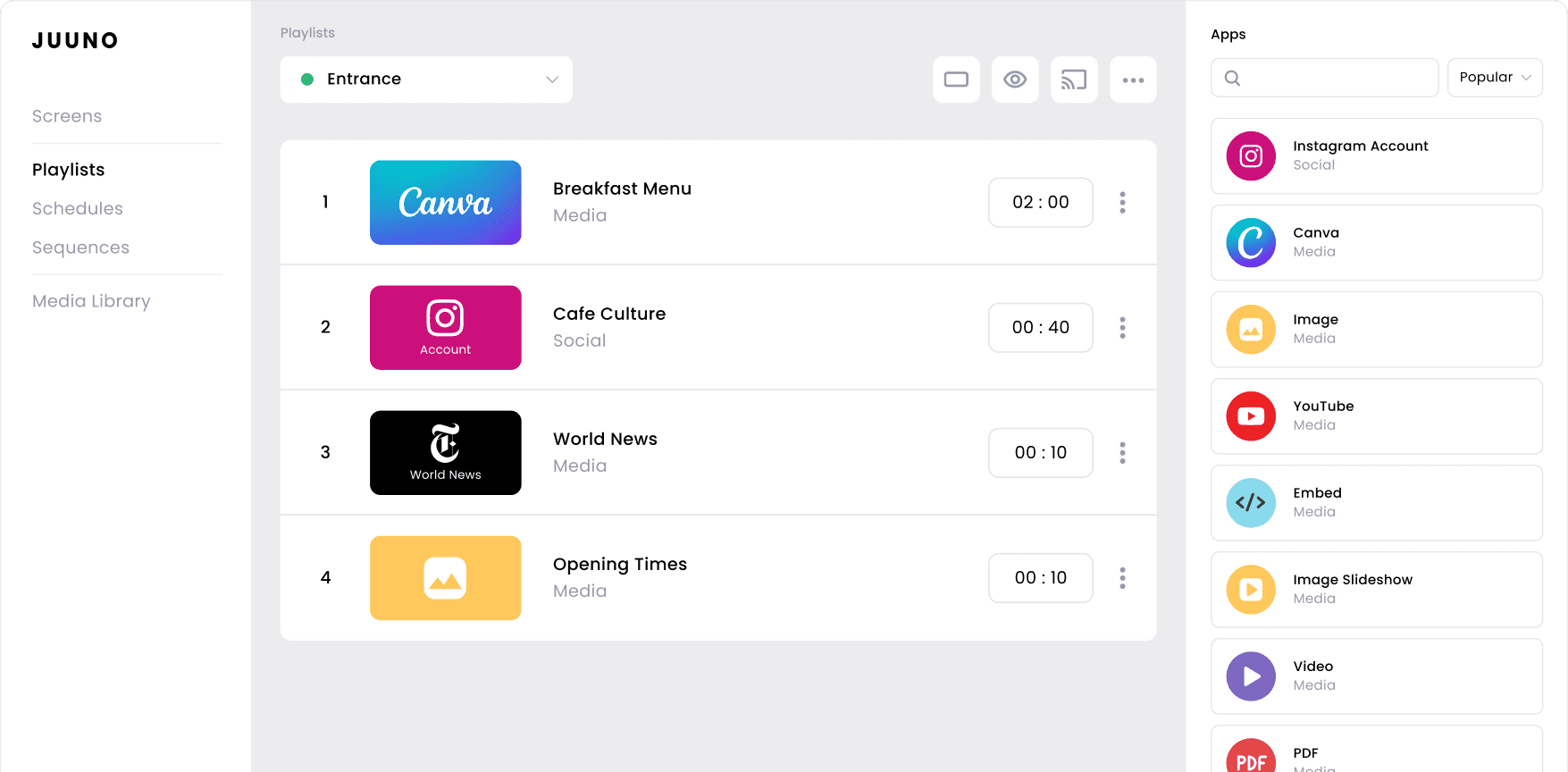
Get the loop length right
Design for a room with the sound off


Make the wait feel shorter than it is
Average Customer Rating

20K+
$5
Waiting room screens for any industry
Medical and Dental Practices
Service information, health education, and clinic hours. Digital signage for healthcare covers the rest of the practice.
Veterinary Clinics
Care guidance, seasonal reminders, and patient photos from the clinic's own patients.
Salons and Barbers
Service menus, product highlights, and stylist availability during long processing times.
Auto Service and Dealerships
Service progress, maintenance guidance, and workshop offers for unpredictable waits.
Church Foyers and Welcome Areas
Service times, upcoming events, and volunteer notices read while walking.
Government and Licensing Offices
Queue guidance, required documents, and process explainers before the counter.
Professional Services
Firm updates, client resources, and welcome messages for short reception waits.
Physical Therapy Clinics
Exercise guidance, recovery content, and appointment reminders for repeat visitors.
Every room where people sit and wait
Silent-First Slides
Content built to be read, not heard. Set hold times per slide so text stays on screen long enough for someone across the room to finish it comfortably.
Time-Based Scheduling
Run a different loop for the morning rush and the quiet afternoon. Content changes on its own, so nobody has to remember to swap it.
Video and Slideshow Looping
Play calming footage, explainer clips, or an image sequence on repeat. Mix formats in one playlist without exporting or converting files.
Google Reviews and Social Feeds
Show recent reviews or your latest posts. The screen refreshes itself from content you're already publishing elsewhere.
News, Weather, and Days of the World
Fill quiet slots with content that changes daily and needs no upkeep. Useful when your own material only stretches so far.
Multi-Area Screen Control
Run reception, a second waiting area, and a quiet room from one dashboard. Update all of them together or give each its own loop.
Frequently asked questions
What should I display on a waiting room information screen?
A working mix is roughly half useful information, a third light entertainment, and the rest promotion. Useful means hours, process steps, or service explanations. Light means news, weather, or local imagery. Heavy promotion is what makes people stop looking at the screen.
How long should the content loop be?
Match it to your average wait. Shorter than the wait and people see repeats. Much longer and most visitors miss the end. Ten to fifteen minutes suits most rooms, and scheduling lets you run a longer loop during busier periods.
Should a waiting area screen have sound?
Almost always silent. Sound carries into consultation rooms and reception conversations, and most people find it intrusive while they wait. Build every slide to work as an image, and use captions on any video that carries a message.
What size screen do I need, and how far will people read it?
A rough guide is one inch of screen diagonal for every foot of viewing distance. A 43-inch TV reads comfortably from about twelve feet, which covers most rooms. Type on the screen should be large enough to read from the furthest seat.
Do information screens really reduce perceived wait time?
They reduce the wait people report, not the wait itself. Occupied attention makes time pass faster, which is why the effect depends entirely on the content staying fresh. A screen showing the same four slides for six months stops working.
What do I need to set up a screen in a waiting area?
The TV that's already in the room, a WiFi connection, and a player. An Amazon Signage Stick is $99 and pairs in under a minute. Smart TVs with a built-in browser can run Juuno with no player at all.
How much does a waiting area screen cost to run?
Juuno is $5 per screen per month. One screen costs $60 a year in software, plus a one-off $99 player if you need one. There's no minimum, no setup fee, and a free trial before you commit.
Can I run several waiting areas from one account?
Yes. Group screens by room, floor, or site and update them together or separately. A single reception display and a twenty-room network use the same dashboard and the same per-screen rate.
Built for the room, not for a control center
Runs on the TV that's already there
Waiting areas rarely justify a hardware budget. Juuno works with the existing screen and a $99 player, so the whole setup costs less than a month of most enterprise platforms.
Fast enough that content stays fresh
The reason waiting area screens go stale is friction. Juuno takes about a minute to swap a slide from a laptop or phone, which is the difference between a screen that gets updated and one that doesn't.
Priced so a single screen makes sense
Plenty of digital signage platforms are built for fleets and priced accordingly. At $5 a screen with no minimum, a single reception display is a reasonable purchase rather than a rounding error on a contract.