Your audience is drowning in information. Text, emails, notifications, ads, all competing for the same limited attention. The businesses that cut through that noise are the ones presenting their message visually, and the numbers back it up. The human brain processes images faster than text, and around 65% of the global population are visual learners.
Digital signage is one of the most effective ways to act on that insight. Walk into any modern retail store, hospital, airport, or office building and you will see it in action. Screens displaying promotions, directions, announcements, and live content, all updating in real time without anyone lifting a finger.
The businesses getting the most from digital signage are not just using it to replace printed posters. They are using it strategically, to drive sales, reduce friction, and create better experiences for both customers and staff. This guide covers ten practical ways to do exactly that, plus the platforms that make it possible.
Benefits of digital signage for business use
Digital signage does more than display content on a screen. When used well, it becomes an active part of how you communicate, sell, and operate. Here is what it actually delivers.
Multi-format messaging: You can display multiple content formats with digital signage. You can use one content type today and another tomorrow or mix and match video, photo, text, and animations to give your audience an interactive experience. Alternatively, display your social media feed, live news, and more on the digital signage.
Flexibility with content schedules: The best digital signage solutions allow complete control over the content calendar. You can schedule content to appear at specific intervals. As a result, it's easier to serve relevant content that will resonate with your target audience.
Streamlined content management: You can change digital signage content with a few clicks. Thus, it's easier to display up-to-date information at all times. The ease of content management also simplifies A/B testing. You can experiment with different messages to see what works for your audience and what doesn't.
Consistency with your visual message: Digital signage allows you to manage multiple screens in multiple locations. Your target audience will receive the same message (at the same time if you wish) wherever they are.
Increased engagement: Digital displays drastically improve customer engagement and can capture 400% more views than conventional signboards and banners.
7 ways to use digital signage
Below are seven top ways to deploy digital signage within your business.
1. Explain how to use a product
Many customers will be more open to paying for a new product if they can visualize using it. You can use digital signage to display a short video tutorial on using specific products next to the shelf or around the section holding them. Depending on your budget, you can choose live videos with professional actors or animated content.
This approach works for retail outlets selling complex items like hair dryers, tents, multi-purpose cookware, and more. However, almost any business can leverage explainer videos to drive more sales. A restaurant can display a video of someone eating a new menu item, while a travel agency can show video mashups of past or present clients in exotic locations.
2. Promote sales and events
You can use digital signage to drive revenue by promoting store-wide or product-specific sales. Around 19% of in-store buyers make impulse purchases due to digital signage. A good tip here is to ensure the promo messages evoke the fear of missing out in your target audience's minds.
For instance, you can create promos that will only run for a few hours or during the weekend. You can also take advantage of social or political events when they are trending.
A sports goods store can craft promotions around the Super Bowl. A general merchandise store can launch a promo before the premiere of hotly anticipated TV shows and movies. Similarly, you can use digital signage to promote events like charity games, community outreach programs, and more.
3. Communicate with employees
The use of digital signage around a business premises doesn't have to revolve around customers. You can delegate some of the screens to employee-facing communication, such as:
Changes to rules and regulations
Reminders for upcoming meetings and events
Encouraging staff for exemplary work
Many employees spend 23% of their time on emails. Therefore, switching from emails to digital signage can improve productivity significantly.
4. Drive more email subscribers
Digital signage can help you build an email list for your brand. For example, you can offer in-store coupons, encouraging email opt-in. Customers can scan a QR code to take advantage of the coupon and seamlessly share their email addresses.
However, you have to word your offer properly. The offer has to promise enough value to encourage people to share their personal details.
5. Get more social media followers
You can add your social media feed to your digital signage content to grow your social media following. You can show a live feed or handpick selected posts with the most engagement potential. However, showing off your social media feed isn't enough to increase your number of followers. Just like happy customers rarely leave reviews, it's a mistake to expect satisfied customers to follow your page of their own accord.
You may need to offer incentives. A simple "Follow us for a Chance to Win..." or "Participate and Win…" campaign can grow your Instagram page by up to 70%. You can expect equally impressive results from posting similar content on other social media platforms.
6. Spread awareness
Philanthropy and social justice are topics that matter to many people today—especially the millennials and Gen Zers. You can use digital signage to show off the various ways your brand is contributing toward a better world.
Whether you're a supporter of green energy initiatives or a sponsor for terminal disease research, your digital signage can show off that information. You can also use your digital signage to show the sustainability of your business operations. Show your customers behind-the-scenes footage of how your brand is good for the environment.
Socially conscious customers will have more reasons to patronize your brand. Even better, you can use the signs to make your existing customers more socially conscious. A good tip here is to avoid more contentious topics if taking a side might get you into trouble.
7. Improve staff productivity
Many businesses spend too many hours addressing repeat customer complaints and managing foot traffic around the premises. You can use digital signage to answer frequently asked questions, direct customers around the premises, and more. In a car dealership, for example, you might remind salespeople of best practices around follow-up and provide some inspiration and motivation.
With more people readily finding the information they need on their own, your staff can focus more on activities that move the needle. Customers don't have to endure long queues or similar inconveniences as they try to patronize your brand.
8. Display customer reviews and social proof
People trust other people more than they trust brands. Displaying real customer reviews, star ratings, and user-generated content on your screens puts that trust to work at exactly the right moment, when a customer is standing in your space and deciding whether to buy.
A restaurant can show a live feed of recent Google reviews next to the menu. A car dealership can display tagged social media posts from happy customers. The content is authentic, it updates automatically, and it does a better job of building confidence than any promotion you could write yourself.
9. Guide customers through your space
If your premises are large or your layout is not immediately obvious, wayfinding signage removes friction before it starts. Customers who cannot find what they are looking for do not always ask for help. Often they just leave.
Digital wayfinding screens can direct customers to specific departments, parking areas, restrooms, or service desks. You can update them instantly when layouts change, which is something a printed floor map cannot do. Clear navigation keeps customers moving through your space the way you want them to.
10. Run a digital menu board
For restaurants, cafes, service businesses, and anywhere pricing or availability changes regularly, a digital menu board is one of the most practical upgrades available. You can update prices, remove sold-out items, and highlight daily specials in seconds, without reprinting anything.
Beyond the operational benefits, digital menus simply look better. Customers make faster decisions when the options are clearly presented with strong visuals, and faster decisions mean shorter queues and higher throughput.
How to choose the right digital signage platform for your business
The best digital signage platforms vary widely in their capabilities. Some are designed for enterprise IT teams, others for small businesses that just want to plug in a screen and get going. Knowing what to look for before you commit saves you time, money, and a lot of frustration.
Start with ease of setup. If you need a specialist to get your system running, that cost adds up fast. The best platforms let you publish content within minutes of signing up, with no technical background required.
Check hardware compatibility next. Some platforms only work with specific devices, which means extra hardware costs before you've even launched. Look for a solution that runs on what you already own, whether that's a smart TV, a Fire Stick, or a standard web browser.
Content scheduling flexibility matters more than most people expect. You want to be able to set different content for different times of day, different screens, and different locations, all from one place. If you're manually updating content every morning, the platform is working against you.
Look closely at pricing. Per-screen pricing is common, and it can scale quickly if you're running multiple displays. Make sure the plan you choose reflects the number of screens you actually need, not a bundle you'll never fully use.
Finally, consider social media integration. If pulling in live feeds, reviews, or user-generated content is part of your strategy, confirm the platform supports it natively. Adding it as an afterthought usually means extra tools and extra cost.
How to meet your business goals with digital signage
Getting screens up and running is the easy part. The businesses that see real results from digital signage are the ones that think carefully about what goes on them. Here is what separates content that converts from content that gets ignored.
Keep each slide short
Aim for six to eight seconds per slide for promotional content. That might feel fast, but most people glance at a screen rather than standing in front of it waiting to read. If your message cannot land in that window, it needs to be simplified, not stretched out.
Balance what you show
A useful rule of thumb is the 80/20 split. Around 80% of your content should inform, entertain, or add genuine value to the viewer. The remaining 20% can be promotional. Screens that run wall-to-wall advertising get tuned out quickly. Mix in useful content and people actually pay attention.
Make it readable from a distance
Font size matters more than most people realise. Text that looks fine on a laptop screen can be completely unreadable from five metres away. Use large, bold fonts, keep copy minimal, and make sure there is enough contrast between your text and background that it is legible at a glance.
Update your content regularly
Stale content is invisible content. When regulars see the same slides week after week, their brains start filtering it out entirely. Set a recurring reminder to refresh your content at least once a month, and build seasonal or promotional updates into your calendar in advance so it never becomes an afterthought. Make sure to use a digital signage content manager to make this process easy.
3 best digital signage platforms to try
Here are some of the best business digital signage software to consider.
1. Juuno
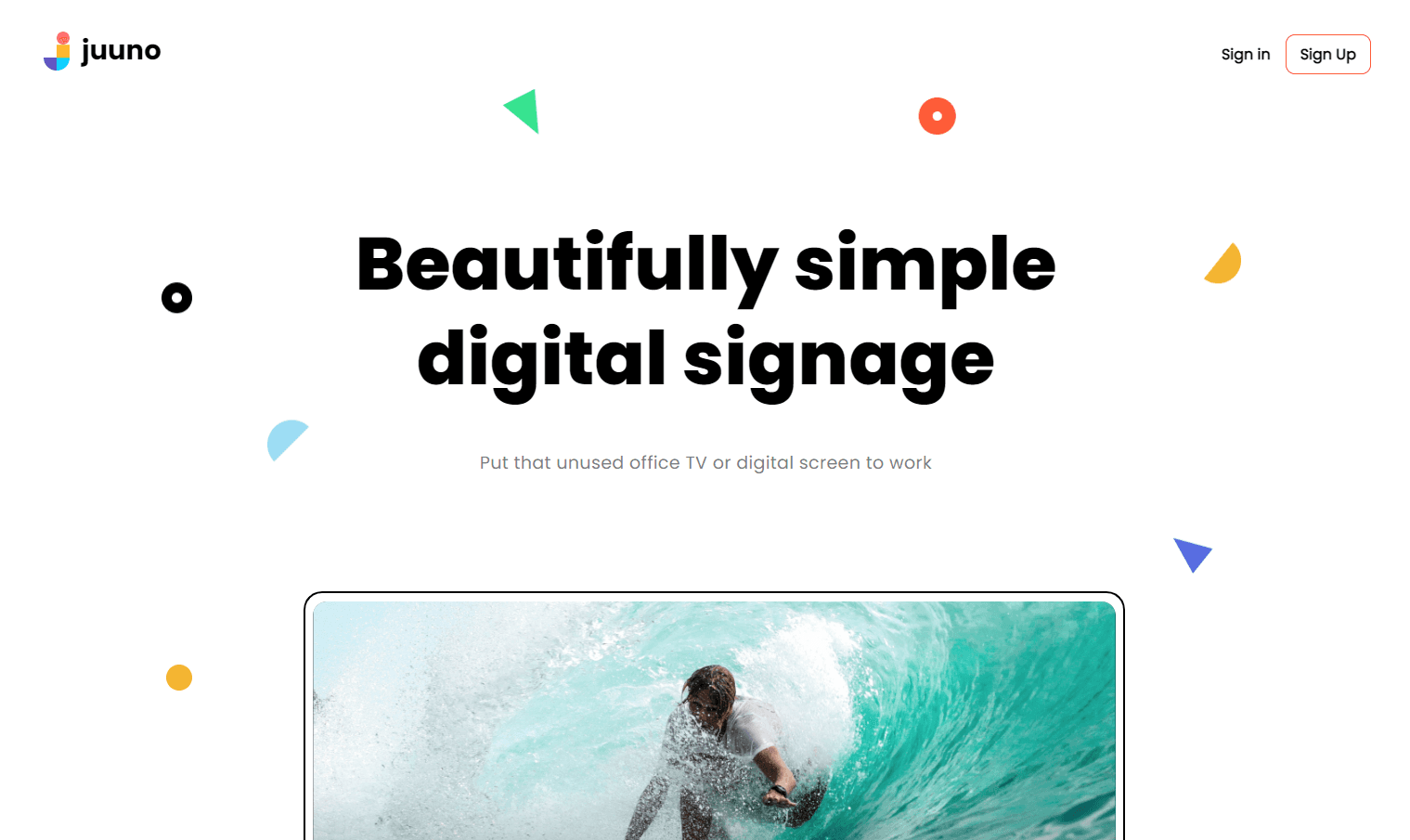
One of the biggest issues with digital signage solutions is that they are often highly complicated. Businesses often need to incorporate the cost of training or hiring digital signage staff to unlock the system's full potential.
Juuno has changed the landscape in this regard, making it one of the leading digital signage programs. It is a simple and affordable digital signage solution that allows businesses to set up displays with a few clicks. If you already have a playlist on hand, publishing the content is as simple as setting up a schedule and hitting Publish.
Unlike many competing platforms, anyone can manage Juuno’s digital signage solution, making it suitable for small, medium, and large organizations.
Top Features
Compatible with TV, PC, tablets, and web browsers
Flexible content scheduling
Easy social media integration
Curation and management of real-time content
Support for a wide range of content options, including videos, images, Canva designs, and more.
Pricing
Juuno costs $20 per month for each screen in your network.
2. Userful
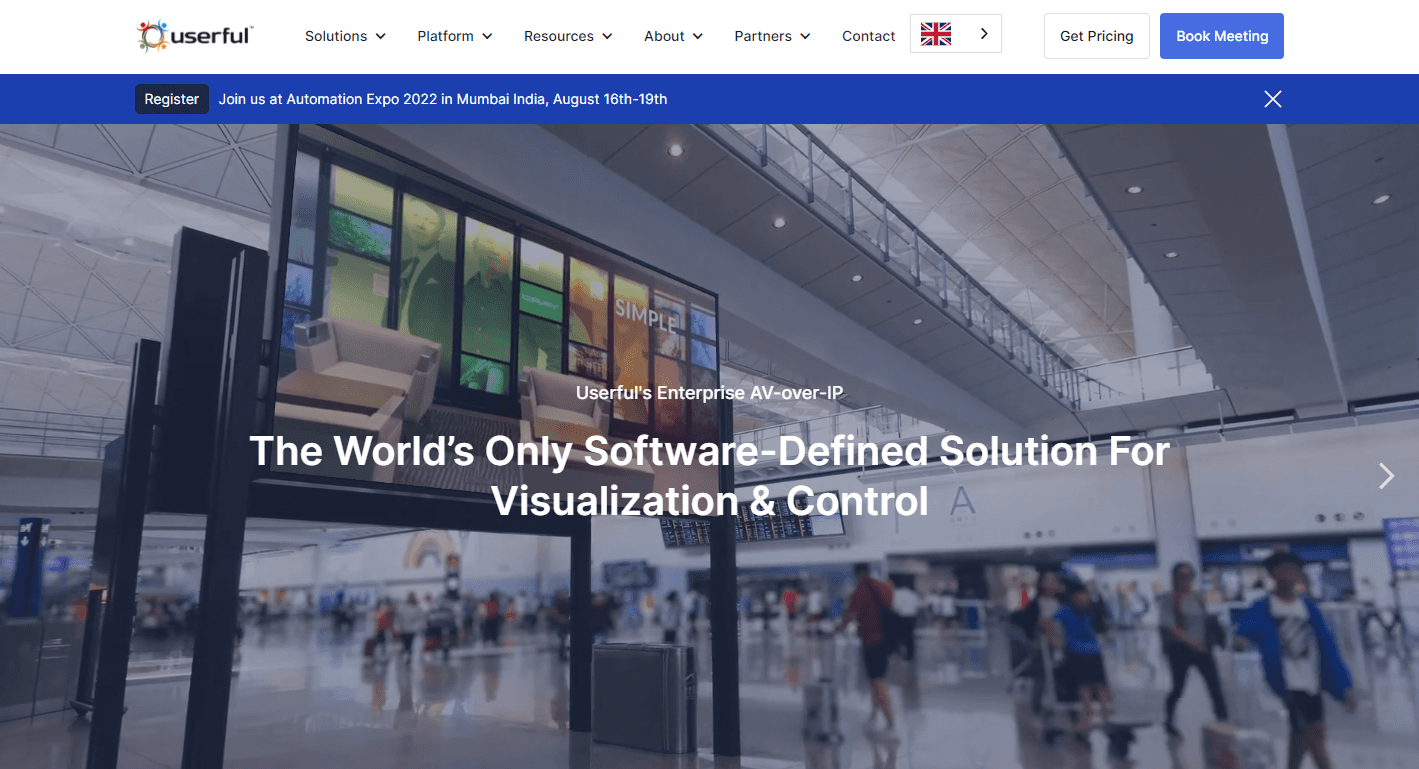
Userful is a corporate digital signage solution known for its enterprise management solutions. The platform has many capabilities, including a supervisor dashboard, picture-in-picture technology, multi-user control, and more.
However, Userful isn’t suitable for every business because of its uncompetitive pricing and complicated setup process. The system is ideal for companies already running enterprise IT solutions or businesses that have an in-house technical team.
Top features:
Multi-screen management
Real-time monitoring and diagnostics
Uptime monitoring tools
Browser-based interface
REST API
Pre-scheduled content
Pricing
Userful operates a custom pricing policy. You have to request a quote from the sales team to decide if it's a good fit for your brand.
3. TelemetryTV
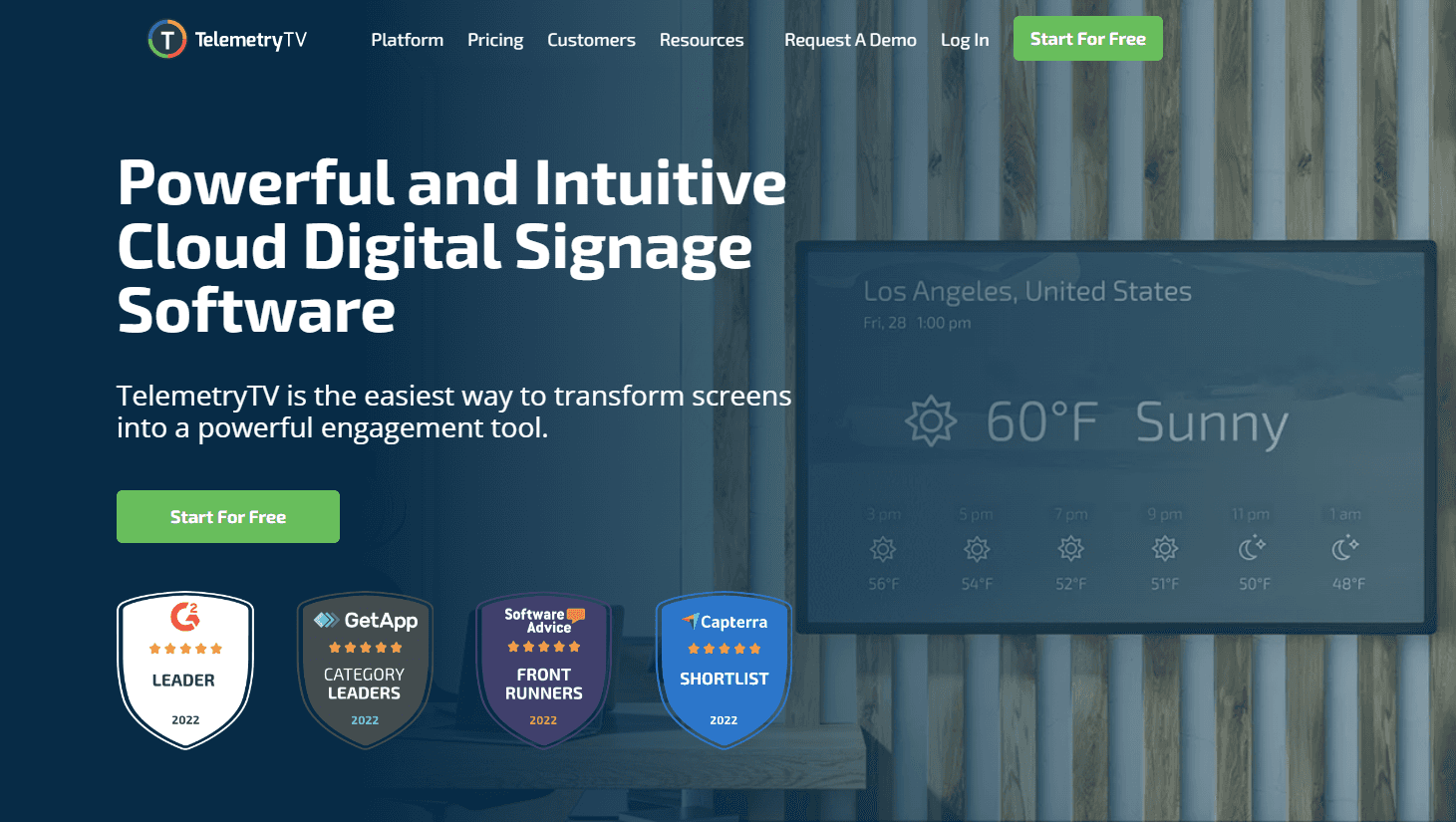
The Canadian brand is a cloud-based digital signage solution compatible with all kinds of screens. The platform is also compatible with various apps such as Twitter, YouTube, Google Drive, and more.
You can enjoy cross-platform functionality since Telemetry runs on Windows, Android, Linux, and ChromeOS devices. However, the solution is best suited for businesses that plan to show mostly TV shows or other long videos to occupy waiting customers. Also, you may need to budget for additional hardware if you choose TelemetryTV.
Top Features
Support for dynamic content
Flexible multi-screen management
70+ integrated apps
Customizable content templates
Login system integration
Remote management
Simplified content scheduling
Here are other digital signage solutions you can consider. However, if you're looking for a simple digital signage solution you can deploy immediately, Juuno is the way to go. Sign up today to try Juuno for free.


Matt leads Juuno's frontend — including the browser-based architecture that lets any smart TV become a digital sign without a media player. Full-stack developer with 10+ years building websites, mobile apps, and games. Obsessive about animation, typography, and interaction states — the details you notice only when they're missing. In his words: "Technology has my head, but design and movement have my heart." Also writes for the Juuno blog. Based in Brisbane.
