Spectrio is a big deal in the digital signage world, known for its enterprise-grade tools like interactive kiosks, scent marketing, and even overhead music. It is a powerhouse for businesses that need advanced features and can handle the price tag that comes with them. If you are running a large operation with multiple locations and complex needs, Spectrio can deliver.
But in my experience, most small businesses do not need all of that. Between the steep pricing and the specialised features, Spectrio can feel like serious overkill if all you are after is a simple, effective digital signage solution. I have spoken to hundreds of business owners who came to Juuno after getting a Spectrio quote and realizing they were being sold a Ferrari when they needed a reliable car.
Our customers manage over 19,539 active screens across business accounts worldwide, which means I have had a front-row seat to what makes businesses choose one platform over another, and where tools like Spectrio fall short for teams that just want something that works without a sales call and a five-figure contract.
That is what this guide is for. I cover what Spectrio does well, the main reasons businesses look for alternatives, and ten platforms worth considering, from enterprise-grade tools to affordable options built for small and mid-size teams. Whatever your size or budget, there is a better fit out there.
What can you do with Spectrio?
Spectrio’s platform empowers businesses to captivate audiences and optimize customer engagement with tools like digital signage, interactive kiosks, and WiFi marketing. Businesses can create dynamic content, deploy it across multiple locations, and track performance metrics. With offerings such as scent marketing and overhead music, Spectrio also helps create a multi-sensory brand experience. Its scalability makes it suitable for organizations managing thousands of displays globally.
Reasons to seek out a Spectrio alternative
While Spectrio is a robust digital signage platform, it may not be the ideal choice for every business. Here are a few reasons why exploring alternatives could be a better fit for your needs:
High Costs: Spectrio’s pricing starts at $99 per screen monthly, along with an additional $199 fee for its proprietary media player. For small businesses and startups, these costs can add up quickly and strain limited budgets. Many affordable SaaS platforms provide similar functionalities at a fraction of the cost, often without requiring additional hardware.
No Media Player Required: Spectrio relies on proprietary media players, which may not align with the preferences of businesses seeking simplicity. Browser-based solutions allow you to use existing smart TVs or devices with internet access, eliminating the need to purchase and maintain additional equipment.
Simplified Needs: Spectrio’s advanced features, such as scent marketing, WiFi marketing, and interactive kiosks, are tailored to larger enterprises with complex customer engagement strategies. Businesses with straightforward signage needs—like digital menus, announcements, or social media displays—may find these features unnecessary and overwhelming.
Ease of Use: Smaller organizations often benefit from SaaS platforms that prioritize user-friendly interfaces and streamlined setups. Alternatives with Canva integrations, drag-and-drop editors, and quick deployment options simplify the process for teams without technical expertise.
Choosing the right solution depends on your business size, goals, and budget. Exploring other platforms can provide the flexibility and affordability needed for your unique requirements.
Platform | Starting Price | Best For | Key Consideration |
|---|---|---|---|
Screenly | $11/screen/month + $219 hardware | Businesses needing offline playback and 4K | Hardware cost adds up quickly |
Juuno | $5/screen/month | Most businesses up to enterprise scale | Best value, hardware flexible |
Scala | Custom (enterprise) | 100+ screen managed deployments | Slow procurement, high cost |
SkyKit | $16.50/screen/month | Google Workspace enterprise bundles | Overkill unless you need the full suite |
truDigital | $29/screen/month | Franchises wanting a managed service | Strong service model, high per-screen cost |
SmartSign2Go | $23.50/screen/month | Small North American businesses | Daily reboot required, limited scale |
Displai (formerly Raydiant) | Custom | Restaurant and hospitality POS kiosks | Went through distressed sale in 2025 |
Rise Vision | $10.50/screen/month | K-12 schools (free for qualifying) | Weak outside education use cases |
SnapComms | Custom | Internal employee comms with emergency alerts | Not built for customer-facing signage |
NoviSign | $18/screen/month | Complex multi-widget information displays | Large widget library, dated UI, high cost |
The top 10 Spectrio alternatives in 2026
Picking the right platform comes down to a few things that most comparison articles skip over. Here is what I actually look at when helping businesses choose:
Start with your screen count and growth trajectory. The economics shift significantly at 5 screens, 20 screens, and 50+ screens. A tool that looks cheap at 3 screens can get expensive fast.
Be honest about who will manage the content. If you have no one to own it internally, a managed service like truDigital or Spectrio may be worth the premium. If you can manage it yourself, you are overpaying for that tier.
Match the tool to your hardware situation. Platforms that require proprietary players add significant upfront cost. I always recommend starting with hardware-flexible options unless there is a specific reason not to.
Canva integration matters more than people think. Most small teams design in Canva. A native integration saves more time per week than almost any other feature.
Ignore features you will not use in the first six months. Scent marketing, facial recognition, and POS kiosks are impressive on a demo call. If you just need a menu board and some social content, they are noise.
Transparent pricing is a signal. If a vendor will not show you a number without a sales call, that number is usually high.
1. Screenly
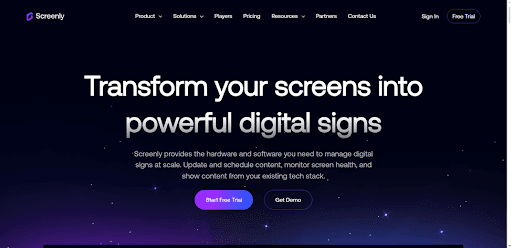
Screenly offers a comprehensive digital signage solution that combines robust hardware and user-friendly software for businesses of all sizes. Each Screenly setup requires a digital signage player, which connects to your screen via HDMI and enables high-quality content display. Whether you need to share promotional videos, display live dashboards, or update menus in real-time, Screenly’s platform ensures your content looks sharp and runs smoothly, even during internet outages.
Top Features:
Supports 1080p and 4K resolution for crystal-clear displays.
Displays a wide range of content, including images, videos, live web pages, and audio.
Robust content scheduling and playlist creation.
Real-time screen monitoring and customizable alerts for troubleshooting.
Edge Apps for seamless integration with tools like Power BI, Google Slides, and more.
Pricing: Screenly offers three subscription plans:
Starter: $11 per screen monthly (billed annually) or $13 billed monthly.
Business: $17 per screen monthly (billed annually) or $19 billed monthly, with features like unlimited users and 4K resolution.
Enterprise: $25 per screen monthly (billed annually), including SSO integration, shared playlists, audit logs, and priority support.
Pros: Reliable hardware with strong offline playback, which is useful if your internet connection is inconsistent. The 4K support and real-time monitoring put it ahead of most budget platforms on display quality. Power BI and Google Slides integrations make it a solid choice for data-heavy or corporate use cases.
Cons: Every screen requires a Screenly Player starting at $219, so the upfront hardware cost adds up fast. At $11 to $25 per screen monthly on top of that, it is significantly more expensive than Juuno for comparable day-to-day signage needs. If you do not need offline playback or 4K, you are paying for features you will not use.
2. Juuno
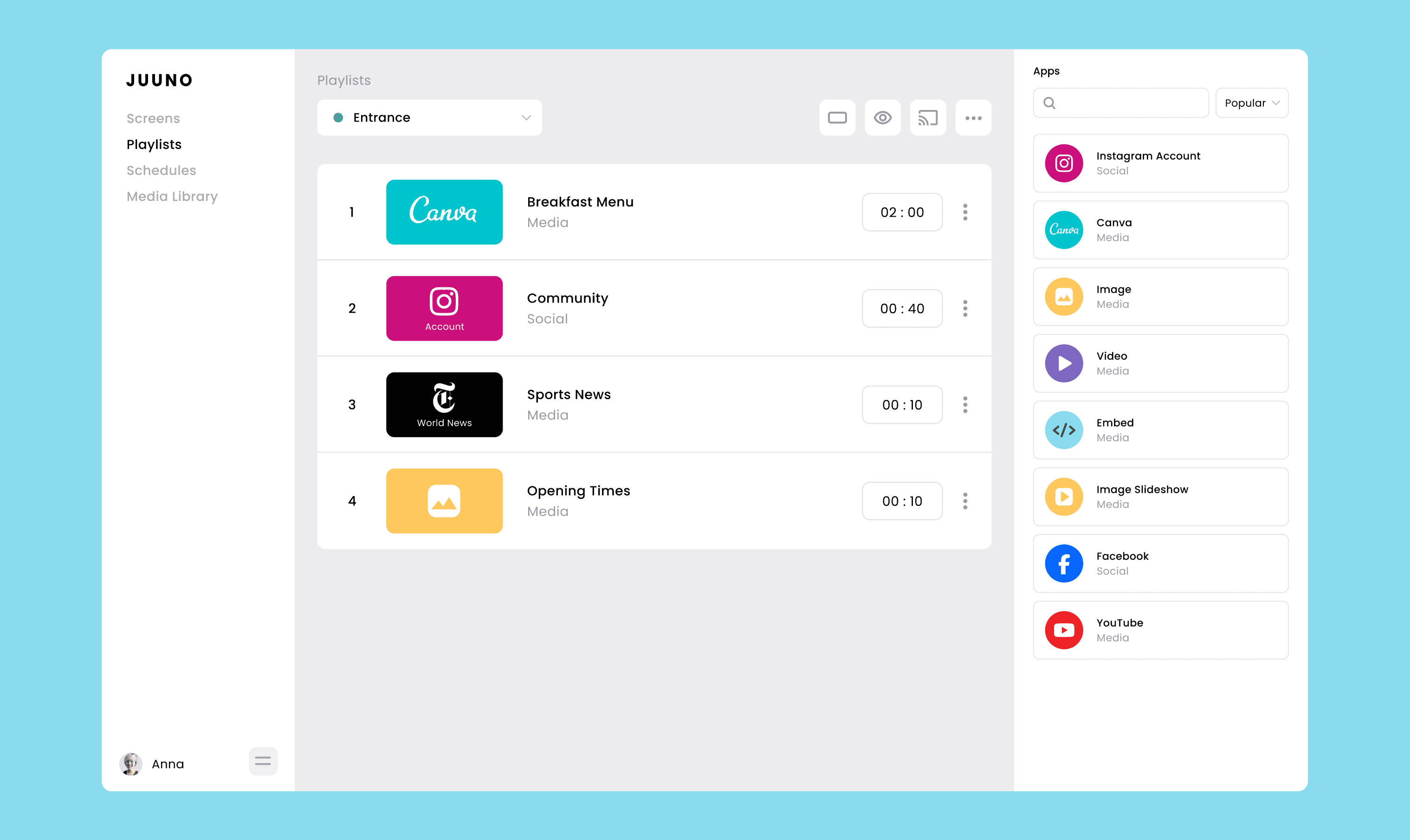
Juuno is an intuitive, affordable digital signage solution designed for businesses of all sizes. With Juuno, you can transform any screen into a powerful communication tool in just a few simple steps. Create engaging playlists of content, schedule them for the right time, and easily manage displays from anywhere. Whether you’re running a café, managing multiple office screens, or need event displays, Juuno is perfect for creating dynamic, visually appealing signage without breaking the bank.
Top Features:
Works with existing TVs, web browsers, Chromecast, or Amazon Firestick.
Build unlimited playlists, just like creating a music playlist.
Schedule content to play at specific times for maximum impact.
Supports portrait and landscape display modes.
Integrates with Canva, Instagram, and other popular tools for easy content creation.
Includes overlays for enhanced display customization.
Unlimited users and workspaces for seamless team collaboration.
Pricing: Juuno keeps pricing simple and flexible:
Pay by the Screen: $5 per screen per month, ideal for small businesses or growing needs.
Enterprise Plans: Custom pricing tailored for large organizations with many screens and specific requirements.
Pros: The most affordable full-featured option on this list at $5 per screen per month. Works on hardware you likely already own, including smart TVs, Chromecast, and Amazon Firestick, so there is no mandatory upfront spend. The Canva integration is seamless, which matters for small teams without a dedicated designer. White-label plans make it the strongest option for agencies reselling signage to clients.
Cons: Not the right fit if you need enterprise integrations like Salesforce dashboards or Workday data feeds. For fully managed deployments where a vendor handles everything end to end, Spectrio or truDigital's service model is better suited. The Growth plan with advanced features like proof of play and API access is not yet available.
3. Scala
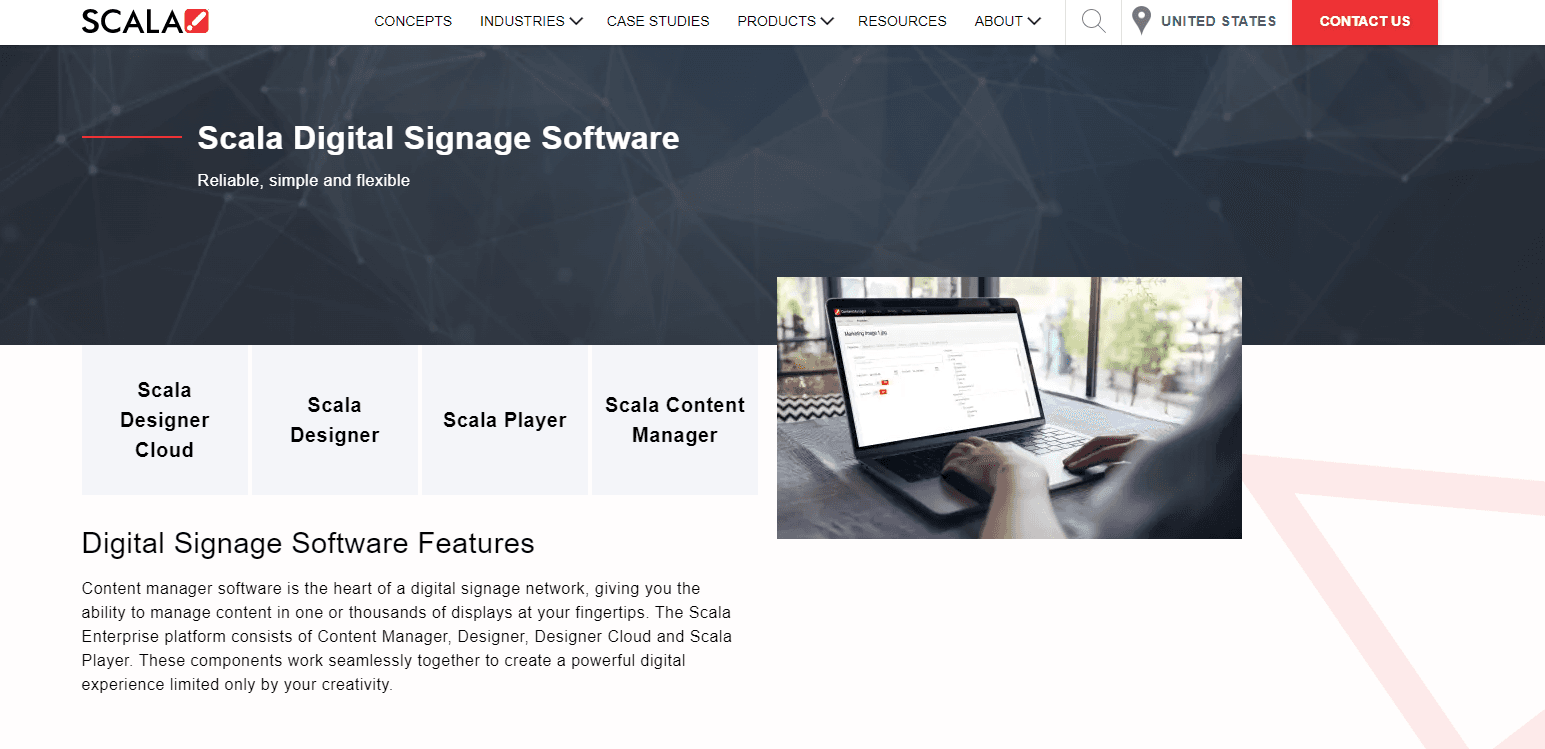
Scala is a versatile digital signage platform designed for businesses seeking advanced tools to create, manage, and deploy captivating content at scale. Known for its robust cloud-based solutions, Scala supports a wide range of use cases, from retail media networks and digital menu boards to meeting room signage and interactive kiosks. The platform offers end-to-end services, including hardware options like media players and ruggedized displays, making it a popular choice for enterprises with complex signage needs.
Top Features:
Comprehensive content manager for easy scheduling and deployment.
Design studio with flexible templates and programmatic content support.
Digital menu boards with interactive and personalized content options.
Smart solutions like pickup shelving and assisted selling kiosks for retail.
Analytics tools for gathering actionable shopper behavior insights.
Integration with sensors and mobile apps for personalized experiences.
Pricing: Scala does not disclose pricing publicly. Costs depend on the scope of your project, including hardware, software, and professional services. Contact Scala’s sales team for a custom quote based on your specific requirements.
Pros: Best-in-class for very large deployments that need a vendor to own hardware, software, and managed operations under one contract. Audience analytics using motion detection is genuinely unique at this level. If you are running hundreds of locations with complex content personalisation needs, Scala has the depth to handle it.
Cons: Requires proprietary hardware, so you cannot use screens you already own. Pricing is enterprise-only and significantly above every other tool on this list. The procurement process is slow. For any deployment under 100 screens, Scala is almost certainly overkill, and Juuno or Screenly will do the same job at a fraction of the cost and timeline.
4. SkyKit
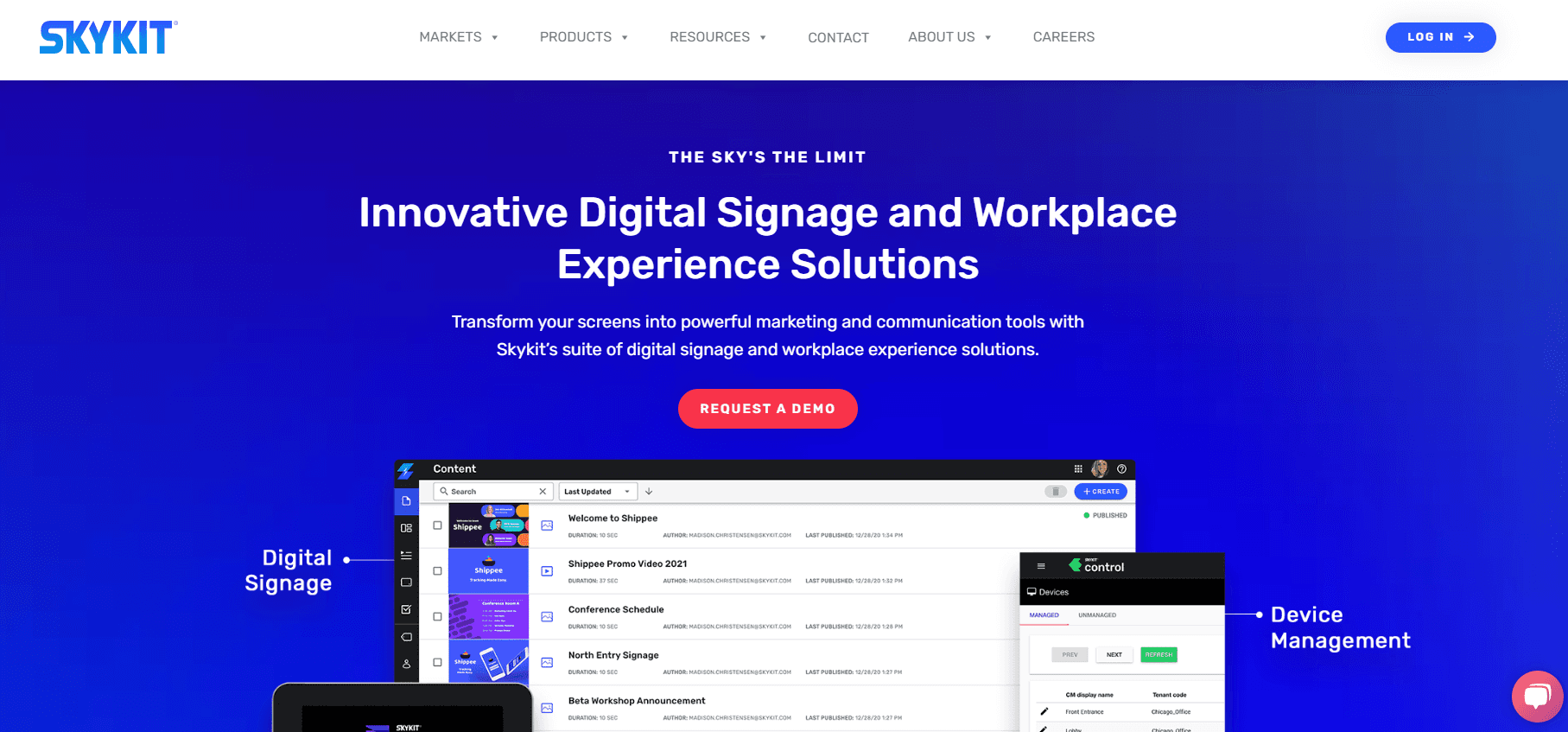
Skykit is your go-to digital signage solution if you’re looking for flexibility and scalability. Whether you’re managing one screen or thousands, Skykit helps you engage your audience, streamline operations, and elevate your business’s communication strategy. It’s packed with features like real-time dashboards, device management, and even interactive kiosks. Skykit is perfect for businesses ready to step up their digital signage game without getting bogged down in complexity.
Top Features:
Supports multiple media types like videos, slides, and live streams.
Advanced device management for keeping all your screens secure and running smoothly.
Real-time data dashboards with integrations for tools like Power BI and Salesforce.
Easy content scheduling, playlists, and targeted playback by display groups.
Add-ons like social media integrations and infotainment packages to keep audiences engaged.
Unlimited users, storage, and advanced security options like SSO integration.
Pricing: Skykit offers three plans:
Base: $16.50 per display per month, ideal for simple signage needs.
Pro: $33 per display per month, includes dashboard connections, RSS feeds, and interactive kiosks.
Enterprise: Custom pricing for advanced features like custom dashboards, APIs, and programmatic advertising.
Pros: Strong choice for Google Workspace-heavy organisations that want signage, kiosks, and conference room booking bundled under one vendor. The Power BI and Salesforce integrations are genuinely useful for corporate environments that want live data on their screens. Unlimited users and storage on all plans is a practical advantage for larger teams.
Cons: At $16.50 to $33 per screen per month, it is three to six times the cost of Juuno for features most businesses do not need. The bundle approach means you pay for conference room booking and kiosk tools even if you only want basic signage. If you are not already invested in the Google Workspace ecosystem, the rationale for SkyKit over a simpler platform weakens considerably.
5. truDigital
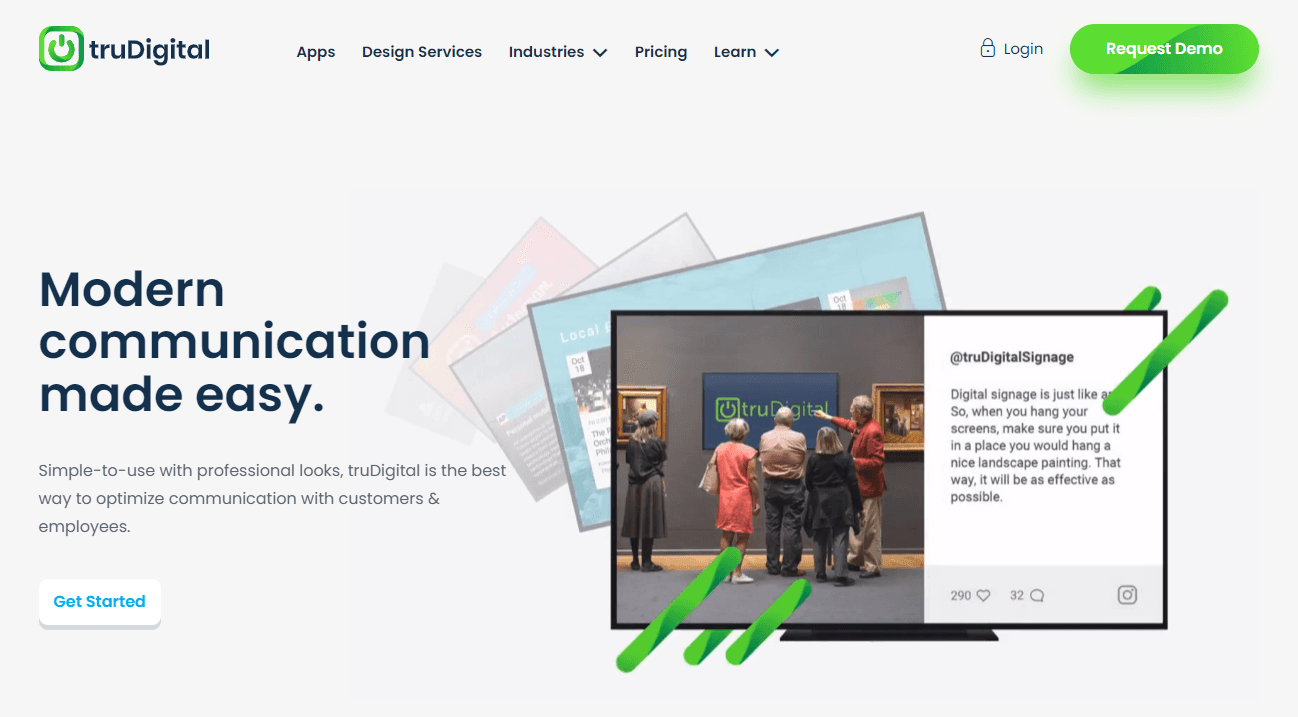
truDigital makes digital signage both simple and versatile. Whether you’re running screens for a small business, a large franchise, or even across global locations, truDigital’s platform helps you deliver eye-catching content to any screen, anywhere. With its proprietary hardware and user-friendly software, setting up signage takes just a few steps. Plus, their extensive template library and design services mean you don’t have to be a pro to create polished, on-brand content.
Top Features:
Plug-and-play truDigital sign player with enhanced security and offline caching.
Intuitive scheduling, content management, and playlists for seamless updates.
Over 500 apps and templates, including integrations for social media, news, and more.
Dedicated account reps and unlimited support for smooth onboarding and troubleshooting.
Multi-location management tools for franchises and large networks.
Optional custom design and branding services for standout displays.
Pricing: truDigital offers flexible plans:
Basic: $29 per player/month, great for essential signage needs.
Pro: $49 per player/month, includes multi-location tools, campaigns, and infotainment options.
Custom: Tailored solutions with volume discounts, managed services, and advanced integrations.
Pros: The dedicated account rep model on the Pro plan is genuinely valuable for franchise operators or hospitality businesses that want a managed experience without going full enterprise. The optional design services are a real differentiator for teams with no in-house creative capability. Solid multi-location management tools for franchise networks.
Cons: At $29 to $49 per screen per month, it is five to ten times more expensive than Juuno. The bundled hardware model means you cannot use your own devices. If you have any in-house capacity to manage content yourself, that cost gap is very hard to justify. TruDigital makes most sense when the managed service element is genuinely non-negotiable.
6. SmartSign2Go
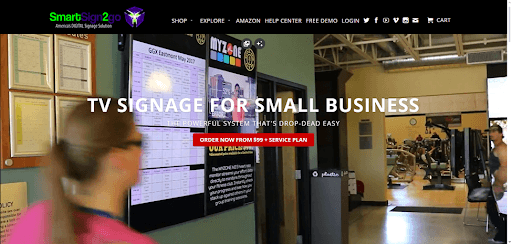
SmartSign2Go keeps digital signage simple, powerful, and portable. Designed for small teams and businesses, it helps you turn any TV into an attention-grabbing digital display. With hardware players that are ready to go right out of the box and an intuitive interface, even non-tech-savvy users can create and manage content effortlessly. Perfect for everything from in-store promotions to employee updates, SmartSign2Go is flexible and affordable.
Top Features:
Plug-and-play hardware players for HD or 4K content.
Intuitive drag-and-drop page builder with templates and stock media.
Supports video, animations, social media posts, and web content.
Content scheduling and advanced transitions to keep displays dynamic.
Multi-user access with group dashboards and fundamental security.
Shareable designs for email, social media, or print.
Pricing:
Essentials: $23.50 per screen/month for professional communication tools.
Advantage: $32 per screen/month, adds audio, video, and scheduling.
Enterprise: $43 per screen/month, with advanced security, branding, and 4K UltraHD support.
Hardware players start at $99, with lifetime warranties.
Pros: Reasonable entry price for small businesses, and the lifetime warranty on hardware players is a nice touch. The drag-and-drop builder is accessible for non-technical users, and the Canva integration brings it closer to par with Juuno on design flexibility. Good fit for North American small businesses that want phone support.
Cons: Starts at $23.50 per screen per month, which is nearly five times Juuno's price for a comparable feature set. The platform is built for small teams and starts to show its limitations at scale. Compared to Juuno, it has a smaller integration ecosystem and less flexibility on hardware. The system reportedly requires a daily reboot, which is a reliability concern for commercial signage.
7. Displai (formerly Raydiant)
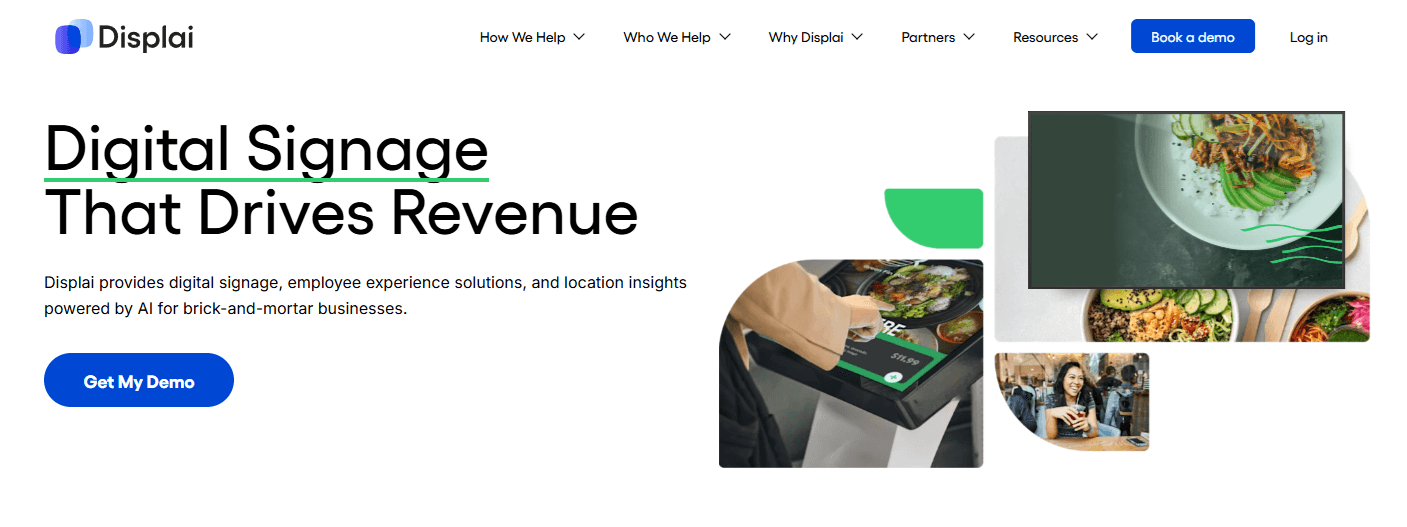
Displai is the platform that emerged from the acquisition of Raydiant's assets in May 2025. If you were a Raydiant customer, the product and team largely carried over, and the platform continues to serve the same core use case: in-location digital experiences for retail, hospitality, and restaurant businesses. Displai has sharpened its focus on brick-and-mortar businesses since the transition, particularly restaurants and hospitality operators.
The platform is built around plug-and-play hardware with a broad app marketplace, giving businesses a lot of flexibility in how they customise their displays. The self-ordering kiosk capability with POS integration is one of the more distinctive features in this comparison, and the employee engagement tools set it apart from straightforward signage platforms.
Pricing is not published publicly, so you will need to contact their sales team for a quote.
Top Features:
Plug-and-play media player for straightforward setup
App marketplace with integrations including Instagram and YouTube
Self-ordering kiosk capability with POS integration
Employee engagement tools including leaderboards and gamification
Enterprise-grade features for multi-location management
Pricing: Displai does not publish pricing online. Contact their sales team for a custom quote based on your screen count and business needs.
Pros: POS-integrated self-ordering kiosks are a genuine differentiator that no other tool on this list offers as cleanly. The app marketplace gives hospitality and restaurant operators a lot of flexibility for customising displays. If you are a former Raydiant customer, the transition to Displai is relatively seamless with minimal disruption.
Cons: The platform went through a distressed asset sale in May 2025, which raises reasonable questions about long-term stability and product investment. Pricing is not published, so evaluating it against other tools requires a sales conversation before you can even compare costs. For straightforward signage without kiosk needs, Juuno delivers comparable results with transparent pricing and no sales process.
8. Rise Vision
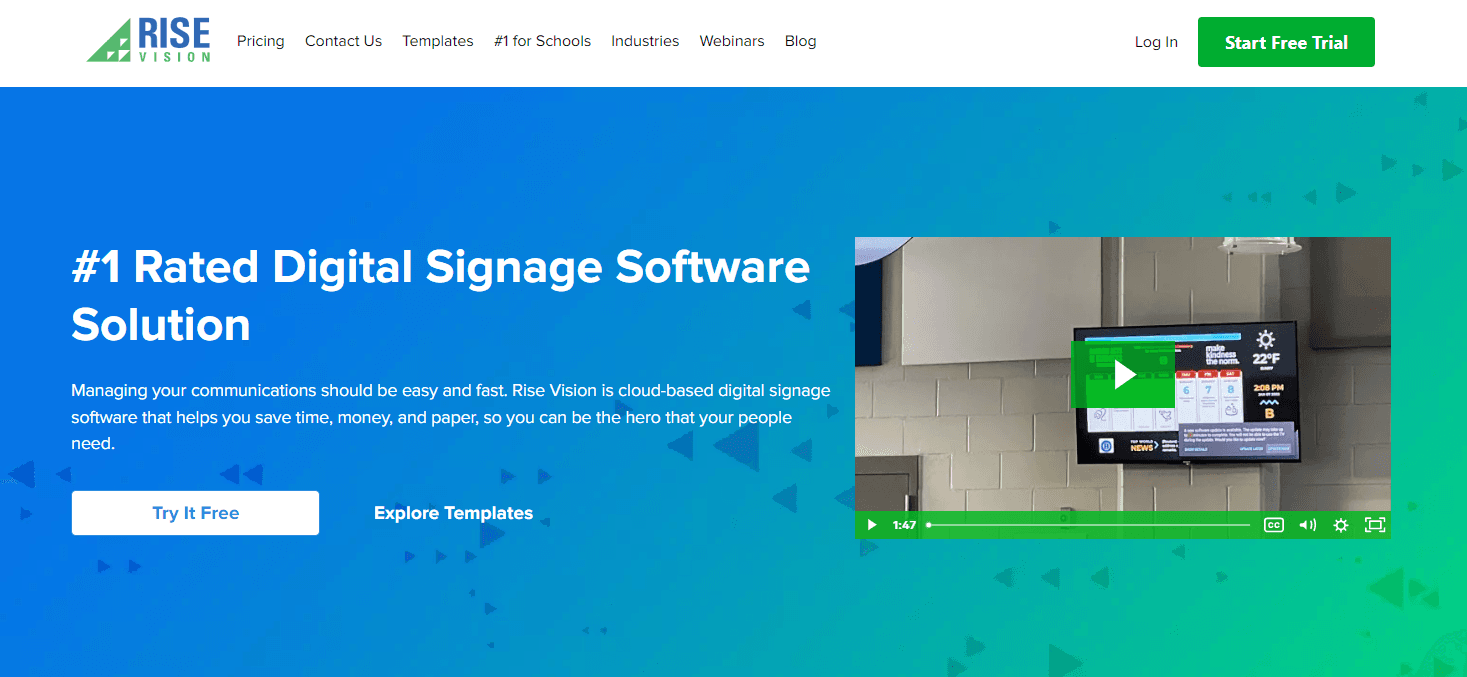
Rise Vision is a digital signage platform specifically tailored for educational institutions, including K-12 schools and universities, as well as non-profits and businesses. It’s known for offering user-friendly templates and features designed to streamline communication across campuses and organizations. Whether it’s showcasing announcements, emergency alerts, or classroom content, Rise Vision ensures your message is delivered effectively. Its pricing and features cater to schools with limited budgets, providing flexibility and value for both small and large implementations.
Top Features:
500+ professionally designed templates with regular updates.
Special school-focused content like Random Acts of Kindness and Good News Network.
Integration with tools like Google Slides, YouTube, and weather updates.
Emergency alerts compliant with CAP (Common Alerting Protocol).
Offline play and content scheduling for uninterrupted communication.
Unlimited users for collaborative content creation.
Pricing: Rise Vision offers three tiers:
Basic: $10.50 per display per month, ideal for a few screens.
Advanced: $13.00 per display per month, adds emergency alerts and scheduling overrides.
Enterprise: $84 per school per month (unlimited displays) or $15 per display per month, includes district-wide overrides, classroom alerts, and advanced management tools.
Pros: The strongest option for K-12 schools, full stop. The free tier for qualifying schools is genuinely competitive, and the education-specific template library covers use cases no other platform on this list addresses. Emergency alert compliance with CAP is important for schools and practically unique here.
Cons: Outside of K-12 education, Rise Vision loses most of its advantage. The pricing for commercial use is mid-range without the feature depth to justify it over Juuno or Screenly. The Chromebox-first hardware approach limits flexibility. Universities and private schools will find Juuno more cost-effective, with broader hardware support and comparable ease of use.
9. SnapComms
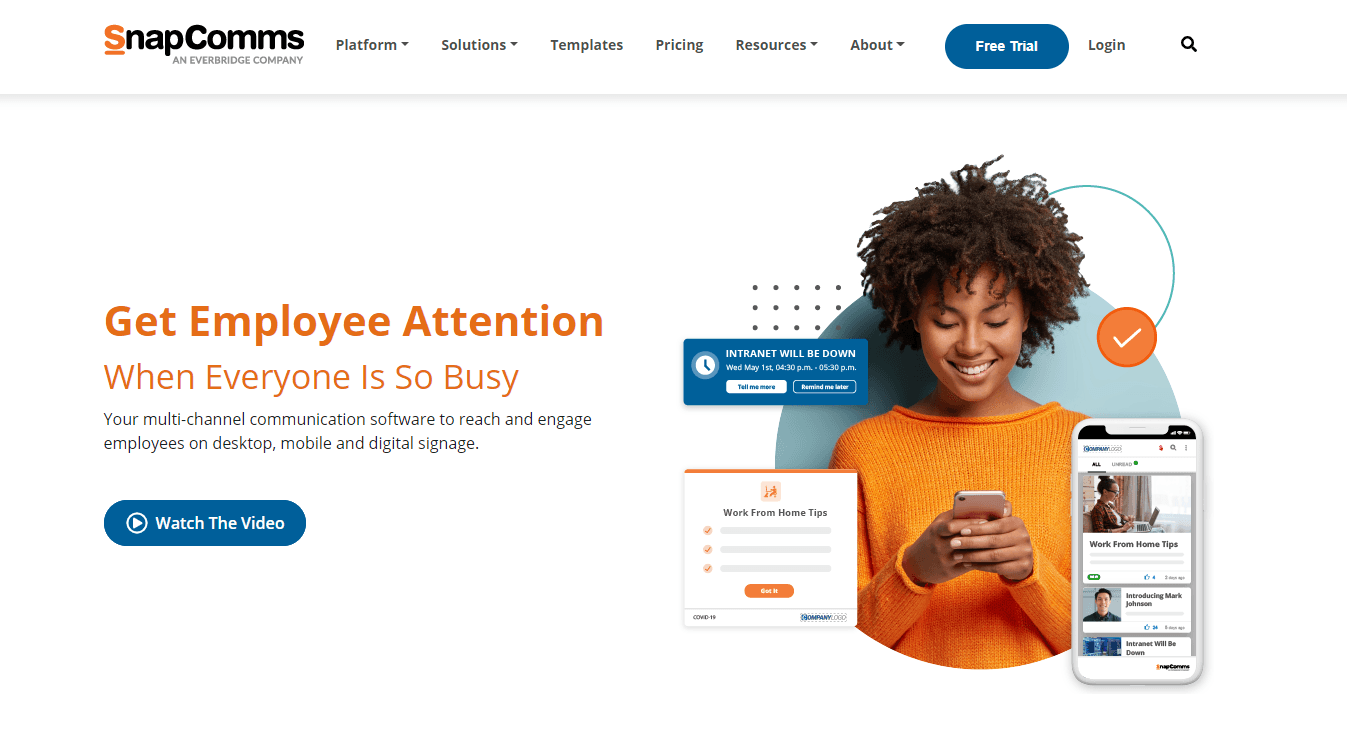
SnapComms is an all-in-one platform designed to revolutionize employee communication, blending digital signage with powerful internal communication tools. Whether you’re managing emergency alerts, delivering IT updates, or boosting engagement through quizzes and surveys, SnapComms ensures your messages reach your team—anytime, anywhere. It’s perfect for businesses with frontline or remote employees, offering flexible, multi-channel communication options to keep everyone informed and aligned.
Top Features:
Multi-channel messaging: desktop alerts, tickers, newsletters, screensavers, and more.
Emergency communication tools, including panic buttons and critical alerts.
Employee segmentation and targeting for tailored content delivery.
Real-time reporting to measure communication effectiveness.
Ready-to-go templates for quick, professional message creation.
Mobile-friendly and integrates seamlessly with digital signage.
Pricing: SnapComms does not publish pricing online. Plans are typically customized based on the number of employees and your organization’s specific needs. Contact their team to get a tailored quote.
Pros: The only tool on this list purpose-built for internal employee communications at scale. The panic button and multi-channel emergency alert capability is genuinely best-in-class and important for organisations where rapid staff communication is a safety requirement. Strong for frontline and remote workforces that need more than just a screen.
Cons: Digital signage software is a secondary feature here, not the core product. If your primary need is customer-facing screens, menu boards, or retail displays, SnapComms is the wrong tool entirely. Pricing is custom and employee-count based, which makes it expensive for organisations that only want signage. For internal communications that also include screens, it is strong. For anything customer-facing, look elsewhere.
10. NoviSign
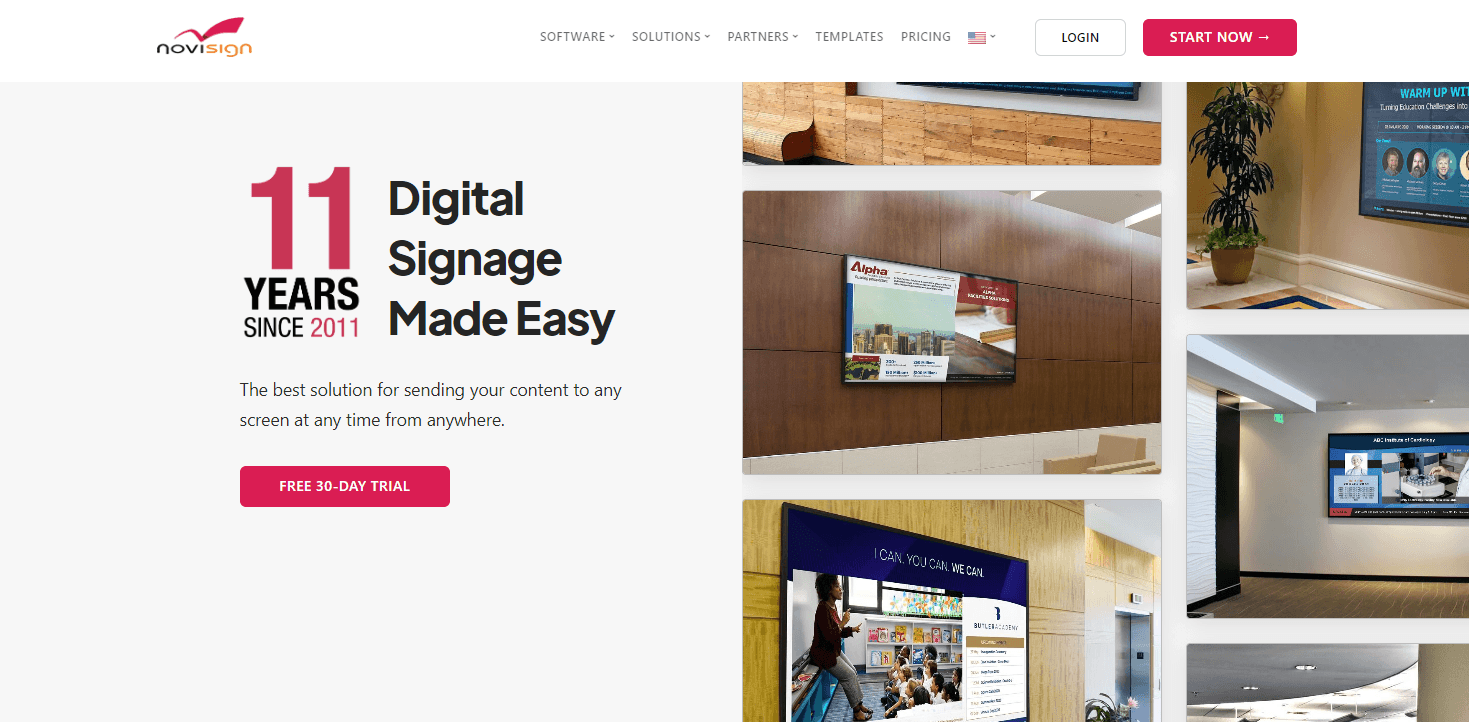
NoviSign is a user-friendly digital signage platform that combines flexibility, powerful features, and scalability. Whether you’re managing digital menu boards in restaurants, sharing real-time updates in clinics, or enhancing employee communication in the workplace, NoviSign delivers. With drag-and-drop tools and a wide selection of widgets, creating visually compelling and interactive displays has never been easier. It’s a trusted solution for over 20,000 businesses worldwide.
Top Features:
Drag-and-drop editor with over 50 widgets and 500 customizable templates.
Social media feeds, scrolling tickers, slideshows, and live weather widgets.
Integrations with Power BI, Tableau, SharePoint, and Google Drive.
Advanced scheduling for playlists, touch-screen interactivity, and IoT triggers.
Reporting tools for proof-of-play, analytics, and device performance.
Hardware-agnostic: works with Android, Chrome, Windows, and more.
Pricing:
Business Plan: $18 per screen/month, includes basic tools for any business.
Business Plus: $26 per screen/month, adds advanced integrations, videowalls, and IoT events.
Premium: $44 per screen/month, includes admin tools, SSO, and user permissions (minimum 20 screens).
Pros: The largest pre-built widget library in this comparison, covering weather, social feeds, news, RSS, and live data. If you want to assemble a complex multi-widget information display quickly from templates, NoviSign's library gives you a head start that most platforms cannot match. Power BI and Tableau integrations are useful for data-driven environments.
Cons: At $18 to $44 per screen per month, it is three to nine times Juuno's price. The UI feels dated compared to newer entrants on this list. The template-heavy approach works well for standard use cases but limits flexibility for businesses that want a more custom look. For most small and mid-size businesses, the widget library depth is more than they need and not worth the price premium over Juuno.
If you’re on the hunt for a digital signage solution, there’s no shortage of great options to fit your business size, goals, and budget. Whether you need enterprise-grade tools or a simple, budget-friendly platform, one of these alternatives can help you deliver eye-catching content that connects with your audience.
For an affordable, intuitive, and feature-packed solution, give Juuno a try. Sign up for a free trial today and see how easy digital signage can be.


Dayana Mayfield is a SaaS content strategist and copywriter with 11 years of experience and 196 clients served across the software industry. She's been featured in Forbes, Business Insider, and Entrepreneur, and specializes in turning brand authority into B2B content through real expert interviews and proprietary research. She covers digital signage software and digital menu boards for Juuno. When not writing marketing content, Dayana can be found plotting a SciFi novel or chauffeuring her theater kids to rehearsals.
